Time Stretch Ratio Calculator
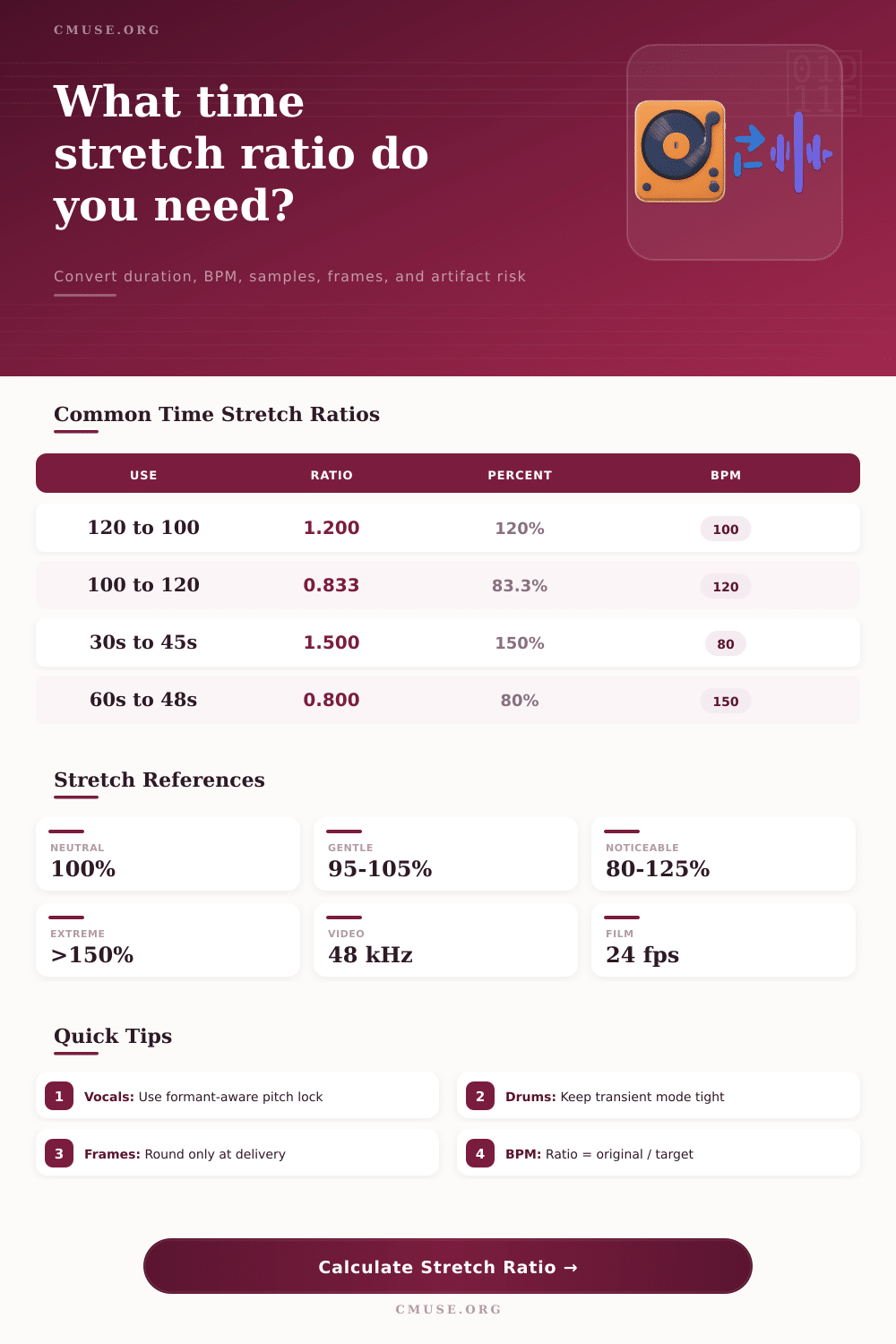
Convert original and new audio length into stretch ratio, BPM change, sample counts, video frames, pitch-lock impact, and algorithm artifact risk.
Calculation Breakdown
| Algorithm | Best Source | Gentle Range | Watch For |
|---|---|---|---|
| Elastique Pro / Radius style | Full mixes, stems, vocals | 90% to 112% | Chorus shimmer on dense highs |
| Complex Pro polyphonic | Mixed musical material | 88% to 115% | Smearing on sharp transients |
| Polyphonic tonal | Chords, pads, guitars | 85% to 120% | Phasey pick attacks |
| Monophonic vocal/instrument | Single notes or speech | 80% to 125% | Formant drift when unlocked |
| Rhythmic transient | Drums, percussion, loops | 92% to 108% | Flams and clipped decays |
| Granular texture | Ambience, drones, effects | 60% to 180% | Grain rhythm or metallic tails |
| Original BPM | Target BPM | Stretch Ratio | Stretch Percent |
|---|---|---|---|
| 120 | 100 | 1.200:1 | 120.00% |
| 100 | 128 | 0.781:1 | 78.13% |
| 90 | 120 | 0.750:1 | 75.00% |
| 128 | 124 | 1.032:1 | 103.23% |
| 140 | 70 | 2.000:1 | 200.00% |
| New Length | 44.1 kHz Samples | 48 kHz Samples | 24 fps Frames |
|---|---|---|---|
| 10 seconds | 441,000 | 480,000 | 240 |
| 30 seconds | 1,323,000 | 1,440,000 | 720 |
| 60 seconds | 2,646,000 | 2,880,000 | 1,440 |
| 2 minutes | 5,292,000 | 5,760,000 | 2,880 |
| 5 minutes | 13,230,000 | 14,400,000 | 7,200 |
| Scenario | Source | Target | Suggested Mode |
|---|---|---|---|
| Loop tempo match | 4 or 8 bars | Session BPM | BPM driven |
| Voiceover bed | Music stem | Exact script time | Duration driven |
| Film conform | 24 fps master | 25 fps delivery | Percent driven |
| Game ambience | Texture loop | Exact frame count | Duration driven |
| Vinyl correction | Off-speed transfer | Tuned reference | Percent driven |
Okay, so now you’ve got a drum loop that’s right in your head but doesn’t sit on the groove of your song. It’s ten beats too long and chopping it up seem to cut out some key part. That’s when time stretching goes beyond a tweak to a technique of preservation. The tool (above) will do the math for you, translating those subjective sensations into concrete ratios, but that’s only half the battle. What are those numbers doing to the sound quality?
Simply put, it’s the new length (divided by) old length. So if you extend the clip by twenty percent, it’s a ratio of 1.2. Sounds easy until you remember that the digital audio algorithms don’t grab sample data like taffy. Instead they look for harmonic structure, pitch, and transients in order to reassemble the waveform at a new speed, preserving the musical intent. Carelessly stretch a complex mix by half and high frequencies will smear into a metallic wash.
How Time Stretching Works
Your choice of algorithm and type of source determine the amount of artifact risk the calculator estimates. This helps you know when to stop pushing to avoid breaking the illusion. The other side of the equation is pitch locking. As you slow an audio file, pitch will drop naturaly. Moddern tools most often lock the pitch and keep your vocal in key as it slows to a crawl. In doing so they avoid the chipmunk effect, and you do not get the slowed-down record sound unless you want it. If the pitch was left unlocked, the tool shows potential semitone shift in its output.
With vocals, more important than raw speed accuracy is formant preservation. Push a voice too far and you lose its character, making it sound like someone else speaking through a tube. It’s why gentle stretches below ten percent are often not noticed whereas extreme adjustments require picking the right algorithm carefully. Some types of material respond better to being manipulated then others.
For example, drums rely on transient clarity. Stretch a snare drum hit. The attack phase of the sound expands and the beat becomes lazy. Percussion-like sounds requires an algorithm that places priority on rhythm rather than on tonal smoothness. On the other hand pads, atmospheres, etc. Are more forgiving. Their attack phase is gradual. Their information density is lower so they can be stretched quite far without introducing unwanted effects.
The table on the page breaks this behavior down according to type of algorithm and lets you pair the processing method with the sonic character of your audio. A granular engine applied to drums may add a stutter or flams that you don’t want, while a complex polyphonic engine used on a single violin sound might smears its bow articulation. Another level of complication comes from frame rates used in video post-production. Speed changes is required to fit a film recorded at twenty-four frames per second into a TV show running at twenty-five. This requires about a four percent change, which is too subtle to be noticed by most contemporary codecs.
But reducing an entire episode by half for insertion as a fifteen-second spot? That’s a different ballgame. It requires changing the duration, which is the number of seconds or minutes required to play back each clip. It also requires changing actual sample count or frames. The calculator will convert those times to exact frame numbers and samples so your deliverables line up perfectly with the picture edit. Knowing how many frames the new file should of be takes time off the end export process where rounding errors in frame counts can result in audio drifting out of synch after prolonged mixing sessions.
Understanding what’s really happening under the hood is largely the trick. You’re asking an algorithm to guess how the sound might have looked if it was performed at this new speed instead of the original. While good time stretching leave no trace, bad time stretching leaves artifacts that distract the listener. It’s a balance between clear sound and mathematical precision. Push your tools beyond their limitations once you understand them, but do so with confidence. The calculator draws your boundary lines. Your ears determine where to draw the line inside those boundaries. Sometimes knowing when not to chase absolute perfection in favor of accepting a slight imperfection makes all the difference between a functional edit and a great one.