Speaker Distance Delay Calculator
Convert loudspeaker distance differences into delay time, samples, equivalent path length, and phase shift for mains, fills, delay towers, monitors, and studio speakers.
🎚 Speaker delay presets
📏 Distance and timing inputs
Calculation breakdown
🔍 Live sound comparison grid
| Signal path | Distance time | Chain latency | Total arrival | After delay |
|---|---|---|---|---|
| Speaker A | — | — | — | — |
| Speaker B | — | — | — | — |
🌡 Sound speed by temperature
| Air temperature | Speed | 1 ms distance | Delay per 10 ft | Delay per 10 m |
|---|---|---|---|---|
| 32 F / 0 C | 331.3 m/s | 1.087 ft / 0.331 m | 9.20 ms | 30.18 ms |
| 50 F / 10 C | 337.4 m/s | 1.107 ft / 0.337 m | 9.03 ms | 29.64 ms |
| 68 F / 20 C | 343.4 m/s | 1.127 ft / 0.343 m | 8.87 ms | 29.12 ms |
| 77 F / 25 C | 346.5 m/s | 1.137 ft / 0.346 m | 8.79 ms | 28.86 ms |
| 95 F / 35 C | 352.5 m/s | 1.157 ft / 0.353 m | 8.64 ms | 28.37 ms |
📊 Distance to delay reference
| Distance difference | Delay at 68 F | Samples at 48 kHz | Phase at 100 Hz | Typical use |
|---|---|---|---|---|
| 1 ft / 0.30 m | 0.89 ms | 43 samples | 32 deg | Small monitor or center trim |
| 3 ft / 0.91 m | 2.66 ms | 128 samples | 96 deg | Front fill or desk speaker offset |
| 10 ft / 3.05 m | 8.87 ms | 426 samples | 319 deg | Stage lip to main PA gap |
| 30 ft / 9.14 m | 26.62 ms | 1278 samples | 958 deg | Small delay fill zone |
| 100 ft / 30.48 m | 88.74 ms | 4259 samples | 3195 deg | Outdoor delay tower spacing |
⏱ Millisecond and samples table
| Delay | Path length at 68 F | 44.1 kHz | 48 kHz | 96 kHz |
|---|---|---|---|---|
| 0.5 ms | 0.56 ft / 0.17 m | 22 samples | 24 samples | 48 samples |
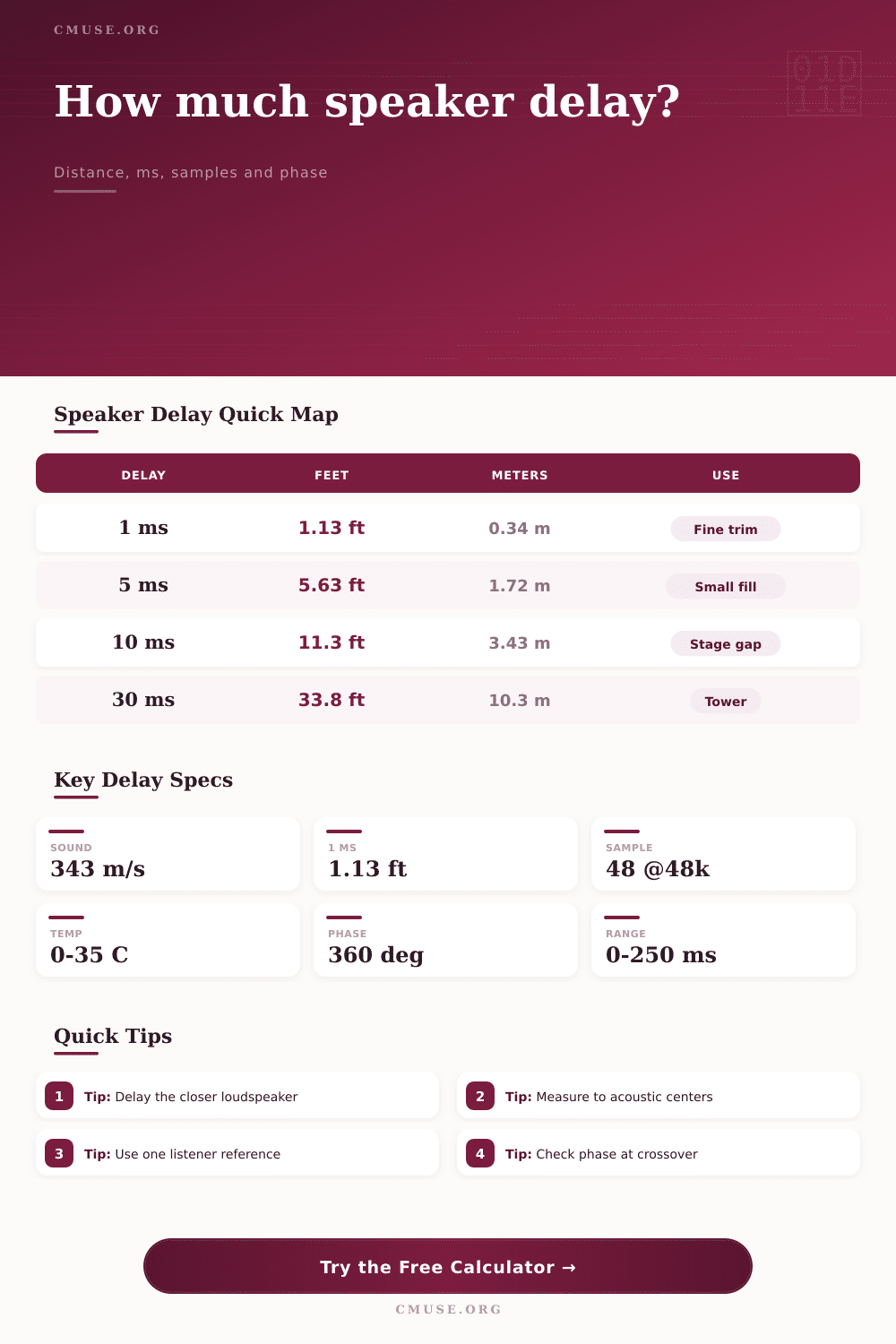
| 1 ms | 1.13 ft / 0.34 m | 44 samples | 48 samples | 96 samples |
| 5 ms | 5.63 ft / 1.72 m | 221 samples | 240 samples | 480 samples |
| 10 ms | 11.27 ft / 3.43 m | 441 samples | 480 samples | 960 samples |
| 25 ms | 28.17 ft / 8.59 m | 1103 samples | 1200 samples | 2400 samples |
| 50 ms | 56.33 ft / 17.17 m | 2205 samples | 2400 samples | 4800 samples |
🎵 Speaker alignment contexts
| Context | Reference point | Usual tolerance | Delay strategy | Frequency check |
|---|---|---|---|---|
| Front fills | First covered row | 2-8 ms late | Delay fill behind mains for precedence | 800 Hz-2 kHz speech band |
| Delay towers | Tower coverage start | 5-15 ms late | Delay tower to main wavefront plus Haas offset | 500 Hz-1 kHz |
| Studio monitors | Mix position | Under 0.5 ms | Delay closer speaker or move cabinets | 1 kHz and crossover region |
| Home theater | Main seat or seat average | Under 1-2 ms | Set distance or trim in processor | Crossover and center vocal band |
| Stage wedges | Performer position | Under 3 ms | Blend wedge with backline or main spill | Vocal presence band |
At about 1125 feet per second, sound travels fast enough that distance shouldn’t matter much, but you have to pay attention to the geometry of your room or stage. Maybe you’re thinking: “Geez, that’s plenty fast…distance won’t make any noticeable difference.” Wrong. That’s just fast enough to make a big old mess. You have to pay close attention to shape of whatever stage or room you’re trying to get a decent sound out of. A few milliseconds can be the difference between a coherent sound image and a smearing, muddy wash. It is the silent killer of clarity.
It’s all about physics, but really that’s the main point: Why does my ear hear the fill speaker first? It doesn’t come from far away like the main array does. My brain are hearing two different things rather than a single blended image. That destroys clarity and makes the low end seem undefined. We call it time alignment. Delay the closer speaker so that both wave fronts reaches your ears at the same time. It’s counterintuitive. You gotta make the loud speaker wait. But when you do, the sound pops into focus.
Why Time Alignment Matters
And no, you can’t simply wing it. That’s where the calculator above comes in. It does the math and turns your rough distances into exact milliseconds. This lets you align them accurately. You won’t have to worry about variables many others don’t notice until their mix is falling apart.
The fact is, air temperature greatly affects the rate at which sound travels. Warm air cause sound waves to move faster; cold air slows it down. And what’s perfect in a cool morning rehearsal will be a bit out-of-whack by the time things heat-up in the venue for the show. Humidity also has a smaller but still measurable effect. If you don’t take environmental factors into account, you’ll find your alignment shifting over time.
It will also make you consider electronic latency: the amount of time your signal is sitting in a wireless receiver, a DSP, or a mixer before it reaches your outputs. Sometimes that can actually help or hurt your acoustic alignment, for example if your fills are running direct but your main speakers is going through a long chain of processors. Subtract/add this latency from/to your delay and there’s your real delay needed. The calculator specifically asks for this because assuming there is zero latency is a recipe for frustration.
The other important output from the calculator is phase shift. Time delay doesn’t just change when things arrive; it also changes the relationship between the two waveforms at certain frequencies. For example, a one millisecond delay can line up the speech frequencies but invert the phase at the crossover point. At whatever check frequency you select on the calculator, it will show you the phase shift at that frequency. And this indicates if you are adding or subtracting energy with that time delay. If the phase shift is close to 180 degrees, you’re actually canceling out that frequency. Maybe you could make a slight tweak in the delay where you sacrifice perfect alignment to get better summing of frequencies.
The other thing that people screw up is where they are taking their measurements. With the drivers being inside a box, you need to measure from the acoustic center of the drivers and not the edge of the cabinet. The acoustic center is roughly one to two inches back from the front of the driver. Anytime you use the wrong reference point it puts a constant error into your calculation. The calculator takes the input you give it as correct. Measure it in the wrong spot and you will consistently be off by a couple of milliseconds. This is enough to blur vocals on stage or blow apart a center channel image in a home theater.
To see if your hunch is correct, refer to the delay table on the page. At 48 kHz there are 480 samples for a 10 millisecond delay. The source doesn’t mention what happens at 96 kHz or 192 kHz, but it does say that a delay of 10 milliseconds is 480 samples at 48 kHz. These numbers match directly with the sample rate and indicate the number of samples that equate to those delays. That’s how digital systems operate; they don’t function in continuous time but rather in samples. This translation is key when you’re programming DSP units or digital consoles. It connects physical space with what happens in the digital realm.
Find your reference point. It’s better if it’s only one reference point. Choose a mic position, or a seat you think is important. Make everything align with that point. Averaging several points tends to please nobody. Some of your seats won’t be as good. That’s OK. You want the main part of the audience to have the most coherent sound.
Get clean measurements, then use the numbers. Arithmetic is the foundation; fine tuning is the art. When the times match up the remainder of the mix happens naturaly. It gets clear, punchy and tight. You can hear the instrument instead of the fight between the room and the instrument. Delay once and measure twice.