Internal Volume Displacement Calculator
Estimate gross speaker-box volume, every internal part that steals air space, net volume after displacement, liters and ft3, and the likely bass-reflex tuning change.
Preset starting points
Cabinet and target
Drivers, ports, braces and hardware
Build breakdown
Displacement grid
Displacement breakdown table
| Component | Liters | ft3 | Share of gross | How it was estimated |
|---|
Port and tuning table
| Item | Value | What it means | Build note |
|---|
Gross vs net volume table
| Stage | Liters | ft3 | Difference from target | Use |
|---|
Preset reference table
| Preset | Gross target | Main displacement | Typical tuning | Notes |
|---|---|---|---|---|
| Sealed 10 | 0.65-0.85 ft3 | Driver basket, braces | Sealed | Box Q is sensitive to driver displacement. |
| Sealed 12 | 1.0-1.35 ft3 | Driver basket, double baffle | Sealed | Check net volume after the magnet and baffle ring. |
| Ported 12 | 1.8-2.5 ft3 | Port tube plus driver | 30-38 Hz | Port volume often exceeds brace volume. |
| Dual 12 | 3.5-5.0 ft3 | Two baskets, large slot port | 28-35 Hz | Use net air volume per driver for alignment checks. |
| Powered box | 1.0-3.0 ft3 | Plate amp cup, heat sink, driver | Sealed or ported | Protect amp clearance and include back cup depth. |
You made the panels exactly right. They fit together tightly. It’s finished with a nice smooth surface. And you installed the driver with great care. Now you fire up a test track and discover that the bass sound weak, thin or simply “wrong.” You double-checked your calculations. You measured the box precisely to the millimeter. Why then does this sound like a cardboard shoebox?
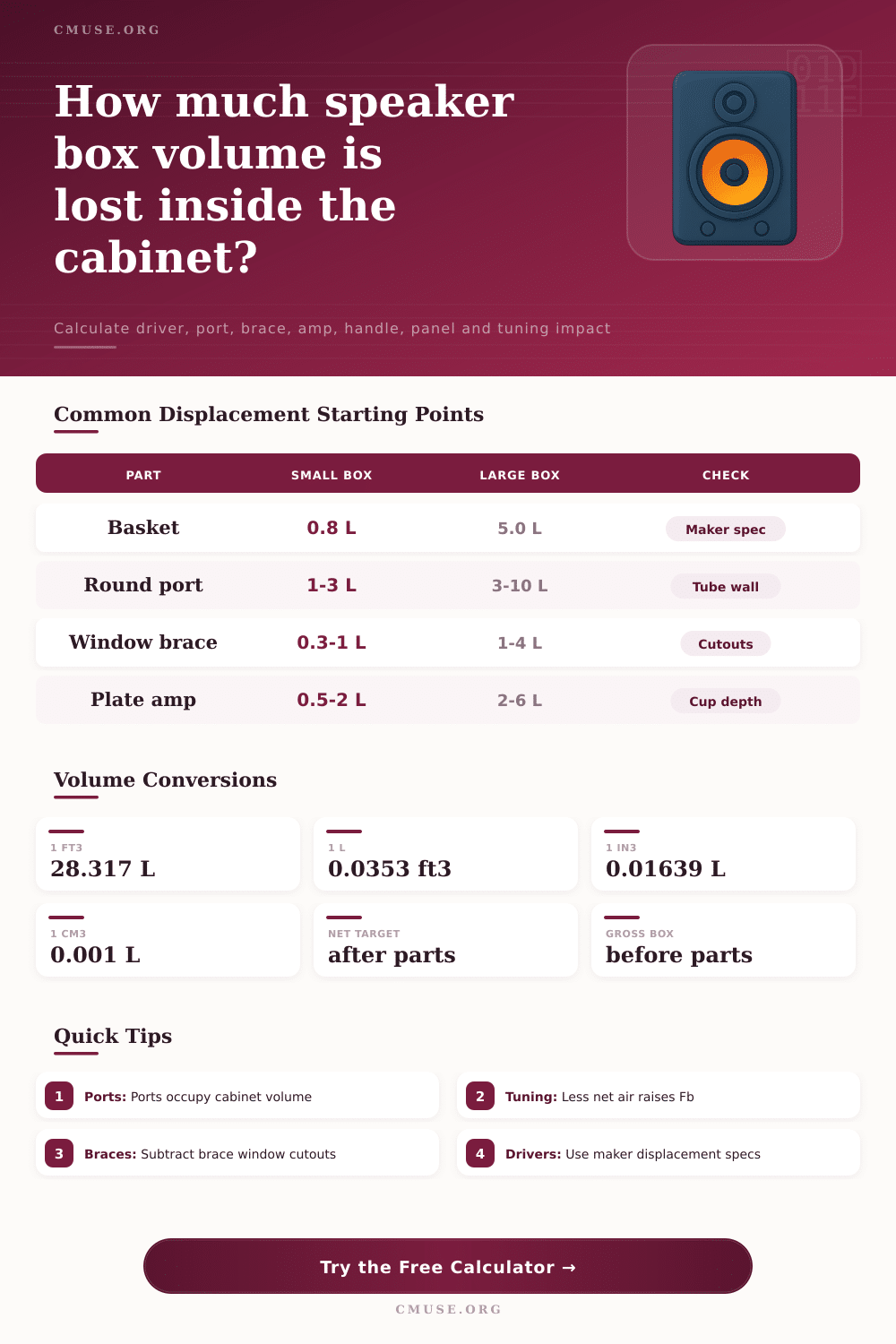
The answer is almost always air you failed to count on. Everything in that cabinet take away some of its acoustic chamber. Even something as tiny as metal bracket supporting the terminal cup takes up space. There is also the speaker basket. There may be a tuning port, and so forth. Subtract those things from your gross interior measurements or you’ll find yourself with less net air volume then you intended. This completely changes the game.
Why Displacement Matters for Your Speaker Box
Displacement is an afterthought to most builders. They think about it (if at all) after their design is complete and they discover something doesn’t sound right when they listen to it. By entering in your hardware list, and shell size, the calculator will do the math for you. There are no conversion factors or coefficients. It takes the guesswork out so you can see exactly what is going into box before you seal it up.
First, determine the Gross Internal Volume. Just multiply width by height by depth of empty shell. Next add in the Driver. Most manufacturers will have a number listed for displacement. If not, use your best guess based off depth and basket diameter. A heavy magnet subwoofer displace far more air than a shallow studio monitor. When dealing with a small sealed enclosure, every liter make a difference.
The other primary variable is ports. A lot of people think that because they have a slot port they can ignore it when estimating. Not so fast. Whether it’s a round tube, PVC, or a slotted duct, that thing has thickness. It has thickness. Unless the port have a large cutout (as many do), you still need to include the wall thickness when calculating the total volume inside your cabinet.
Then there’s braces for structure. Braces takes away from the interior airspace. Window braces with large cut outs don’t impact space much. Denser objects like solid stick braces are more limiting. With this feature, you can enter a cutout percentage to get an even better result. Hardware inside counts as well. Think about how far back in the box a plate amp module sit. How much does its chassis and heat sink displace? Add in handles, crossover components, and wiring bundles. Then it all adds up. It isn’t always the big stuff.
You end up with an estimate of how much the tuning will be changed by your output and what the resulting net volume is. Now, if you were hoping for a box tuned for 1.5 cubic feet, but instead get 1.2 cubic feet due to the displacement, your box is going to act like it has less volume. This will make the bass more stiff and increase the resonant frequency in a sealed box and push the tuning up from where you wanted it in a ported box. That pushes the tune up which can result in muddiness on the low end or chuffing. You may have designed a 34 Hz box but really got a 38 Hz box. And that makes a noticeable difference. It changes the sound below the crossover, as well as the phase alignment and the overall output in that range.
If possible get the driver displacement from the manufacturer specs. Otherwise, we have a rough estimate based on geometry as a best guess. Measure the wall thickness and actual length of the port. Don’t assume normal sizes. Look in the breakdown table produced by the tool and see what component is taking up most air. Many times it’s the driver itself. Other times it’s a surprisingly large port tube. Knowing how that air is distributed will help you make smarter design decisions earlier. If you’re overspending on displacement, consider swapping out to a shallower basket or perhaps reducing brace thickness.
Plan for displacement. Disappointment is not an option here. This is not some theoretical design but rather a real world build that lives up to expectations. You should of planned for it. The air within the box is also your suspension system. Pay attention to it and treat it accordingly. Measure twice. Subtract carefully. What you can’t see is still taking up space. When that bass finally gets there with the extension and weight that you’ve designed in, your ears will thank you.