Sound Intensity Calculator
Convert acoustic power, distance, area, and sound pressure level using standard intensity formulas for studio, stage, and rehearsal-room checks.
🔊 Quick Presets
⚙ Sound Inputs
📊 Acoustic Reference Grid
| Area Model | Formula | Best Use | Distance Behavior |
|---|---|---|---|
| Free field sphere | 4πr² | Open room point source | About -6 dB per double |
| Half-space hemisphere | 2πr² | Source near floor or wall | About +3 dB vs sphere |
| Flat rectangle | L × W | Panel, zone, or window | Area set by dimensions |
| Circular plane | π(d/2)² | Mic radius or coverage spot | Area set by diameter |
| SPL | Intensity W/m² | Typical Audio Context | Power at 2 m Sphere |
|---|---|---|---|
| 40 dB | 1.0e-8 | Quiet control room | 0.50 μW |
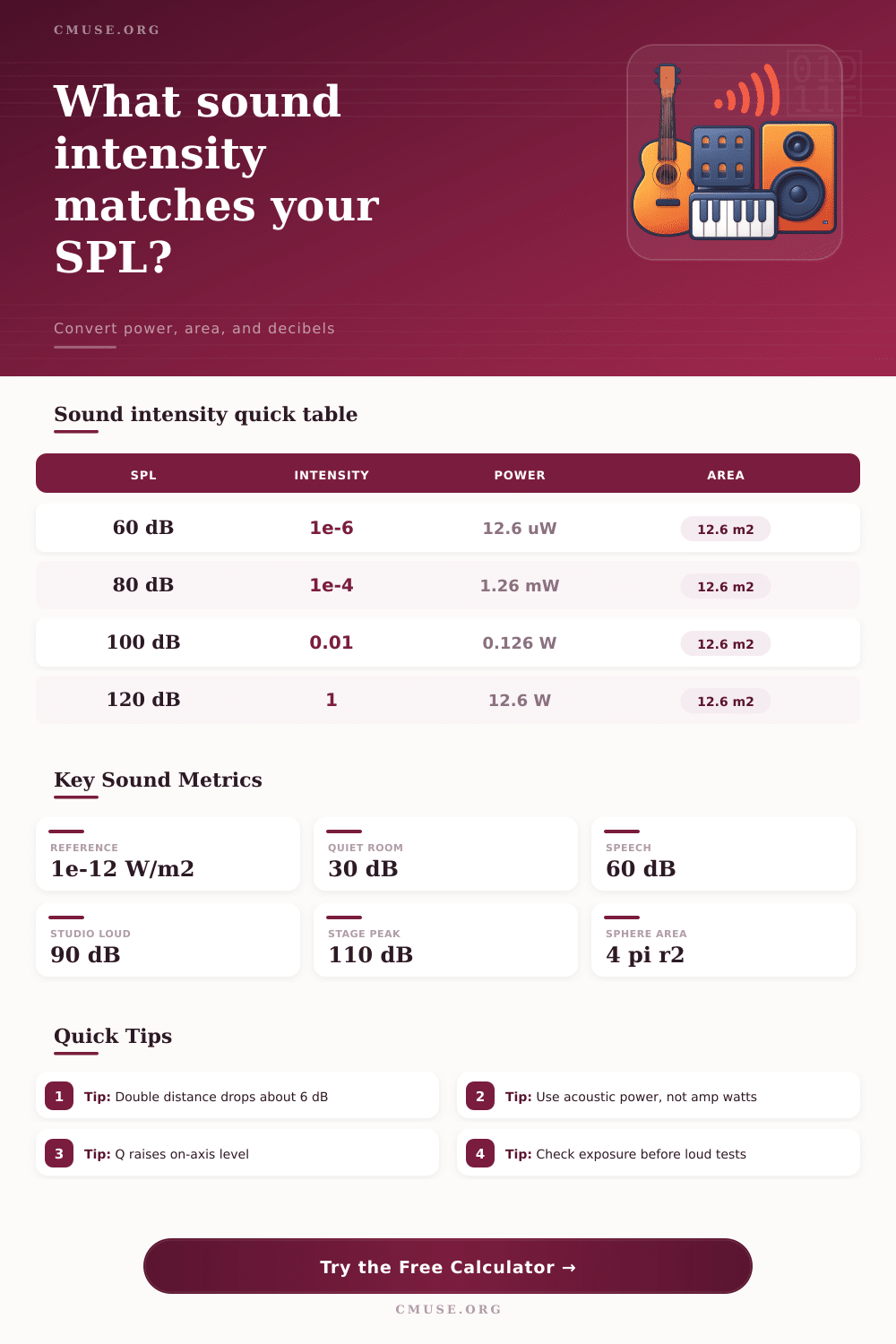
| 60 dB | 1.0e-6 | Conversation or soft vocal | 50.3 μW |
| 80 dB | 1.0e-4 | Moderate practice amp | 5.03 mW |
| 100 dB | 1.0e-2 | Loud monitor or drums | 0.503 W |
| 120 dB | 1.0e0 | Very loud stage peak | 50.3 W |
| Directivity Q | Level Change | Pattern Example | Use In Calculator |
|---|---|---|---|
| Q 1 | 0 dB | Omni source | Room average estimate |
| Q 2 | +3 dB | Wall or floor boundary | Speaker near surface |
| Q 4 | +6 dB | Corner or directional cab | On-axis stage checks |
| Q 8 | +9 dB | Focused horn | Narrow coverage checks |
| Scenario | Distance | Input Power | Estimated SPL |
|---|---|---|---|
| Nearfield monitor | 1.2 m / 3.9 ft | 0.02 W | 91.4 dB |
| Vocal practice | 1.5 m / 4.9 ft | 0.003 W | 77.3 dB |
| Grand piano room | 3 m / 9.8 ft | 0.08 W | 88.5 dB |
| Small stage PA | 8 m / 26.2 ft | 4 W | 101.0 dB |
Sound travels in teh form of pressure waves in the air. The strength of these sound pressure waves determine how loud the sound will appear to the listening person. The power that the sound source emit, the area over which the sound spreads, and the sound pressure that a person measures at a given listening position determine the loudness of a sound.
These different variables can be used in the sound pressure level calculator to determine whether a speaker will be loud enough to provide sound to the back of a room, or whether a drum kit will be too loud for a small space. The user can enter each of these variables, and the calculator itself can calculate the sound pressure level. Sound power is often measured in watts.
How to Calculate Sound Pressure Level
For loudspeakers, though, the acoustic power is typically not as the electrical power that radiates from the amplifier that is used to operate the loudspeaker. Most loudspeakers dont effectively convert all of the electrical power into acoustic power. The power value that is entered into the calculator, though, is the acoustic power that the sound source emits.
This value, along with the distance between the sound source and the listening area, the directivity of the sound source, and the characteristic of the listening room, will be used to calculate the sound pressure level. For instance, if the directivity factor is increased from one to four, the sound pressure level will increase as a result of the sound being directed in only one direction rather than in all directions. Similarly, the number of reflections within the listening room will impact the sound pressure level reading; rooms with many reflection will tend to reflect some of the sound waves back into the listening area, increasing the sound pressure level reading, while rooms with heavy damping will reduce the amount of reflected sound waves.
Distance from the sound source is another factor that will impact the sound pressure level. In the open air, for instance, the sound spreads out in the form of a sphere as it move away from the sound source. As a result, the sound pressure level decreases as the distance between the sound source and listener increases.
A six-decibel loss in sound pressure level occurs with every doubling of the distance between the sound source and listener. The sound pressure level calculator will automatically determine this six-decibel loss if the open-air sphere is chosen as the sound spreading model. If the sound source is in contact with a large flat surface, such as a floor, though, sound will reflect off of that surface; in this case, the hemisphere model can be used.
The hemisphere model assumes that sound spreads through only half of the area around the sound source. Thus, the sound pressure level will be more higher with the hemisphere model than the sphere model. Similarly, if the sound source is limited to a certain defined listening zone, such as a small rectangle, the sound pressure level can be calculated with the flat rectangle or circular plane model.
The number of sound sources and the directivity settings will impact the calculation of the sound pressure level. If there are two identical sound sources, for instance, the sound pressure level will increase by three decibels when combining the sound powers of the two sources. Additionally, if you add a boundary that increases the directivity from one to two, that boundary will add another three decibels to the sound pressure level.
These adjustments are important to make if there are many sound sources or many speakers within the same room. The calculator performs these adjustments to the base power level before it divide that power by the area to calculate the sound pressure level. This page includes reference tables so that you dont have to memorize the formulas.
One reference table includes common sound pressure levels and the relation of sound intensity and power at those levels. The other table includes the area formulas for each of the spreading models discussed on this page. These tables allow you to determine if your calculated value for sound pressure level is a reasonable number, and assist you in planning your sound levels appropriately.
Real rooms tend to have furnitures and people within them, preventing the rooms from behaving in the same as perfect spheres or hemispheres. The calculator can ignore the scattering of sound energy from the furniture and people in the room. Thus, the sound pressure level calculated by the calculator is only an estimate of the sound that will be created in the room.
Should your calculated sound pressure level approach the limits of comfort or safety for the occupants of the room, it is recommended to utilize a sound meter to measure the sound that is present in the actual room. Additionally, should you be planning to operate within the pain threshold for sound pressure levels, it is recommended to use a sound meter to avoid introducing errors into the calculation that may become too great to allow the listeners to remain within the comfortable threshold. The main use for this calculator is to allow you to test the impact of different variables to the sound pressure level.
For instance, you can use the calculator to test the impact of moving the listening position for sound away from the speakers. Additionally, you can use the calculator to test the impact of changing to a more directional speaker. Finally, you can use the calculator to test the impact of adding absorption to the room.
Each of these tests takes only a few second to perform with the calculator, and can help to reveal the impact that each variable has upon sound pressure level within your particular space. Thus, with a better understanding of how power, area, and directivity relate to one another, sound specification sheets will make more sense. The goal for utilizing this sound pressure level calculator is to gain an understanding of how sound behave.
Thus, the calculator may perform the calculations for you, but you gain insight into sound behavior by altering each of the variables and observing the impact upon the calculated sound pressure level. Your understanding of sound behavior is indicated by your ability to change variables to the sound pressure level in your mind, without having to perform the calculations again with the calculator.