Song BPM to Runtime Calculator
Turn a song form into a clock-ready runtime from BPM, bars, beats per bar, pickup beats, outro beats, rubato allowance, and section-by-section tempo changes.
How to use presets: Load a structure that resembles the arrangement, then edit the section list. Each line can include a section name, bar count, and optional BPM.
Runtime Breakdown
| Section | Bars | Tempo Used | Beats | Section Time |
|---|
| Preset Form | Typical Sections | Common Bar Count | Timing Note |
|---|---|---|---|
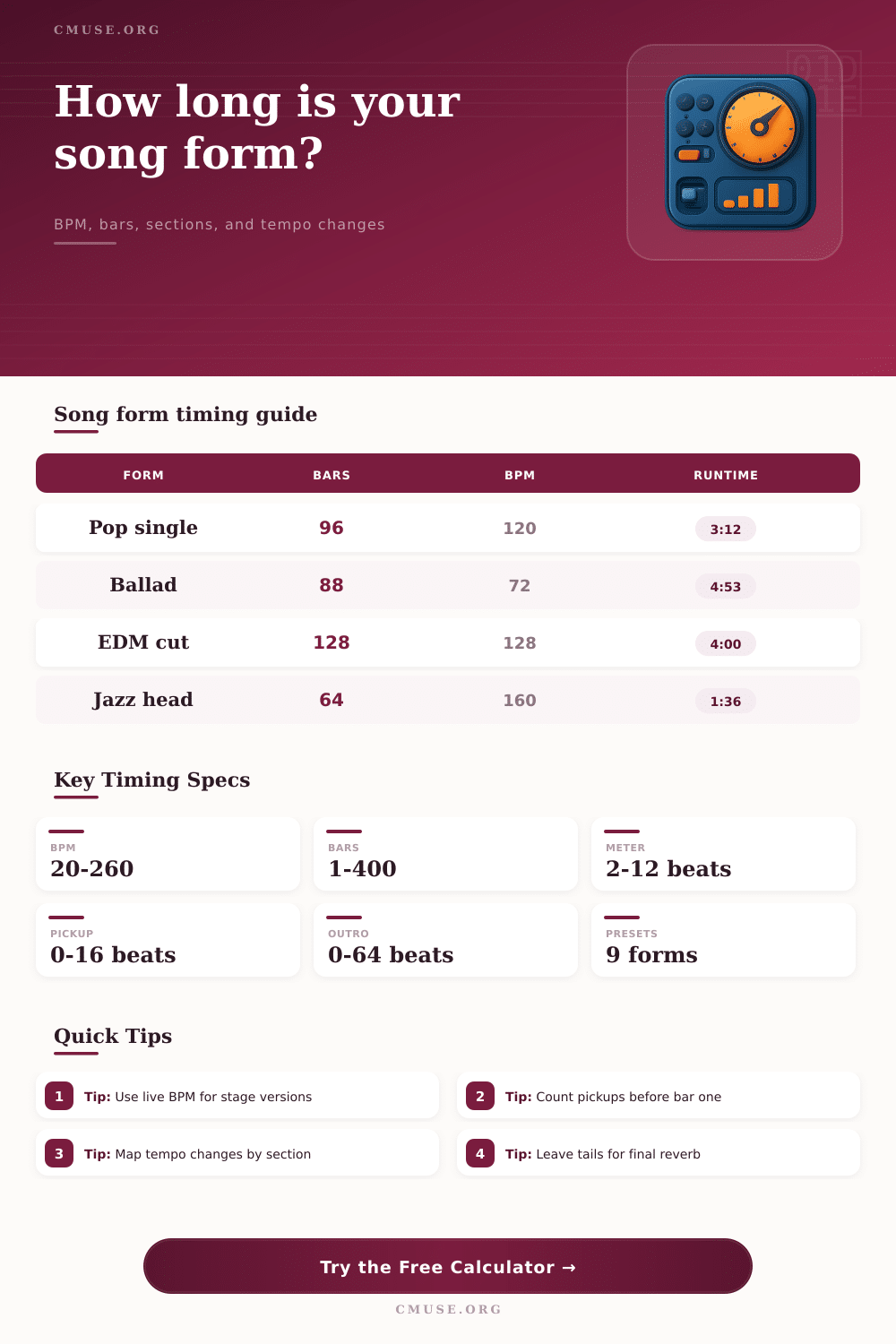
| Pop single | Intro, verse, pre, chorus, bridge | 80 to 112 bars | Often 2:40 to 3:40 at 100 to 130 BPM |
| EDM club mix | Intro, build, drop, break, second drop | 128 to 192 bars | Long intros and outros make DJ mixing easier |
| Jazz head solo | Head, solos, trades, head out | 64 to 192 bars | Runtime depends heavily on solo chorus count |
| Worship arrangement | Verse, chorus, bridge repeats, tag | 96 to 160 bars | Tags and repeated bridges can add minutes quickly |
| BPM | 4 Bars 4/4 | 8 Bars 4/4 | 16 Bars 4/4 | 32 Bars 4/4 |
|---|---|---|---|---|
| 72 | 13.33 s | 26.67 s | 53.33 s | 1:46.67 |
| 96 | 10.00 s | 20.00 s | 40.00 s | 1:20.00 |
| 120 | 8.00 s | 16.00 s | 32.00 s | 1:04.00 |
| 128 | 7.50 s | 15.00 s | 30.00 s | 1:00.00 |
| 160 | 6.00 s | 12.00 s | 24.00 s | 48.00 s |
| Change Type | Input Method | Runtime Effect | Best Use |
|---|---|---|---|
| Section jump | Add BPM in a section line | Immediate recalculation for that section | Bridge lift, double-time outro, half-time break |
| Accelerando | Positive tempo change percentage | Later sections become shorter | Final chorus push or dance build |
| Ritardando | Negative tempo change percentage | Later sections become longer | Ending slowdown or dramatic tag |
| Rubato feel | Human feel allowance | Adds small global time cushion | Ballads, live vocals, and expressive bands |
| Target | Approx Bars at 120 BPM | Arrangement Pressure | Useful Adjustment |
|---|---|---|---|
| 2:30 edit | 75 bars | Short intro, concise bridge | Trim turnarounds and duplicate pre-chorus bars |
| 3:15 single | 97.5 bars | Balanced radio structure | Keep final chorus repeat controlled |
| 4:00 album cut | 120 bars | Room for intro, bridge, outro | Add instrumental lift without overextending verses |
| 6:00 live version | 180 bars | Extended solos or audience sections | Map cue points so the band can shorten cleanly |
Determining the correct length for a song is an importance task for a songwriter. The length of a song can affect in what ways that it is recieve by the audience. For instance, a song that is too long may not be played on the radio, or the length of the song when performed live may result in the audience losing interest in the song.
A songwriter can calculate the length of the song by mapping the tempo of the song against the number of bars that is contained within that song. Due to the inclusion of pickup beats and decaying notes within a song, the total time that it take for a song to play can be longer than the length suggested by the number of bars in the song. A timing tool can account for these complexities in the song creation process.
How to Calculate Song Length
The tempo of a song is a measurement of the speed at which the music is played. However, the tempo does not indicate the total number of beats for the song. For example, the tempo for a verse in a song may be 120 beats per minute (bpm), but the tempo for a bridge in that song may be 128 bpm.
Because the tempo of the song can change, the time for those section of the song must be accounted for when calculating the total length of the song. A timing tool will automatically calculate the weighted average of these tempo changes for the song, rather than having to calculate that total length by hand. In addition to calculating tempo changes, the timing tool will also account for the pickup beats and the extra beat for note decay that are included in the song.
These extra beats take up additional time for the song to play when performed. The meter of a song is also another factor that can influence the length of the song. Songs are often written in meter like 6/8.
Songs written in 6/8 meter can be counted in different ways depending upon the musical pulse that the composer for that song intend to use. A timing tool includes a reference selector that allows the composer to enter the meter of the song that they created. Using the appropriate meter for the song ensures that the length of the song will be accurately calculate.
If the composer does not enter the meter to which they intended to count the song into the timing tool, the length of the song will be calculated inaccurately. When musicians perform a song live, the timing of individual musician may not match the length of the song on the staff. For instance, drummers may play at a faster tempo during a live performance than the composer originally set for the song, or singers may extend certain notes beyond those indicated on the song sheet.
To account for this, many timing tool include a rubato allowance for live performances. Using this rubato allowance ensures that musicians are not surprised by the length of the song during live performances. The rubato allowance can also be utilized in reverse to determine how many bars of a song can be trimmed before it is performed live.
Songs often contain complex song form, and many song form do not follow the standard song form presets. Songs that are edited for the radio may cut a verse, for instance, but songs that are mixed for clubs may include additional breakdown portion of songs. Most moddern song timing tools include a section list function that allows song composer to name the different sections of their song, and to assign a tempo change to each of those different sections.
If one of the sections of the song is lengthened or shortened, the song timing software will update the total length of the song. This ability to edit a song section and instantly see the resulting change in total length of the song is helpful for producers who wish to determine if a song’s bars can be trimmed to fit specific time limits for music streaming platforms. A small change in the tempo or the number of bars of a song can result in a much larger change in the total length of the song.
For instance, four bars at a tempo of 72 beats per minute may take up more than thirteen second of playtime for the song; more bars will result in more time for the song to play. Electronic music composer must consider the length of their songs due to the long intros and outros that are common in electronic music productions. Additionally, acoustic music writers must also consider the length of their songs; an acoustic writer may wish to add an extra refrain to a song.
Thus, although the numbers in a song timing tool do not have an impact upon the value of the song that is created, the numbers do indicate the total length of time that the song will play on a clock. Many song writers wish for there songs to have a specific length. For instance, music streaming platform often require that the songs have a specific length, as do physical albums with longer songs.
A timing tool will not select the length of the song that the composer desires, but the timing tool will assist the composer in achieving that target length for the song. For example, a composer can use the timing tool to determine whether trimming the length of a songs pre-chorus will bring the song to the correct length for that streaming platform. Thus, a composer can use the timing tool to determine if trimming the song will bring the song to the desired length.
A song timing tool is also helpful in determining how long a song will be in various contexts. For instance, the same song may have a length of three minutes and fifteen seconds when performed in the recording studio, but more time may be required for performance live at a festival. Additionally, songs that are performed in various context, such as sync placements (songs that are used in film open sequences, for instance) may require that the song have a shorter introduction.
The song timing tool allows for the alteration of these type of parameters without changing the song itself. Overall, the song timing tool allows a songwriter to have the arrangement of their song remain there in creation, while also ensuring that the timing of the song matches the songwriter’s intentions with the song.