Sepmeyer Ratio Calculator
Size a rectangular studio, listening room, control room, or theater shell from the classic Sepmeyer acoustic proportions.
🎧 Quick Room Presets
📏 Room Ratio Inputs
📊 Sepmeyer Spec Grid
📐 Sepmeyer Ratio Reference
| Ratio Set | Height | Width | Length | Typical Use |
|---|---|---|---|---|
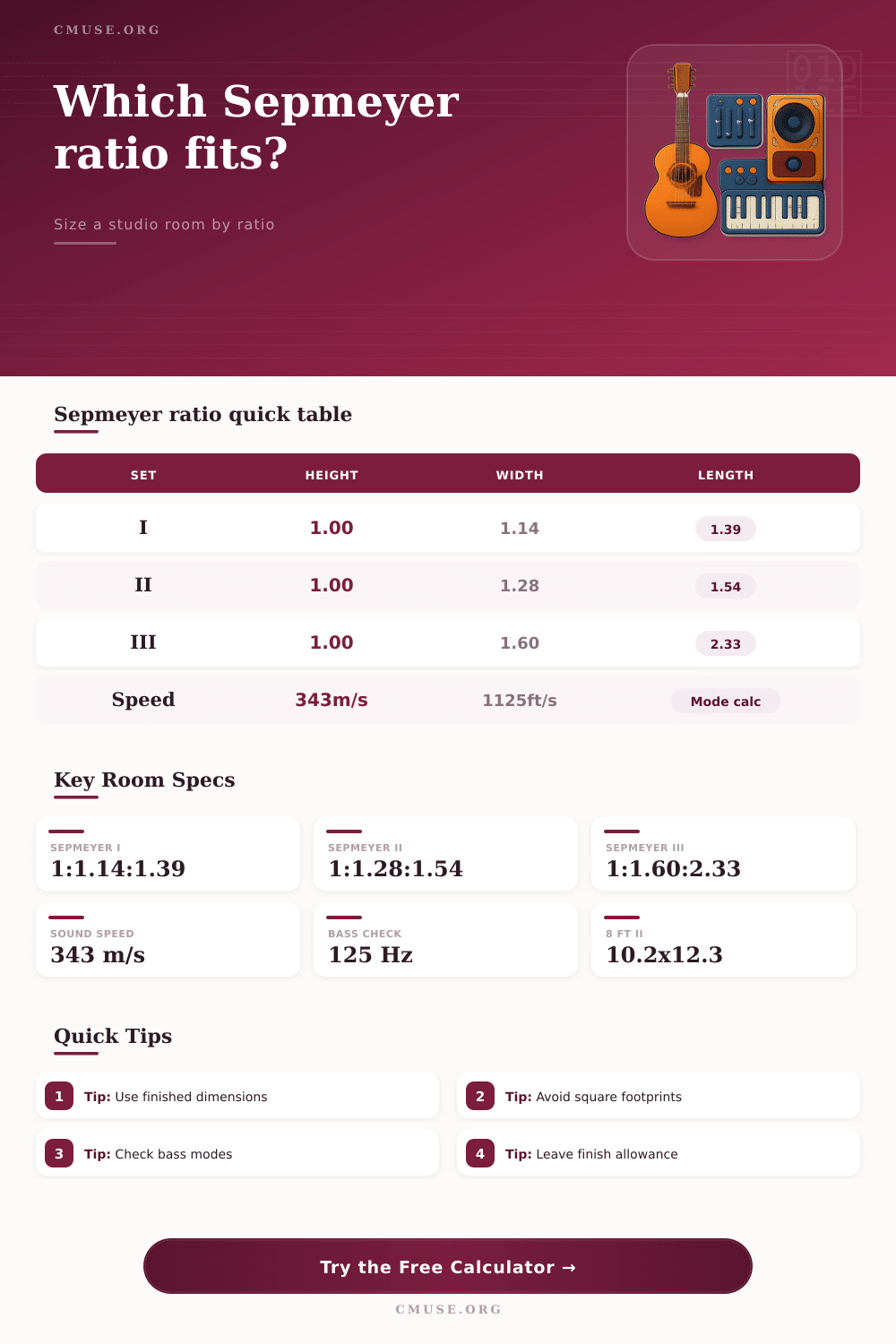
| Sepmeyer I | 1.00 | 1.14 | 1.39 | Compact control rooms and smaller listening rooms |
| Sepmeyer II | 1.00 | 1.28 | 1.54 | Balanced home studios with familiar bedroom-scale footprints |
| Sepmeyer III | 1.00 | 1.60 | 2.33 | Long rooms, screening rooms, and larger mix spaces |
| Golden Style | 1.00 | 1.62 | 2.62 | Comparison only; often too long for small studios |
🏠 Common Finished Room Sizes
| Scenario | Ratio | Finished Dimensions | Volume | Lowest Axial Mode |
|---|---|---|---|---|
| 8 ft compact room | Sepmeyer I | 8.00 x 9.12 x 11.12 ft | 811 ft³ | 50.6 Hz |
| 8 ft project studio | Sepmeyer II | 8.00 x 10.24 x 12.32 ft | 1009 ft³ | 45.6 Hz |
| 8 ft long theater | Sepmeyer III | 8.00 x 12.80 x 18.64 ft | 1909 ft³ | 30.2 Hz |
| 2.7 m mix room | Sepmeyer I | 2.70 x 3.08 x 3.75 m | 31.1 m³ | 45.7 Hz |
⚖ Comparison Grid
| Proportion Family | Ratio | Shape Bias | Planning Note |
|---|---|---|---|
| Sepmeyer I | 1 : 1.14 : 1.39 | Compact | Efficient footprint; watch equipment depth and rear-wall spacing |
| Sepmeyer II | 1 : 1.28 : 1.54 | Balanced | Common starting point when ceiling height is the fixed dimension |
| Sepmeyer III | 1 : 1.60 : 2.33 | Long | More volume and length; check available footprint before framing |
| Louden Style | 1 : 1.40 : 1.90 | Open | Useful comparison for larger rectangular rooms |
🔊 Axial Mode Examples
| Dimension | 8 ft Room Mode | 10 ft Room Mode | 12 ft Room Mode | Formula |
|---|---|---|---|---|
| Height | 70.3 Hz | 56.3 Hz | 46.9 Hz | Speed of sound / 2D |
| Width | 70.3 Hz | 56.3 Hz | 46.9 Hz | First-order axial resonance |
| Length | 70.3 Hz | 56.3 Hz | 46.9 Hz | Lower frequency as dimension grows |
| 125 Hz Limit | 1 mode | 2 modes | 2 modes | Count harmonics below limit |
When you design a studio, you have to choose proportion for the room. Rectangular rooms create standing wave along each axis of the rectangle. These standing waves will either help or hurt the sound of your room, so you have to ensure that you choose the proper proportions.
The Sepmeyer ratios are a series of proportions that will help you manage these standing waves in your rectangular room. Using the proper Sepmeyer ratios will allow you to even out the sound in your room and ensure that you will not have any resonance that create problems for your mixes. There are three classic set of the Sepmeyer ratios.
Choose the Right Room Ratios for Your Studio
These three sets differ in the length of the room compared to the height of the room in the studio. The first set features a compact room that is perfect for small control room. The second set increases the length of the control room and the width, making it a great home studio find the balance between the amount of space you have to devote to your studio and the acoustic evenness you will get in your listening area.
The third set creates a longer control room but takes up more floor space. You can use these ratios to determine which set will work best in the footprint that you have for your room and for the types of projects that your control room will perform. The calculator will allow you to perform the calculation for each of the Sepmeyer ratios once you have chosen your ratio set and your finished dimension for your room.
Additionally, you can add in the finish allowance for your room in this calculator. By adding in the allowance for your room to be finished to the calculator, your measurement will reflect the interior dimensions of your room rather than the framing dimensions of the walls. Adding in the finish allowance at the beginning of your construction will ensure that you dont have any surprise when framing your control room.
Another feature in this control room calculator is the axial mode count. The axial mode count will show you the number of resonances in your room that fall below a specific frequency. A very high axial mode count isnt a bad thing.
However, the large gap between resonances will lead to a noticeable hole in the sound. This calculator will show you the size of the gap between the modes so that you can determine whether or not your chosen ratio is creating such a gap. If the gap between modes is too large, then you will have to either change your Sepmeyer ratio or add extra bass trapping in one of the axes of your control room.
Control rooms will never perfectly conform to the dimensions that the ratios calculated. All rooms will feature doors, windows, and other furnitures that will change the dimension of the room. These tables will allow you to see the tolerance for each of the sets of the Sepmeyer ratios.
For example, the Sepmeyer II will allow for some deviation in the finished dimensions of the width of the control room. The Sepmeyer III ratio will be more sensitive to changes because its length is already stretch out in the dimensions of the control room. People often make the mistake of treating the ratios as the final blueprint for their control room.
The Sepmeyer ratio is only a starting point for your control room. The ratio will allow you to even out the sound in your control room; however, it will not allow you to determine where to place your monitors or how to treat the reflection of the sound wave off the walls of the control room. When using the Sepmeyer ratio, you must also determine the best listening position, whether to treat the rear wall of the control room, and whether to decouple your monitors from the control room floor.
The advantage of using the ratio is that it will remove one of the variable from your equation, which will make your other variables easier to determine. Do not use the framed dimensions for your control room instead of the finished dimensions. For example, using an eight-foot framed height for your control room will shift the height mode of the control room by several hertz.
This shift in mode will potentially move one of the resonances into the vocal range. Using the finish allowance will help you to avoid this problem. The calculator will show you the volume of your control room and the area of the floor of your control room.
These measurement will allow you to determine the acoustic benefits of using a larger control room. The larger the volume and the area of the floor, the more even your control room sound will be at the lower frequencies. However, a larger area of the floor will require more treatment on the floor of the control room.
You can use these two measurement to determine whether a larger control room would benefit your mixing process compared to a smaller control room that you could treat more thoroughly. The ratios were created for rectangular rooms with rigid wall and ceilings. In rooms with sloped ceilings or non-parallel walls, the ratios may not be accurate.
Although the calculations change for these types of rooms, the ratio is still a helpful starting point for creating your control room dimensions. In many successful control rooms, the architects of those rooms establish the basic dimensions of the control room with the ratios, and then change the proportions from the ideal ratio to accommodate the architecture of the building. Running the number will allow you to see the trade-offs that you must make for each of the control room dimensions.
For example, you can use these measurements to decide whether the longest dimension for your control room will push the lowest resonant mode of your control room too low. Additionally, you can use these dimensions to decide if the width of the control room will allow for your mixing equipment to be placed in the control room. These trade-offs will allow you to make adjustments that are still inexpensive and easily reversible.
A control room doesnt have to be perfect on paper when it is constructed. However, the dimensions of the control room should at the very least not work against the physics of sound within that space.