Scale Finder Calculator
Match selected pitch classes against keys, modes, pentatonic sets, blues scales, and altered collections with missing tones, extra tones, root bias, and ranked match scores.
🎼 Named Scale Presets
♫ Pitch Classes To Match
⚙ Scale-Finding Inputs
🎧 Instrument / Audio Scale Use Grid
📘 Core Scale Formula Reference
| Scale Type | Formula | Tones | Best Use |
|---|---|---|---|
| Ionian / Major | 1 2 3 4 5 6 7 | 7 | major keys and plain diatonic melodies |
| Dorian | 1 2 b3 4 5 6 b7 | 7 | minor fragments with natural 6 color |
| Mixolydian | 1 2 3 4 5 6 b7 | 7 | dominant and folk-rock collections |
| Major Pentatonic | 1 2 3 5 6 | 5 | open major melodies with no half steps |
| Minor Blues | 1 b3 4 b5 5 b7 | 6 | blues riffs and guitar vocabulary |
📊 Matching Score Breakdown Reference
| Score Item | What It Checks | Weight | Interpretation |
|---|---|---|---|
| Selected coverage | how many chosen notes fit | high | prevents wrong scales from hiding outside notes |
| Scale coverage | how complete the candidate is | medium | separates full scales from tiny fragments |
| Root bias | tonic or first note agreement | variable | helps modes with the same pitch set rank correctly |
| Missing tones | candidate tones not selected | medium | shows what to add for a complete scale |
| Extra tones | selected notes outside candidate | medium | flags chromatic or borrowed tones |
🎹 Preset Note Set Reference
| Preset | Selected Pitch Classes | Root Bias | Likely Name |
|---|---|---|---|
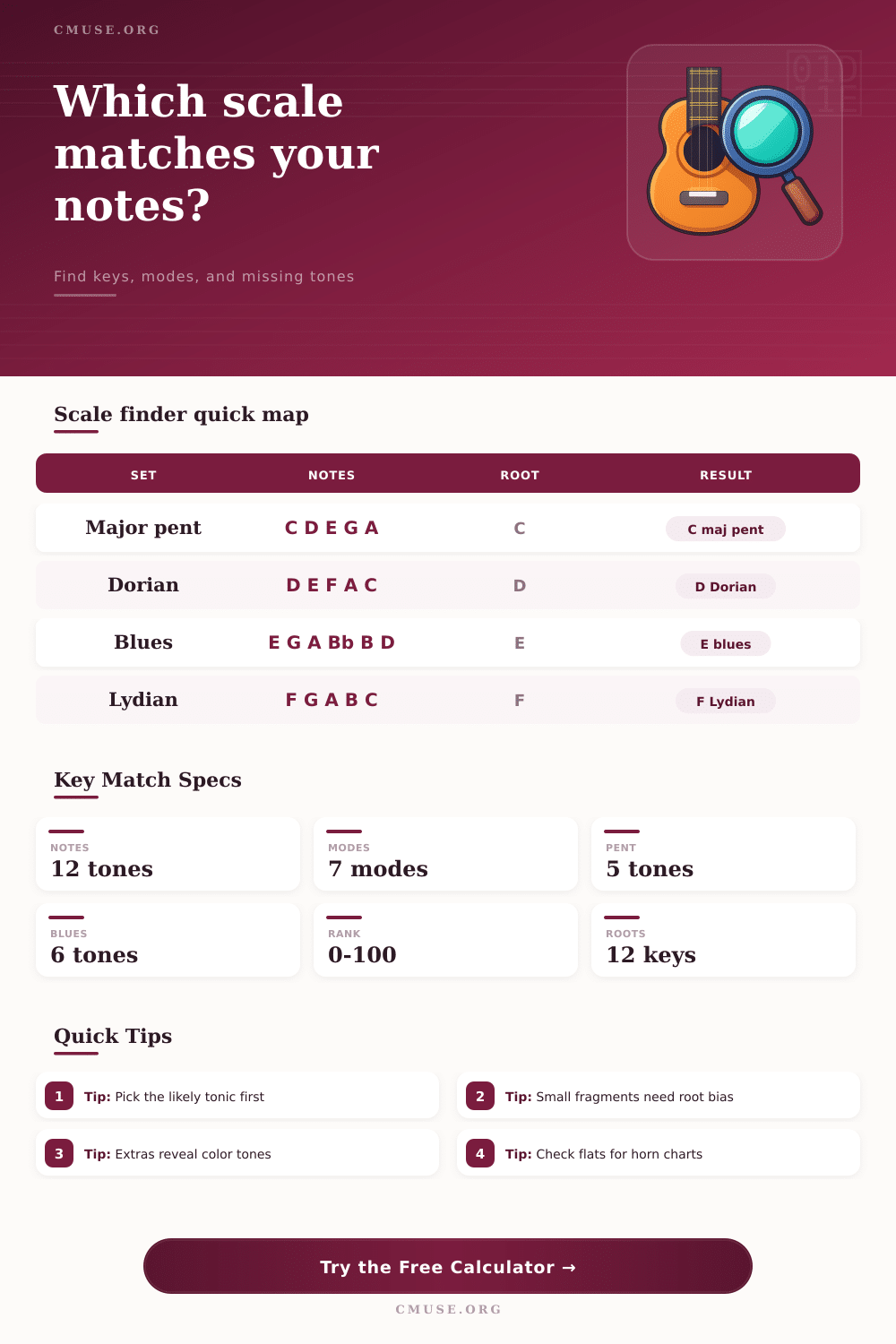
| C Major Pentatonic | C D E G A | C | C major pentatonic |
| D Dorian Fragment | D E F A C | D | D Dorian fragment |
| E Blues Scale | E G A Bb B D | E | E minor blues |
| F Lydian Color | F G A B C E | F | F Lydian color |
| Chromatic Cluster | C C# D Eb E F | auto | cluster or altered color |
🎷 Instrument And Notation Comparison
| Context | Prefer | Watch | Calculator Setting |
|---|---|---|---|
| Guitar improvising | pentatonic and blues roots | same notes can imply several boxes | strong root bias |
| Piano composition | complete seven-note modes | fragments may over-rank pentatonics | low missing tolerance |
| Horn arrangement | flat enharmonic spelling | Gb, Db, and Bb readability | prefer flats |
| DAW MIDI editing | strict extra-tone checks | passing notes and pitch bends | high extra sensitivity |
A scale finder calculator are a tool that will allow you to find the names of the scales that contain the set of notes that you has chosen for the calculator. Many musician have specific sets of notes that seem to belongs to a particular scale, but they dont have the names of the scales associated with those notes. By using a scale finder calculator, you can input those notes, and the scale finder will search for all the scale that match those notes.
The calculator will then output a list of the names of the scales that contain the notes that you entered. A scale finder calculator is most useful when you have incomplete notes that you would like to identifying to a scale. Melodies often do not contain all of the notes from the scales from which they were created.
How to Use a Scale Finder Calculator
The scale finder calculator can calculate the difference between your set of notes and the scales. For instance, it can calculate the number of your notes that are within each of the scale, the number of notes that each scale is missing from your set of notes, and if any of your notes are outside of the scale. Based off these three calculations, the scale finder calculator can score each of the scales that it tested.
Scales with high scores is very similar to the notes that you entered into the scale finder calculator. Scales with low scores are not similar to the notes that you entered. One of the settings within the scale finder calculator is the root bias setting.
This allows the scale finder calculator to search for scales with a particular root note. Most scale have the same notes, but they may have a different root note. By entering the root note that you would like to use for your scale notes in the root bias setting of the scale finder calculator, it will factor that scale into its search results.
The strength of the root bias setting allow you to decide how much of an influence the root note that you chose will have upon the results of the scale finder calculator. This is especially helpful for short sets of notes. Another of the settings for the scale finder calculator is the enharmonic spelling setting.
This allows you to change how the notes from a scale are written on paper. For instance, a guitarist may prefer the notes to be represented using sharps, while a horn player may prefer the notes to be represented using flats. This setting allow for the choice of which representation of the scale to use, either with sharps or flats.
The reference tables included within the scale finder calculator explain how the scale finder calculator found the scales that match your entered notes. These tables include information about the score of each of the scales that were found, and the formula for each of the scale. These tables may also include information about the relative importance of certain elements of the scales for different category of musicians.
For instance, a pianist may search for scales different than a guitarist. The reference tables allow musicians to understand the way that the scale finder calculator finds scales, without memorizing the scale notes. Musical notes may not always belong to a single scale.
For instance, a blues solo will typically include a flat fifth note from the blues scale for the notes that belong to the minor pentatonic scale. The scale finder calculator will allow you to recognize when some of the notes that you use do not belong to the scale from which they originate. For instance, the scale finder calculator will allow you to recognize that a melody may travel from a relative major scale to a relative minor scale.
Do not consider the top scale that is returned from the scale finder calculator to be the only correct answer. The scale finder calculator only return a statistical analysis of which scales contain the notes that you entered. The scale finder calculator cannot understand your musical intention with the scales that you are playing.
Therefore, you must utilize the scale list that is returned to you from the scale finder calculator to make your musical decision. Furthermore, you must use your musical ears to determine the best scale for your musical part. Do not wait until you are printing out a musical chart to decide on the spelling setting for the musical notes.
The spelling of the musical notes can be quick changed within the scale finder calculator. When the spelling is changed, the pitch classes of the notes do not change. This allows you to make it easier for a specific musician to read your musical part.
Finally, the scale finder calculator may also allow musicians to learn new musical terms and concepts. For instance, if you would like to learn more about the melodic minor modes, you can enter your musical notes into the scale finder calculator, and then increase the minimum score that the scales must recieve for them to be represented in the results list. The number of missing tones for each scale will indicate which musical notes you need to learn to master that scale.
By automating the scale finding process for musicians, the scale finder calculator allow musicians to make musical decisions more quick.