Sample Rate Calculator
Compare Nyquist frequency, file size, and practical audio bandwidth for recording, mixing, and mastering sessions.
🎵 Presets
📈 Inputs
📊 Material / Spec Grid
📐 Reference Tables
| Rate | Nyquist | Use case | Limit |
|---|---|---|---|
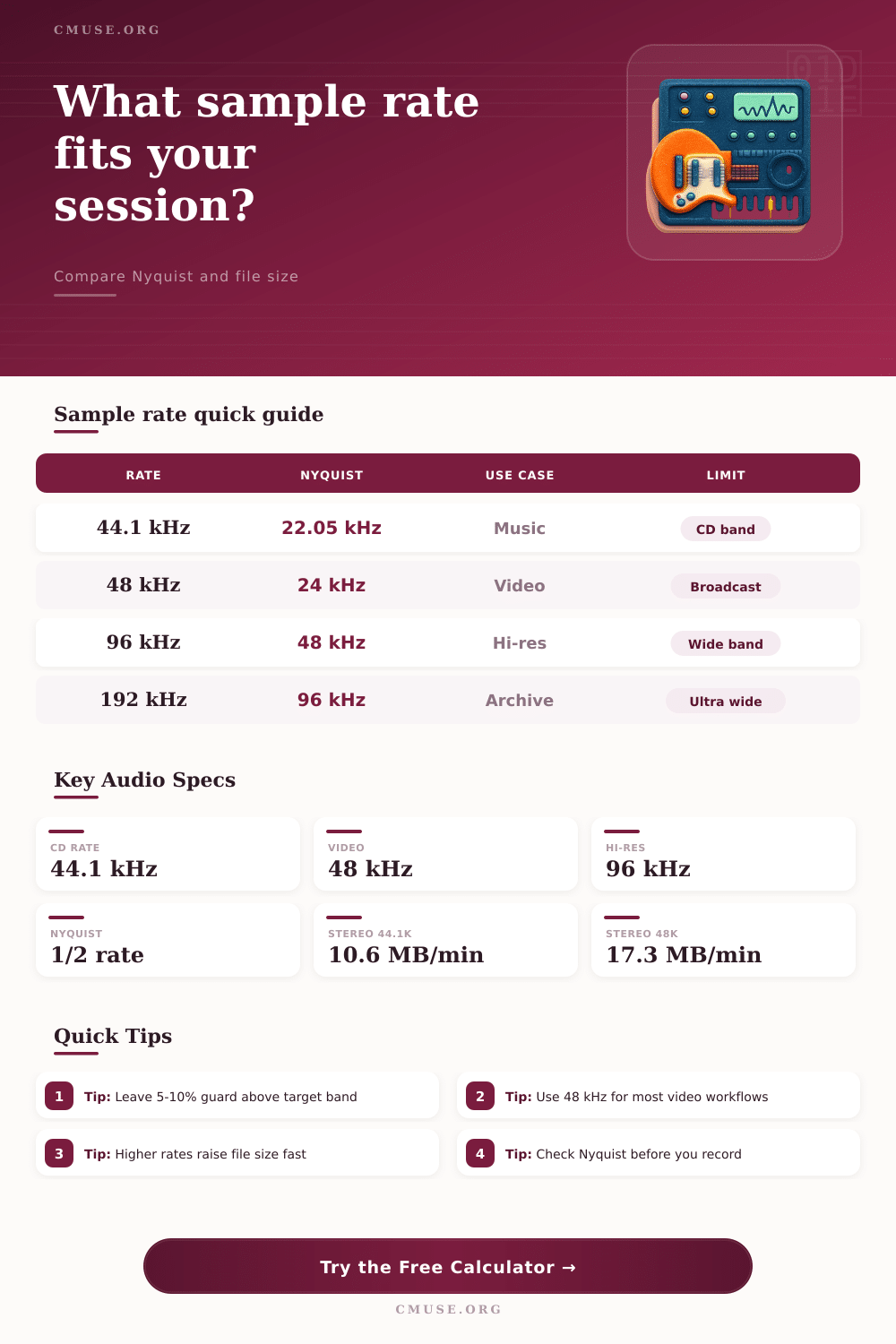
| 44.1 kHz | 22.05 kHz | Music | CD band |
| 48 kHz | 24 kHz | Video | Broadcast |
| 96 kHz | 48 kHz | Hi-res | Wide band |
| 192 kHz | 96 kHz | Archive | Ultra wide |
| Target Band | Min Rate | Practical Pick | Notes |
|---|---|---|---|
| 20 kHz | 41 kHz | 44.1 kHz | Music safe |
| 22 kHz | 45.1 kHz | 48 kHz | Video safe |
| 40 kHz | 82 kHz | 88.2 kHz | Wide headroom |
| 80 kHz | 164 kHz | 192 kHz | Archive band |
Sample rate is the amount of samples that you grab each second. That is like frame rate for video. You measure it in Hz or kHz, where 1 kHz matches 1,000 Hz.
So 44.1 kHz means that 44,100 samples happen each second.
What is sample rate?
During recording of audio it starts off as an analog signal, whether from guitar or from microphone. The ADC takes that continuous analog signal and makes it discrete digital, taking samples that show the amplitude of the signal at certain moments. The sample rate shows how many samples you take each second in that process.
The sample rate also sets the response to high frequencies of the audio file. Whatever rate you choose, the system limits to half of that rate for frequencies. So 44.1 kHz reaches from 0 to around 22 kHz, and 48 kHz from 0 to 24 kHz.
Human ears reach around 20 kHz, so 44.1 kHz covers everything up to about 22 kHz. It is enough for human hearing. Actually even 40 kHz wuold suffice.
This relates to the Shannon-Nyquist theorem, that says that a signal with a certain frequency limit can be perfectly repeated from samples, if the sample rate is at least double that upper limit. To capture frequencies, sampling must happen more than twice that fast.
Common values are 44.1 kHz and 48 kHz. The Audio Engineering Society advises 48 kHz for most uses, but acknowledges 44.1 kHz for CD and consumer devices, 32 kHz for transmissions, and 96 kHz for broader range or less intense anti-aliasing filtering. For CD audio the standard is 16-bit 44.1 kHz, while DVD audio uses 24-bit 96 kHz.
Above 48 kHz happens usually only in professional audio work.
For delivering streaming content, 44.1 kHz works well. 48 kHz works four films, because it syncs more easily with video frames. If the goal is 44.1 kHz, recording at 88.2 kHz helps, because you simply halve the data instead of computing complex math.
You cannot tell a 44.1 kHz recording from one at 96 kHz. So high sample rate to a listener only costs storage without benefit. Even so, higher rates help against latency.
Because latency depends on buffered samples, double the rate empties the buffer twice as fast and halves the latency. The lowest viable rate is 44.1 kHz.
Sample rate differs from bit depth. The rate says how often you sample audio, while bit depth shows detail of every sample. Bit depth sets the accuracy ofsamples, which affects dynamic range and noise of the file.