Octave Shift Note Calculator
Move a written note up or down by octaves, then check the resulting scientific pitch, MIDI number, frequency, cents change, and instrument range fit.
Calculation Breakdown
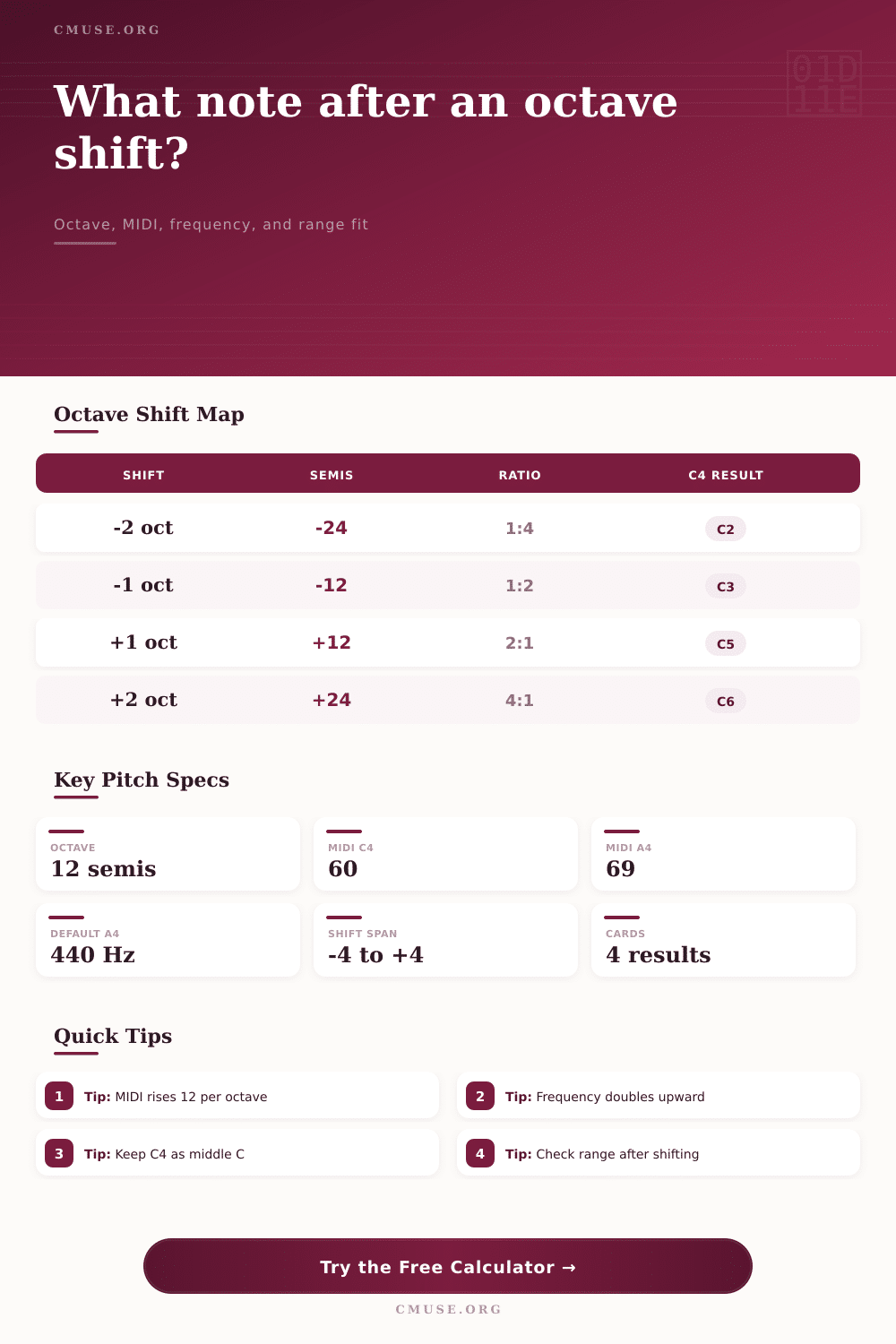
| Octave Shift | Semitone Change | Cents Change | Frequency Ratio | Example From C4 |
|---|---|---|---|---|
| -4 octaves | -48 semitones | -4800 cents | 1:16 | C0, below most standard instruments |
| -3 octaves | -36 semitones | -3600 cents | 1:8 | C1, deep bass register |
| -2 octaves | -24 semitones | -2400 cents | 1:4 | C2, cello and low brass area |
| -1 octave | -12 semitones | -1200 cents | 1:2 | C3, lower staff register |
| 0 octaves | 0 semitones | 0 cents | 1:1 | C4, middle C |
| +1 octave | +12 semitones | +1200 cents | 2:1 | C5, treble staff register |
| +2 octaves | +24 semitones | +2400 cents | 4:1 | C6, high melodic register |
| +3 octaves | +36 semitones | +3600 cents | 8:1 | C7, piccolo and high synth area |
| +4 octaves | +48 semitones | +4800 cents | 16:1 | C8, top of piano range |
| Reference Note | Scientific Octave | MIDI Number | Use In Checking |
|---|---|---|---|
| C-1 | -1 | 0 | Bottom of standard MIDI note numbers. |
| A0 | 0 | 21 | Lowest key on an 88-key piano. |
| C3 | 3 | 48 | Common lower written register for cello and guitar notation. |
| C4 | 4 | 60 | Middle C in scientific pitch notation. |
| A4 | 4 | 69 | Tuning reference, normally 440 Hz. |
| C5 | 5 | 72 | One octave above middle C. |
| C8 | 8 | 108 | Highest key on an 88-key piano. |
| G9 | 9 | 127 | Top of standard MIDI note numbers. |
| Octave | C Frequency At A4 440 | A Frequency At A4 440 | MIDI C / A | Register Note |
|---|---|---|---|---|
| 1 | 32.70 Hz | 55.00 Hz | 24 / 33 | Sub-bass to bass foundation. |
| 2 | 65.41 Hz | 110.00 Hz | 36 / 45 | Low instrument fundamentals. |
| 3 | 130.81 Hz | 220.00 Hz | 48 / 57 | Lower melodic and accompaniment range. |
| 4 | 261.63 Hz | 440.00 Hz | 60 / 69 | Middle register and tuning reference. |
| 5 | 523.25 Hz | 880.00 Hz | 72 / 81 | Treble melody register. |
| 6 | 1046.50 Hz | 1760.00 Hz | 84 / 93 | High lead and upper string range. |
| 7 | 2093.00 Hz | 3520.00 Hz | 96 / 105 | Very high orchestral or synth range. |
| Profile | Approximate Written Range | MIDI Span | Octave Shift Use |
|---|---|---|---|
| Piano 88-key | A0 to C8 | 21 to 108 | Broad reference for full keyboard layouts. |
| Standard guitar | E2 to E6 | 40 to 88 | Check riffs moved for position or tab. |
| Electric bass | E1 to G4 | 28 to 67 | Useful for 8va notation and synth-bass doubling. |
| Violin | G3 to A7 | 55 to 105 | High shifts can become exposed quickly. |
| Viola | C3 to E6 | 48 to 88 | Good for alto-register octave moves. |
| Cello | C2 to A5 | 36 to 81 | Tenor-clef passages often shift well upward. |
| Concert flute | C4 to D7 | 60 to 98 | Low shifts may leave the normal flute range. |
| SATB vocal guide | C2 to C6 | 36 to 84 | Fast first pass for choir register planning. |
Piano
A0-C8 gives the widest common reference before checking a more specific instrument.
Guitar And Bass
Octave shifts can leave familiar fretboard positions even when MIDI still looks moderate.
Strings And Flute
Written range matters because tone color and playability change sharply near extremes.
C5
Inside the selected range after the shift.
Octaves are something most of us think we know about. We know the key signature, the note name. If you’ve got a decent ear, then all is well. But once you begin to transpose to check a melody can fit an instrument or you’re layering synths or transcribing, the mathematics gets muddled up. This calculator does the hard work.
What you will learn is that there is much more behind those numbers than you can hear. It’s the space between guessing and getting a precise answer. That is difference between hearing a note and knowing exactly where on the physical planet that note resides. It’s not a difficult idea at its heart.
How Octaves Work and Why They Matter
A change of pitch class by an octave retain the accidental and the letter name but changes frequency. For example, C4 becomes C5 if moved up an octave. Importantly, spelling has not changed. This is different than shifting by semitones, which requires changing the accidentals. It’s also why we can change orchestral parts without needing to rewrite everything on stave. That is how calculator works: update the underlying data but keep notation clear and uncluttered.
I think many folks forget this part when rushing their transpositions. But what’s important to know is that there is an exponential relationship between frequency. Going up an octave doubles the frequency, while going down an octave halve it. Because it’s not a linear relationship, your intuition can be wrong about how much higher a note sounds as you climb the spectrum. A reference table like the one on page makes the relationship clear.
As you go up two octaves, frequency is multiplied by four. It is not a lot but it is enough to matter if you’re choosing synthesizer patches or mixing audio. At the bottom end, the pitch space is sparse; at the top end, it become crowded fast.
Range is another issue. Just because there is a note in theory does not mean your instrument play it. C8 isn’t going to interest a trumpet player whatever its MIDI number. They cannot physically generate that sound. This is where profile range selection really helps.
If I shift a note and it happens to be inside the playing range of a human voice, violin or piano then you know. You avoid the embarrassment of composing something that looks great on paper but plays nothing at all. These are the limits set by standard instrument which the software will apply and compare to your shifted note so you don’t need to know by rote what each instrument can reach.
Getting the tuning right is another factor when working precisely. We tend to think that A4 is always tuned to 440 Hz. In practice, this vary. An orchestra will tune at least one semitone up, as far as 442 or in extreme cases 443Hz. Some historical performances may of been done lower. When using live recordings or sample libraries where they’ve used a different tuning standard, a small difference in tuning can lead to dissonance and possible beating.
You can choose what A4 is set to and the tuner will recalculate all the others from there. It is quite a small adjustment but it gets everything sitting well together if you’re mixing live recordings with virtual instruments.
For digital musicians, there is another level of accuracy offered by MIDI numbers. For example, middle C is MIDI 60. Each time you go up or down an octave, you add or take away 12 to/from that figure. It is a computer standard that computers translates clearly. When editing a clip or programming a sequencer, having the precise MIDI value at your fingertips prevents any off-by-one errors.
As we see in the breakdown, it also gives you a full view of how much the pitch change… Both in cents and in semitones. There’s no need to work out the math yourself; the system does it automatically so you can focus on music.
Changing notes is all contextual. Until you add it to your mix or put it on your instrument it remains only a number. Add the frequency, range checks, and pitch names. Then you have a complete picture of how it will sound. You don’t have to guess anymore; now you know.
Now the frequency lines up and the numbers add up. Now there is an actual instrumen that can produce this part. It does not simply move the note up or down, but lands it precisely as intended without any unwanted surprises. Taking a little more time on the calculations is time well spent to achieve this level of clarity. Even if it jump from one octave to another, the note doesn’t alter.