MIDI Clock Calculator
Convert tempo into MIDI clock intervals, 24 PPQN pulse counts, Song Position Pointer values, bar and beat locations, latency offsets, and sample-accurate sync numbers.
Choose a starting rig: load a common sequencer, DAW, drum machine, or modular timing situation, then adjust the BPM, meter, start position, latency, and sample rate.
Sync Breakdown
| Grid point | Clocks | Milliseconds | Samples | SPP units |
|---|---|---|---|---|
| Quarter note | 24 | 500.00 | 24000 | 4 |
| Eighth note | 12 | 250.00 | 12000 | 2 |
| Sixteenth note | 6 | 125.00 | 6000 | 1 |
| One bar | 96 | 2000.00 | 96000 | 16 |
| BPM | Quarter note | Clock pulse | 4/4 bar clocks | Use case |
|---|---|---|---|---|
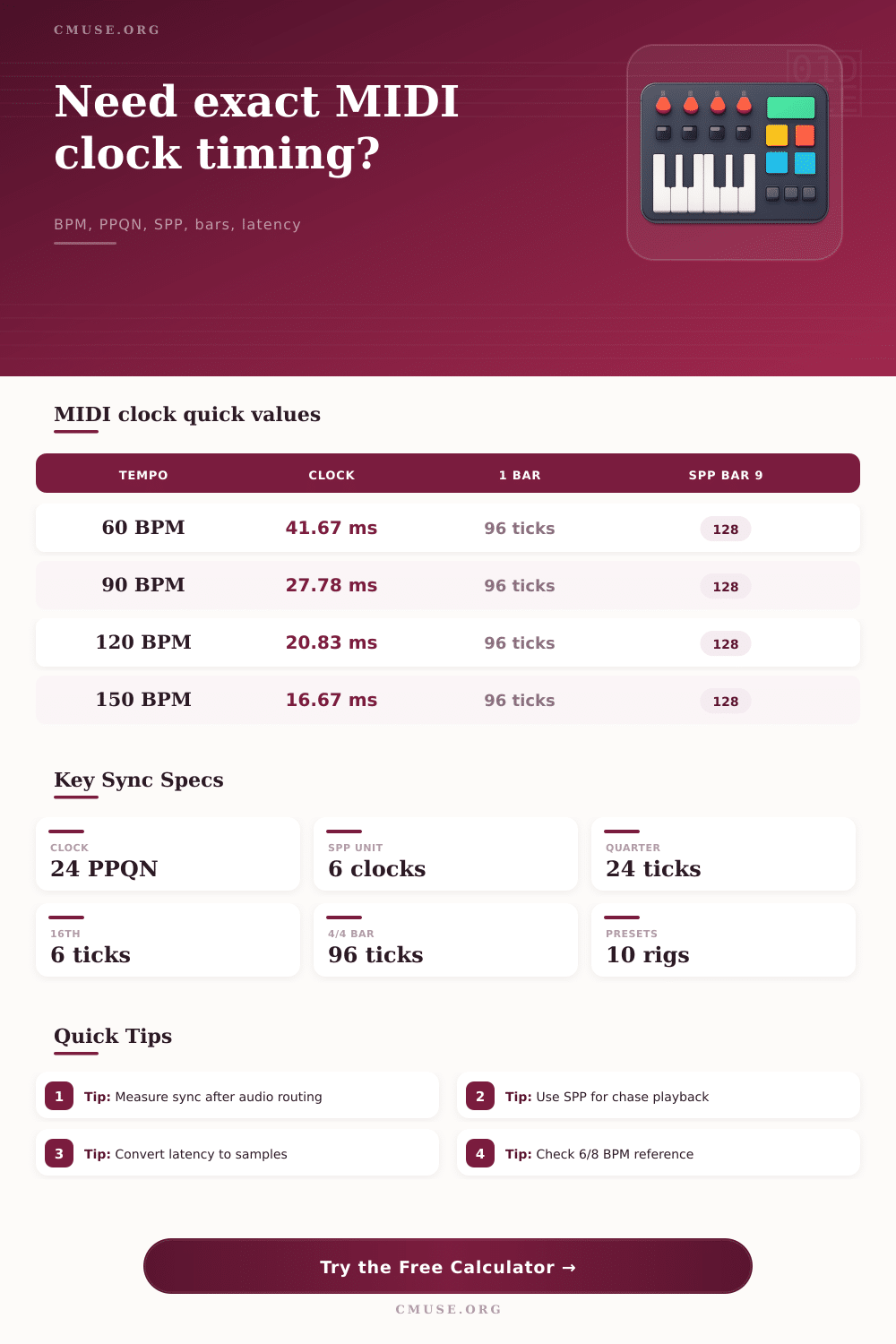
| 60 | 1000.00 ms | 41.67 ms | 96 | Slow click, ballad, SMPTE chase check |
| 90 | 666.67 ms | 27.78 ms | 96 | Mid-tempo groove or rehearsal playback |
| 120 | 500.00 ms | 20.83 ms | 96 | Common drum machine and DAW sync test |
| 128 | 468.75 ms | 19.53 ms | 96 | DJ, club, and loop-based performance rigs |
| 150 | 400.00 ms | 16.67 ms | 96 | Fast sequence, arpeggiator, or punk tempo |
| Location in 4/4 | Quarter offset | SPP value | MIDI clocks | Reason |
|---|---|---|---|---|
| Bar 1 beat 1 | 0 | 0 | 0 | Song start or hard reset |
| Bar 2 beat 1 | 4 | 16 | 96 | One full 4/4 bar has passed |
| Bar 9 beat 1 | 32 | 128 | 768 | Common eight-bar section boundary |
| Bar 17 beat 3 | 66 | 264 | 1584 | Middle of a 16-bar phrase plus two beats |
| Sample rate | Samples per clock | Samples per 4/4 bar | 1 ms offset | 128-sample buffer |
|---|---|---|---|---|
| 44.1 kHz | 918.75 | 88200 | 44.1 samples | 2.90 ms |
| 48 kHz | 1000.00 | 96000 | 48 samples | 2.67 ms |
| 96 kHz | 2000.00 | 192000 | 96 samples | 1.33 ms |
| 192 kHz | 4000.00 | 384000 | 192 samples | 0.67 ms |
| Preset | Tempo and meter | Start target | Latency focus | Typical sync check |
|---|---|---|---|---|
| Ableton Bridge | 120 BPM, 4/4 | Bar 1 beat 1 | 4.5 ms | DAW clock to drum machine input |
| Elektron Pattern | 128 BPM, 4/4 | Bar 9 beat 1 | 2 ms | Pattern change and SPP chase point |
| 6/8 Drum Box | 72 dotted BPM, 6/8 | Bar 5 beat 1 | 5 ms | Compound meter grid and click export |
| Hardware Chase | 100 BPM, 4/4 | Bar 33 beat 1 | 8 ms | Remote transport and pre-roll timing |
MIDI timing describe where musical events happen within the spaces between the notes. If the MIDI timing of a musical performance are not accurate, the performance can appear to be loose or uncoordinated. Small inaccuracy in MIDI timing can occur when using drum machines, sequencers, and click tracks.
For instance, if the kick drum of a drum machine play slightly early, or if a sequencer plays slightly ahead of the song that is being played, the MIDI timing is incorrect. In order to correct the MIDI timing, it is first essential to understand what each signal of the MIDI timing mean to the musical performance, and then to make specific corrections to that timing information. The standard MIDI clock pulse contain information that indicates that twenty-four pulses occur within a quarter note of music.
MIDI Timing Basics
Twenty-four pulses per quarter note were chosen as the standard because this timing allow for enough resolution of the musical performance by both hardware and software components of the musical devices. Each MIDI clock pulse indicates that a new slice of musical time has began. The time between clock pulse can be changed by altering the tempo of the music.
For instance, the difference between a tempo of 120 beats per minute and 128 beats per minute can be noticeable when using multiple musical device in a musical arrangement. You can use a calculator to determine the number of millisecond and samples that each tempo and number of pulses per quarter note equates to, thus avoiding having to manually calculate such value. The Song Position Pointer is a different signal that is used within MIDI for timing of musical performances.
Unlike the MIDI clock pulse, the Song Position Pointer do not continuously send pulses of MIDI data. Instead, the Song Position Pointer contains information that tells a musical device at what position within a song it should begin playing. The Song Position Pointer counts in sixteenth note units.
For example, a bar of four-four time have sixteen sixteenth note units. Musical devices utilize the Song Position Pointer when a musical arrangement is to begin playing from a specific section of the song. For instance, if a song has a sequencer that should begin playing on bar nine, beat one, the Song Position Pointer will contain a value that represents the meter and the starting point of the Song Position Pointer.
The sixteenth note offset can be altered by adding or subtracting step in the Song Position Pointer, but altering the sixteenth note offset will not change the bar that the Song Position Pointer jump to. Another common problem with MIDI timing is the presence of latency. Many people who experience problem with MIDI timing have the problem caused by incorrect measurements of the latency of the system.
The latency that is measured on many devices is the round-trip latency of the audio interface, not the MIDI clock pulse arrival at the instrument. A few millisecond of latency could result in a large fraction of a MIDI clock pulse if the tempo of the music is very high. In order to account for this latency in MIDI timing, a calculator can provide the latency in samples and clock fraction.
These measured latencies allow for a decision to be made as to whether adjustments should be made to the MIDI clock source, the buffer size, or the start of the performance. Sample rate is one factor that must be considered in the relationship between timing and MIDI. All decision regarding timing exist within an audio buffer.
For instance, at a sample rate of 48 kilohertz, a MIDI clock pulse at 120 beats per minute occupy 1000 samples. If the sample rate is increased to 96 kilohertz, the same MIDI clock pulse will occupy 2000 samples. Thus, changing the sample rate have an impact on the length of the MIDI clock pulse that can be utilized for a given buffer size.
Knowing this relationship between sample rate and MIDI clock pulse help to ensure accurate MIDI timing for musical performances. Swing introduce a delay to the off-beat subdivisions of a musical arrangement. The percentage value of swing indicates the degree to which the eighth notes of the music are delay from their expected position within the beat.
At 50% swing, there is no delay to the musical notes. At 60% swing, the off-beat eighth note is delayed by one-tenth of the duration of a quarter note. While this amount of time may be small when measuring in relation to time, the effect on the musical notes are large.
Moreover, each type of musical device may have a different swing setting compared to another device, yet both play at the same tempo. The reference table that are provided in the MIDI timing calculator are useful in providing a general understanding of how many clock pulses or samples occur within specific length of time at specific tempos and sample rates. These reference table are not to be used as a replacement for performing the measurements of the timing of the musical devices.
However, they can help to provide a sense of scale regarding the relationship between time, tempo, and sample rate. For instance, a time difference of one millisecond at 150 beats per minute is a larger portion of a MIDI clock pulse than the same difference of one millisecond at 90 beats per minute. Knowing this relationship allow for an understanding of the amount of compensation that should of been made in adjusting the MIDI timing of a musical performance.
It is recommended that you measure the MIDI timing of a song once, and then make a decision as to what that measurement mean regarding the number of clock pulses and samples of the song. After making this decision, only one adjustment should be made to the MIDI timing of the musical performance. The MIDI timing calculator can determine the mathematical value for the MIDI timing of a song, but the decision of how and if to apply such values is up to the individual musician.