Envelope ADSR Time Calculator
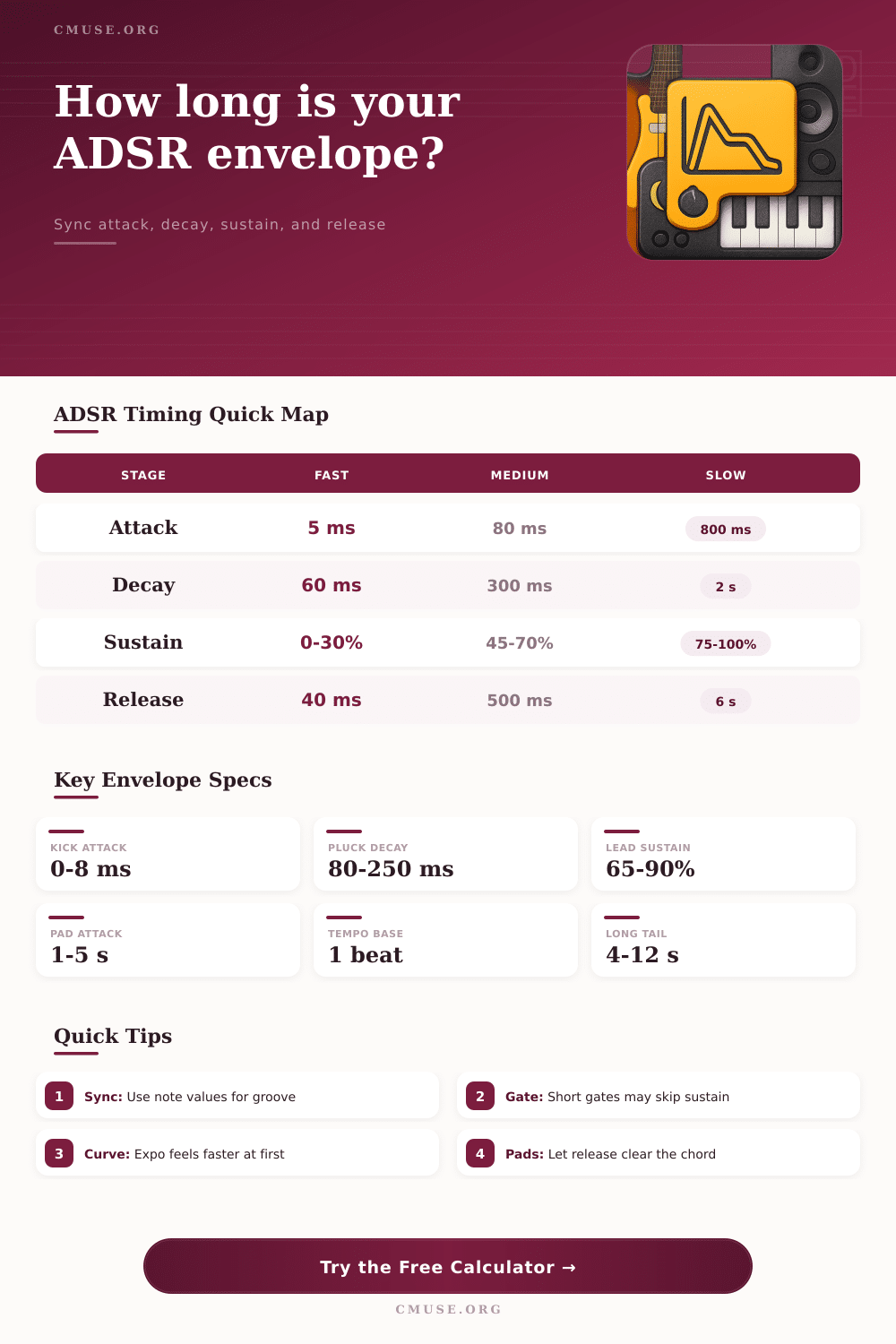
Calculate attack, decay, sustain, release, BPM-synced note values, gate length, curve feel, and total envelope duration for synth, percussion, pluck, bass, and pad patches.
Envelope Breakdown
| Note Value | Beats | Time at BPM | Common Envelope Use |
|---|---|---|---|
| 1/64 | 0.0625 | — | Tiny transient, click, breath |
| 1/32 | 0.125 | — | Fast attack or tight decay |
| 1/16 | 0.25 | — | Pluck decay, rhythmic chop |
| 1/8 | 0.5 | — | Bass release, short pad lift |
| 1/4 | 1 | — | Lead fade, phrase gate |
| 1/2 | 2 | — | Pad attack or long release |
| Whole | 4 | — | Ambient swell or drone fade |
| Case | Attack | Decay | Sustain | Release | Timing Goal |
|---|---|---|---|---|---|
| Percussion hit | 0-8 ms | 40-220 ms | 0-20% | 20-120 ms | Immediate transient and no smear |
| Muted pluck | 2-30 ms | 80-350 ms | 10-45% | 60-250 ms | Defined note length with fast recovery |
| Bass sequence | 0-25 ms | 120-500 ms | 35-80% | 40-300 ms | Groove stays locked to the step |
| Mono lead | 5-80 ms | 150-900 ms | 60-95% | 120-900 ms | Legato stays connected |
| Warm pad | 500 ms-5 s | 1-8 s | 75-100% | 2-12 s | Slow motion without abrupt edges |
| FX swell | 1-12 s | 2-20 s | 40-100% | 4-30 s | Large fade shape and tail control |
| Curve | Perceived Motion | Best For | Midpoint Factor | Warning Sign |
|---|---|---|---|---|
| Linear | Even rate from start to finish | Utility modulation, simple fades | 50% | May sound mechanical on volume |
| Exponential musical | Fast early change, smooth finish | Most amp and filter envelopes | 32% | Can feel too quick on long pads |
| Logarithmic slow start | Gentle start then stronger motion | Sweeps, slow filter opens | 68% | Can hide short attacks |
| Snappy percussion | Front-loaded transient emphasis | Kicks, toms, mallets, stabs | 22% | May click if attack is near zero |
| Soft pad curve | Rounded entry and rounded tail | Strings, choir pads, drones | 58% | Can blur dense chord changes |
| Patch Type | Gate Length | Envelope Priority | Release Target | Mix Risk |
|---|---|---|---|---|
| Kick or click layer | 1/64-1/16 beat | Attack speed and decay cutoff | Ends before next hit | Clicks or low-end overlap |
| Snare body | 1/16-1/8 beat | Decay contour and tail stop | Room-like but controlled | Tail masks ghost notes |
| Arp or pluck | 1/16-1/4 beat | Decay sync and sustain amount | Clears before next step | Pattern loses definition |
| Mono bass | 1/8-1/2 beat | Gate fit and release gap | Short enough for groove | Notes smear into each other |
| Poly pad | 1-8 beats | Attack rise and release blend | Supports chord changes | Harmony becomes cloudy |
| Ambient drone | 4-64 beats | Long attack and tail pacing | Musical fade to silence | Transitions feel static |
| Preset | BPM | ADSR Shape | Gate | Total Duration |
|---|---|---|---|---|
| Tight Kick Click | 128 | 0 ms / 95 ms / 0% / 45 ms | 1/32 beat | About 60 ms gate + tail |
| 16th Pluck | 120 | 1/32 / 1/16 / 35% / 1/16 | 1/4 beat | One 16th gate plus release |
| Acid Bass Line | 135 | 5 ms / 1/8 / 65% / 1/16 | 1/2 beat | Half-beat phrase contour |
| Warm Pad Swell | 90 | 1/2 / whole / 92% / whole | 8 beats | Long chord plus release |
| Cinematic Pad Tail | 72 | whole / whole / 100% / two whole | 12 beats | Scene-length fade shape |
Sometimes we’re sitting there thinking: “I want to make this sound,” and then playing it doesn’t happen. We think about a thumping bassline dropping out smoothly, and what we hear are a mess of frequencies. Why? Chances are it’s not that you chose the wrong oscillator or filter cutoff. What you’ve got wrong is timing.
Well, more accurately, it is the attack, decay, sustain, and release (ADSR) envelope. These aren’t just knobs on your synth. They represent shape of the sound through time. And if they don’t align with the track’s groove, then the groove fail.
How to Fix Your Sound Timing
This calculator turns the abstract into concrete; milliseconds so that you can dial-in the precise sound you want. So what’s the problem? The core challenge is that our ears perceive volume changes different than we measure them in raw time. A straight line ramping up to full volume feels unnatural, so it will sounded mechanical. This is why logarithmic and exponential curves exists in the tool. These begin their ascent rapidly then slow down towards steady level. This emulates the behaviour of something physical such as a vibrating string on a guitar. The perceived midpoint estimate shown in the calculator help you see this. This represents when your ears notice the sound arriving. Often it’s earlier then halfway through the entire duration. That’s worth knowing for purposes of phrasing.
Where a lot of producers get hung up is syncing those envelopes to the BPM. An attack set for two-hundred milliseconds at one-hundred-twenty beats per minute may be just right. Double the tempo however, and now that same attack sound sluggish and unconnected to the grid. Plug your desired tempo into the calculator and it will do the math for you. Instead of looking at a clock or thinking in musical terms like sixteenth notes, you’ll know your pluck sounds tight and isn’t lagging behind the kick drum. Looking at reference table on the page, you can see how note values correlate to actual durations. No more mental arithmetic as you create.
Another variable that’s frequently overlooked until it bites you in the butt is length of your gates. Simply put, this is how long you keep the key pressed down before release stage begins. If your attack and decay together is longer than your gate length, the sound will cut out before reaching the sustain level. This might work as a feature of something percussive like a snare where you desire an immediate impact. For a lead or pad however, it renders the sound thin. Has your gate been long enough to allow the envelope to breathe? The sustain level may be set high but if your gate is short, then setting the sustain level at 100% are a waste of time.
The final consideration is release time, which is exactly what occurs after you let go of the key. With an arpeggio, a short release have a choppy effect. A long release allows the note to linger in the air, adding texture to the sound. Long releases can be problematic as they can mask. In other words, if the release from chord one muddies into the attack of chord two then you have lost any idea of the harmony. You have lost definition. The calculator displays the total envelope length (gate plus tail), so you can see if your notes overlap.
This tool has some preset sounds to get you started on common applications. Presets are only guidelines. You want to learn how the numbers relates to the feel. If I set an attack really fast and a release really slow it creates a sound that leaps forward and tapers off slowly. Setting a super-fast release on top of slower attack creates a sound that holds its breath followed by a sharp exhale. With that understanding of motion, you can mold each patch to fit into your mix seamlessly.
This is all about where the sound inhabits space. Just as there’s a rhythmic feel to what the notes do, there’s one to the rise and fall of the volume. That alignment is what makes a track move.