Capo Transpose Note Calculator
Convert capo frets into playing shapes, sounding keys, chord roots, single-note shifts, and tuning-specific open-string notes for guitar arrangements.
🎯 Capo Transpose Presets
🎼 Capo And Note Inputs
📌 Current Capo Snapshot
🎸 Guitar Tuning Comparison Grid
🗂 Capo And Key Tables
| Capo Fret | Shape For Target Key | Selected Shape Sounds | Capo Interval | Quick Use |
|---|
| Option | Play Shapes In | Sounds In | Open Strings At Capo | Arrangement Note |
|---|
🎹 Note Transpose Tables
| Original Note | Up By Capo | Down By Capo | Current Direction | Interval |
|---|
| Common Shape | Capo 1 | Capo 2 | Capo 3 | Capo 4 | Capo 5 |
|---|---|---|---|---|---|
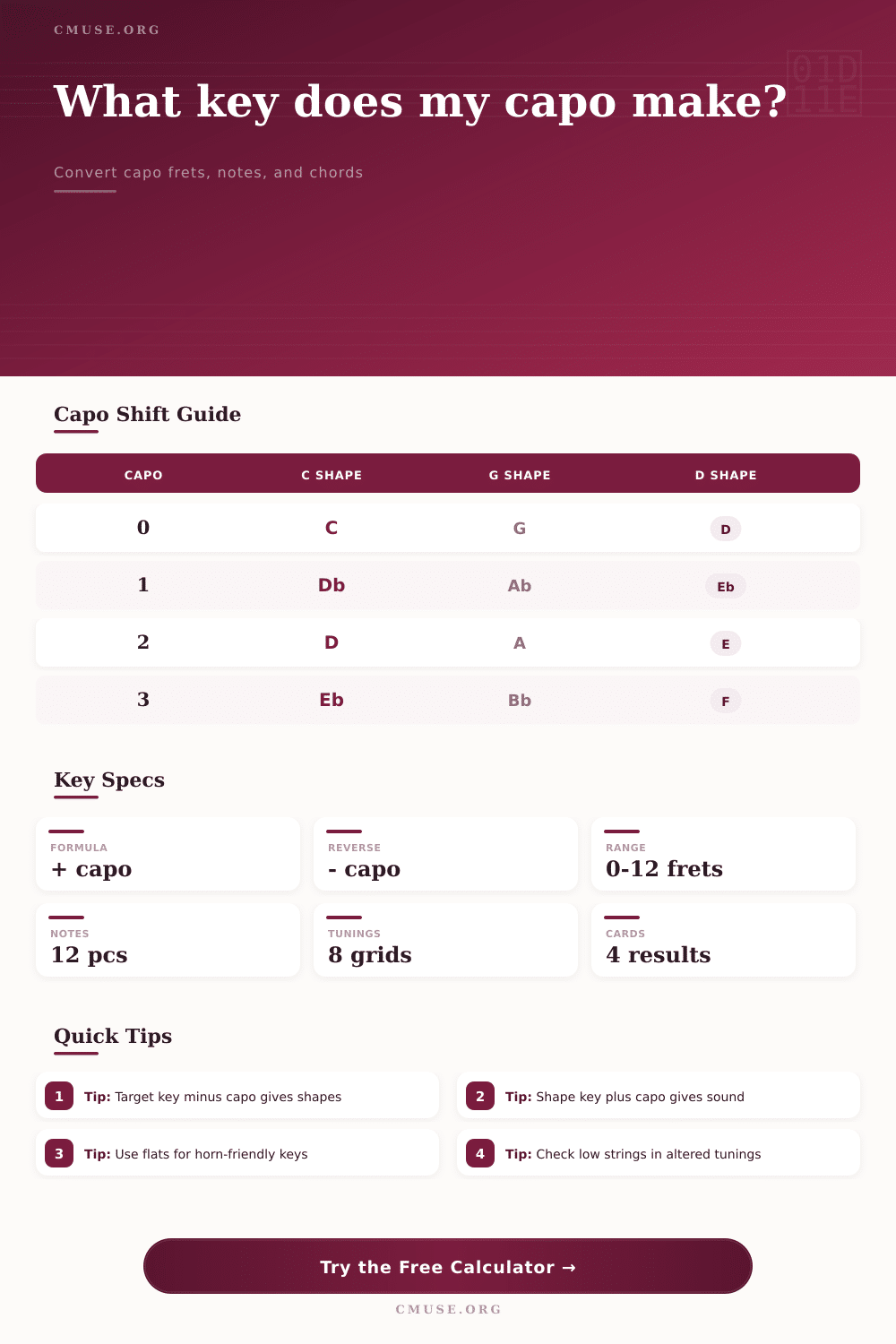
| C shape | Db | D | Eb | E | F |
| D shape | Eb | E | F | Gb | G |
| E shape | F | Gb | G | Ab | A |
| G shape | Ab | A | Bb | B | C |
| A shape | Bb | B | C | Db | D |
| Am shape | Bbm | Bm | Cm | Dbm | Dm |
💡 Capo Transpose Tips
Your voice doesn’t always find itself at home in standard tuning. A song sounds beautiful. But your voice can’t hit chorus without cracking, or you might be stuck in a midrange that are muddy and lacks power. Here’s where the capo goes beyond being just an accessory. Instead, it function as a mechanical transposition device that allow you to shift actual pitch of the music while maintaining the chord shapes you already know.
That’s simple math, but even seasoned players will pause here. Leave the arithmetic to the calculator. You do what you was hired to do: play. No mental gymnastics is necessary here. This applies whether you need a set change or want to quickly run through a few thing.
Why Use a Capo and a Calculator?
And that’s really the heart of it all: A simple relationship between note names and their respective position on fretboard. With a capo applied to the 2nd fret, each open string will now be an increase of two semitones. Playing a C major shape then produces a D major chord.
It is simple enough until you consider the whole thing. How do I find the right shape to create sound I’m looking for? Or how do I know which key I’m in if I choose a random shape and fret?
The tool simplifies it into neat input/output relationships. It demonstrate precisely what shape to apply for a given key. It also uncovers the key being sounded when you have selected a random combination of frets and shape. It also factors in different chord qualities. A minor shape remain minor no matter where the capo is placed.
Key signing is another interesting feature of this that can be somewhat awkward. For example, a capo placed at the 1st fret makes C a D flat in some situations, but a C sharp in others. Most players generaly feel more comfortablely calling them flats when playing with certain vocal range or brass sections, because this matches how they usually read music.
The option to switch between flat and sharp notation is available on the calculator. This is useful if you create charts to share with fellow musician. While the notes may all sound the same, the way they appear on the chart can be confusing if you’ve used the wrong spelling.
There’s more to that equation and that is the variation of tunings. Using different tunings, such as open G, DADGAD, or Drop D, alters the intervals between the open strings, but a capo move them all up by one semitone. The reference table shows that out across a range of tuning grids. That gives you an idea of what happens to the open strings as the capo moves into place.
This can be especially helpful if you are a fingerstyle guitarist or someone using a slide, which depend on certain ringing note combinations. It also factors in if you have a half-step down or baritone tuning. This corrects base notes to suit your set-up and keeps the transposition accurate different than your own.
There’s an upper range beyond which you don’t want to go as well. Sure, the math can keep going up indefinitely. But the instrument that it’s supposed to be used with doesn’t behave that way. As you get higher into the neck, the strings begins to compress, making barre chords impractical. Intonation becomes more unforgiving at higher frets. That’s why most players confine themselves to the lower five or six frets.
For practicality, there’s a setting here to constrain what is shown. Rather than show everything that may exist (theoretically), you only see what makes sense based off how high frets compress the strings and make intonation less forgiving. You don’t want a solution that’s merely doable on paper; you want something that can actualy be played.
So why transpose with a capo at all? Ultimately, it makes things more efficient. Instead of having to learn whole new fingerings for every song in a different key, you are given access to keys that you may not of previously thought about using. If the key is too low or high you won’t need to stretch uncomfortably on the guitar either. Your left hand stays comfortable, and you can find the sweet spot for your voice.
This is where the calculator makes this easier. What could be a stumbling block now become an easy adjustment. Knowing how each note works under the hood (the relationship between sound, fret and shape) frees up the experience so you can go ahead and play around as much as you like. You’ll know there’s a solid foundation underneath you, which give you the confidence to make those tricky key changes easily part of what you do.