Biquad Filter Calculator
Calculate normalized IIR biquad coefficients for musical EQ, crossovers, tone controls, notch filters, and embedded DSP with response and stability checks.
🎚 Quick DSP Presets
🎛 Filter Inputs
Coefficient Export
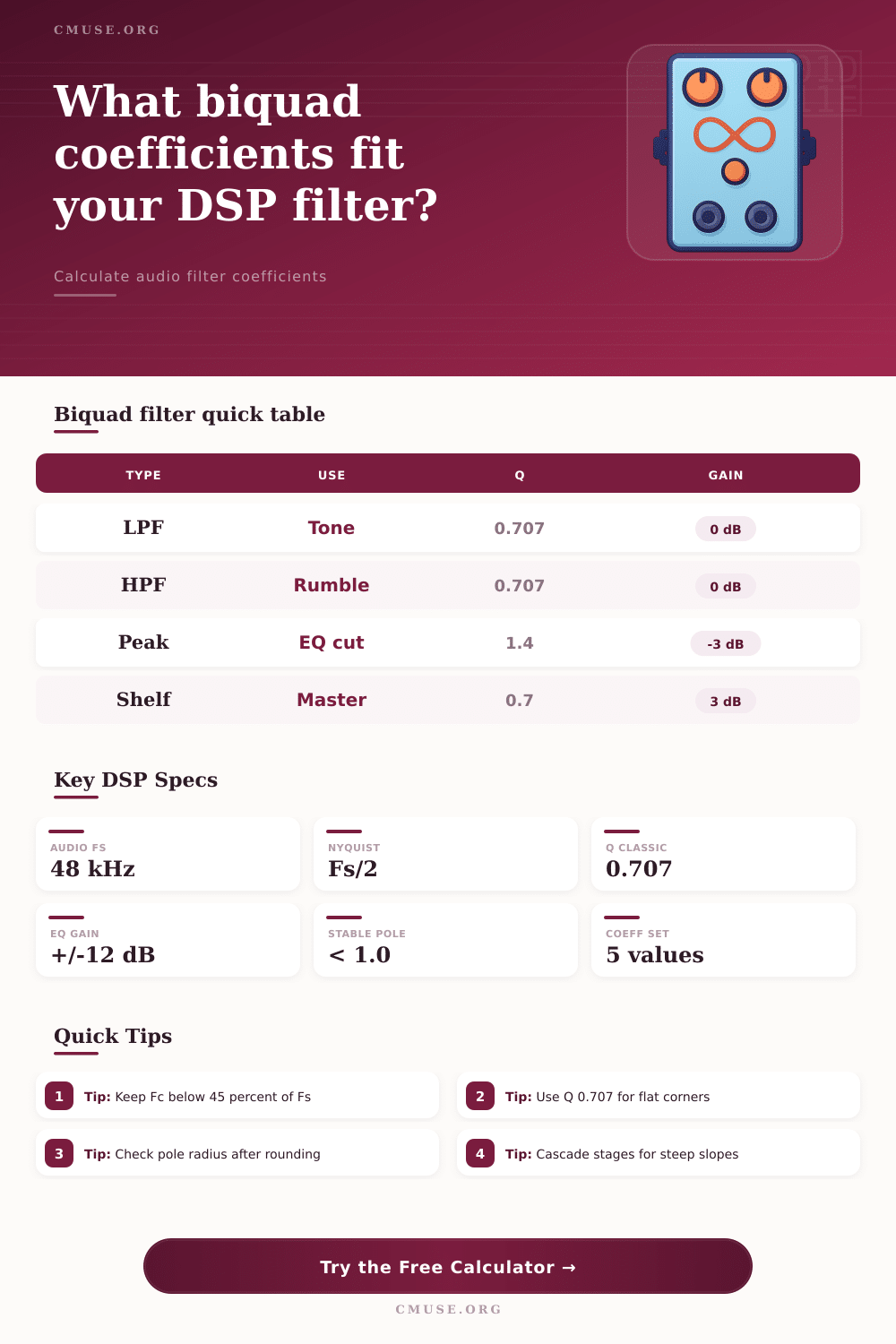
📈 Biquad Spec Grid
📝 Filter Type Reference
| Type | Primary Use | Main Formula Control | Typical Range |
|---|---|---|---|
| Low-pass | Remove treble, anti-alias smoothing, crossover low branch | Fc and Q; Q 0.707 gives Butterworth corner | 20 Hz to 0.45 Fs |
| High-pass | Remove rumble, DC, stage vibration, crossover high branch | Fc and Q; Q below 1 avoids strong resonance | 10 Hz to 0.45 Fs |
| Peaking EQ | Boost or cut a focused music band | Fc, Q, and gain where A = 10^(gain/40) | Q 0.3 to 12 |
| Shelf | Tilt bass or treble while leaving the opposite band mostly flat | Fc, shelf slope S, and gain | S 0.3 to 1.5 |
| Notch | Reject hum, whistle, resonance, or a narrow feedback tone | Fc and high Q; alpha = sin(w0)/(2Q) | Q 5 to 50 |
| All-pass | Rotate phase without changing ideal magnitude | Fc and Q set the phase transition shape | Q 0.3 to 5 |
🧮 Coefficient Formula Table
| Quantity | Equation | Meaning | Calculator Use |
|---|---|---|---|
| w0 | 2 pi Fc / Fs | Digital radian frequency | Maps Hz to the unit circle |
| alpha | sin(w0) / (2Q) | Bandwidth control for most filters | Sets damping and pole radius |
| A | 10^(gain / 40) | Amplitude factor for EQ and shelves | Converts dB gain into coefficient scale |
| Normalize | b0/a0, b1/a0, b2/a0, a1/a0, a2/a0 | Standard one-section biquad form | Returns coefficients ready for code |
📊 Practical DSP Ranges
| Scenario | Sample Rate | Filter Target | Practical Note |
|---|---|---|---|
| Music plug-in EQ | 44.1 or 48 kHz | Peaking and shelves | Use float coefficients and automate gain smoothly |
| Embedded speaker DSP | 48 or 96 kHz | Crossovers and correction EQ | Check fixed-point rounding and pole radius |
| Measurement cleanup | 48 kHz | Notch or high-pass | High Q notches can ring; verify time response |
| Synth or pedal code | 48 kHz | Low-pass and all-pass | Clamp Fc during modulation to avoid instability |
🎛 Common Preset Targets
| Preset | Type | Starting Values | What To Watch |
|---|---|---|---|
| Rumble HPF | High-pass | 35 Hz, Q 0.707, 48 kHz | Too high can thin kick and bass fundamentals |
| Hum Notch | Notch | 60 Hz, Q 18, 48 kHz | Very high Q can expose coefficient precision limits |
| Bass Shelf | Low shelf | 110 Hz, S 0.8, +4 dB | Boost may need input trim before the filter |
| Two Stage LPF | Low-pass | 2400 Hz, Q 0.5, cascade 2 | Cascading doubles slope and passband effect |
🔍 Implementation Notes
A biquad is an second-order recursive filter. A biquad is a tool used to create digital filters for audios. A digital computer dont understand curves.
A computer must use a stream of numbers to create a digital filter. These coefficient create the filter. The five coefficients will determine how the filter function.
What is a biquad filter
Using an incorrect coefficients will create a digital scream that can damage you’re speakers. Coefficients is required to convert a stream of numbers into a digital filter. A biquad is efficient and versatile.
A biquad is a second order recursive filter. This means that a second-order recursive filter use the current input. However, a second-order recursive filter also use the previous inputs and the previous outputs to calculate the next sample of an audio.
This allow the biquad to create very steep slopes and very sharp peaks in the digital filter. Additionally, the way that a biquad uses previous samples of the audio to calculate the next sample means that the biquad does not use much processing power to perform its duty. Furthemore, biquads utilize a parameter call the Q factor.
The Q factor is a measurement used in a biquad. The Q factor allow the user to control the width of the filter. For example, using a peaking EQ with a high Q factor will create a narrow spike in the audio.
Using a low Q factor will create a broad swell in the audio. Additionally, using a low-pass filter with a Q factor of 0.707 will allow for a Butterworth response. This Butterworth response will allow the audio to have a flat passband before the cutoff frequency.
Using a Q factor more higher than 0.707 will create a resonant peak at the corner frequency of the filter. This resonant peak will only be useful for use in synthesizers, not in creating transparent audio crossovers. Another requirement for a biquad is stability.
A biquad can become unstable due to its use of feedback. A biquad will become unstable if the pole of the filter go outside of the unit circle. If the poles of the filter go outside of the unit circle, the audio output will continue to grow in magnitude until it either clip or the system that is running the program crash.
This can happen if the corner frequency is too close to the Nyquist limit. The Nyquist limit is half of the sample rate. Therefore, both checking the pole radius and ensuring that the filter remains within its stable range are required to ensure that it remains stable and performs as it should of.
When implementing a biquad filter, one must choose between floating point math and fixed point math. A programmer can use fixed point math in instances where the program is compile for a microcontroller. This is because fixed point math is faster on cheaper hardware.
However, fixed point math introduce rounding errors into the program. If the precision of the coefficients isnt appropriate for the hardware that will compile the program, the audio signal can either shift in frequency or become unstable. The precision of the coefficients can be seen in the coefficients in Q1.31 or Q1.15 formats.
Another important structure to understand for the biquad is the structure of the algorithm. The most common is known as the Direct Form I. However, the Direct Form II Transposed is the preferred structure for floating-point implementations. The Direct Form II Transposed is preferred than the Direct Form I structure because the Direct Form II Transposed is more computationally efficient and handle noise better.
Additionally, the user should not increase the Q factor to create a steeper slope. This is because increasing the Q factor will create a massive peak in the output of the audio. An alternative is to cascade the biquad filters.
Cascading biquad filters mean stacking multiple biquad filters on top of each other. Stacking multiple biquad filters will increase the slope of the digital filter. Additionally, cascading the filters is the preferred way to create a steep cut filter since cascading the filters will not ruin the phase response of the signal.