Bar Count Calculator
Convert song duration, BPM, time signature, pickup beats, tempo changes, and repeated arrangement sections into total bars, beats, and timing checks.
Preset use: Load a common song, cue, loop, or rehearsal structure, then adjust the duration, meter, tempo map, pickup, and section repeats.
How section repeats work: Each row multiplies written bars by repeat passes, then the calculator adds pickup beats, global passes, and tag bars to build the planned bar count.
Calculation Breakdown
Average BPM
Quarter notes per bar
Pickup share of a bar
Beat click interval
| Section | Written Bars | Repeats | Expanded Bars | Approx Time |
|---|
| Tempo Model | Start BPM | End BPM | Average Used | Counting Note |
|---|
| Meter | Quarter Notes Per Bar | Beat Feel | Common Use |
|---|---|---|---|
| 4/4 | 4 quarter notes | 4 steady beats | Pop, rock, hip hop, scoring grids |
| 3/4 | 3 quarter notes | 3 waltz beats | Waltz, ballad, folk cue phrasing |
| 6/8 | 3 quarter notes | 2 dotted-quarter pulses | Shuffle ballads, compound meter cues |
| 5/4 | 5 quarter notes | 3+2 or 2+3 grouping | Prog, jazz, film tension patterns |
| 7/8 | 3.5 quarter notes | 2+2+3 or 3+2+2 | Odd-meter riffs and transition bars |
| Preset | Typical Duration | Meter | Count Focus |
|---|---|---|---|
| Pop Single | 3:24 | 4/4 | Verse and chorus repeat balance |
| EDM Build | 5:12 | 4/4 | 16 and 32-bar phrase blocks |
| Jazz Ballad | 4:40 | 4/4 | Head, solos, and return head |
| Film Cue | 1:36 | 4/4 | Hit-point timing with tempo ramps |
| Waltz Cue | 2:12 | 3/4 | Pickup and three-beat bar counting |
When calculating bar count for film cues or live arrangements, one must knows the exact bar count for the cue. The bar count is necessary to know the opening chord for the cue, the final bar for the live arrangement, and if there is vocal sections in the cue. While many may attempt to calculate the bar count by tapping along to a metronome or by writing numbers on the chart for the cue, such estimate are often inaccurate due to changes in tempo for the cue.
The total number of beats for a musical piece is not the same then the total number of musical units for the cue, as the musical units must account for every element that occurs for the total duration of the musical cue. While many musical cues has a constant tempo throughout the piece, other musical cues may have a tempo ramp, ritardando elements, or stepped tempo changes within the cue. These types of changes to the tempo can change the speed at which the musical units are played.
How to Count Bars for a Music Cue
Thus, calculating the average tempo for the cue is important to finding the correct number of bar for the musical cue. The calculator included in this article can calculate these types of mathematical calculations for the musical cue by simply entering the start and end tempo for the cue and its total length. Pickup beats are musical beats that occur prior to the first bar of music for a cue.
These types of beats must be accounted for in the calculation of the total number of bars for the musical cue. Thus, pickup beats should be entered separately from the bar count for the musical cue to ensure that the planned bar count for the cue matches that which will be performed. Count-in bars and tag sections work in the same way as pickup beats, as these sections adds to the total number of beats to be played for the musical cue.
Section repeats can have a major impact upon the total number of bars for a musical cue. For instance, a sixteen bar verse may be played two times, or a chorus may be repeated three times in the cue. Each of these repeated sections will increase the total bar count for the cue.
Thus, a section repeat row is used to account for each of these repeated sections of music so that the musicians account for the total length of the cue in the way in which it will be performed. Time signatures that are not four-four can make calculating the total number of bars for a musical cue become complicated. For instance, a time signature of seven-eight will have a different number of quarter notes in a bar than a time signature of three-four.
In these instances, bars must be converted to quarter-notes so that the total number of bars can be correctly calculated for the cue. The calculator performs this type of conversion, as it can account for each of the bars for a cue and convert them to quarter-notes so that it can account for pickup beats and repeats within the cue. Furthermore, this calculating of time signatures is helpful for cues that has various time signatures or for those that wish to compare two musical cues to determine their relative bar counts.
Due to the changing nature of musical sessions, it is common for the length of a cue to change during the recording of the musical cue. For instance, a director may decide on an eight-bar musical extension for a cue, or a singer may request an extra chorus be played in the cue. Additionally, a live band may decide to vamp the outro to a cue.
An extra field for tag bars allow for these extra bars to be accounted for in the calculation of the total number of bars for the cue. Furthermore, warning messages will appear in the calculator should the estimated length of the musical cue not match the planned bar count, indicating another potential error in the planning of the cue. Common mistakes with calculating the total number of bars for a musical cue may include treating pickup beats as if they belongs to bar one of the musical cue.
Another common mistake is to ignore that the tempo for a musical cue can impact the total number of bars of the cue. Furthermore, it is common for musicians to forget to enter the repeat counts for each section of the cue, leading to undercounting the total number of bars of the cue. While the calculator cannot account for each mistake that may be made in the planning of the cue, the calculator will provide warning messages regarding each of these error.
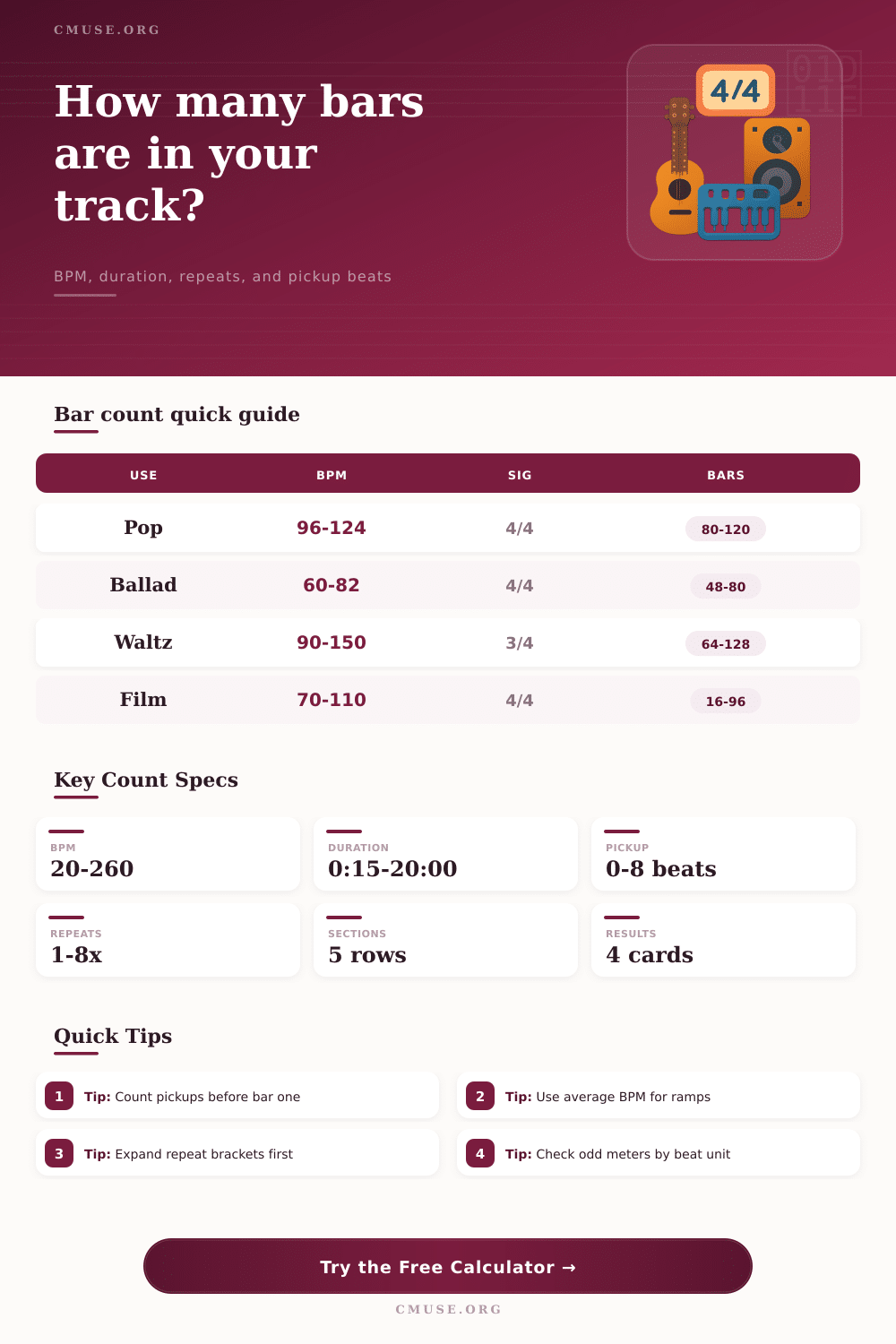
The tables within this article help to provide a general understanding of the number of bars that is requested for each musical genre. While these tables are not rules that can be followed for each musical cue, they do provide a sense of scale as to the length of each type of musical cue. Thus, musicians can utilize these tables to avoid creating a musical cue that is either too long or too short compared to the expectations of that particular musical genre.
The goal for musical cue creators to understand the difference between the time that is displayed on a clock and the contents of the musical chart for that cue. If the difference between the two values is small, then it is likely that the musicians have created an intentional musical cue. However, large differences between the time that is played for the musical cue and the total number of bars that are planned indicates that there may be error in the planned tempo or section counts for the musical cue.
Thus, by making both of these values visible to the cue creators, the calculator allows musicians to create musical cues based off the structure of the cue rather than their estimation of the structure.