Auto Pan Rate Calculator
Convert BPM-synced panning into Hz, milliseconds per sweep, cycles per bar, stereo phase offsets, pan-law compensation, and width/depth movement.
Presets fill the controls and run the calculator. They are starting points for musical pan motion, not plugin-specific settings.
Calculation Breakdown
quarter_ms = 60000 / BPM
bar_ms = quarter_ms x beats_per_barcycle_ms = quarter_ms x division_beats
Hz = 1000 / cycle_mscycles_per_bar = bar_ms / cycle_ms
or Hz x bar_ms / 1000phase_ms = cycle_ms x phase / 360
center_gain = 10^(pan_law_db / 20)| Division | Beat Length | Cycles Per 4/4 Bar | Hz at 120 BPM | Common Feel |
|---|---|---|---|---|
| 4 bars | 16 beats | 0.25 | 0.125 | Very slow atmosphere |
| 2 bars | 8 beats | 0.50 | 0.250 | Pad motion and strings |
| 1 bar | 4 beats | 1.00 | 0.500 | Natural phrase sweep |
| Dotted half | 3 beats | 1.33 | 0.667 | Cross-rhythm drift |
| Half note | 2 beats | 2.00 | 1.000 | Obvious but relaxed |
| Dotted quarter | 1.5 beats | 2.67 | 1.333 | Delay-like bounce |
| Quarter note | 1 beat | 4.00 | 2.000 | Groove locked movement |
| Eighth triplet | 0.333 beats | 12.00 | 6.000 | Fast shuffle pulse |
| Sixteenth | 0.25 beats | 16.00 | 8.000 | Choppy electronic pan |
| Pan Law | Center Gain | Center Level | Best Use | Watch For |
|---|---|---|---|---|
| 0 dB | 1.000x | Full center | Simple gain panners | Center may feel louder |
| -3 dB | 0.708x | Constant power | Most stereo auto pan | Plugin defaults vary |
| -4.5 dB | 0.596x | Hybrid law | DAW compatibility checks | Slight center dip |
| -6 dB | 0.501x | Linear pan | Hard left-right effects | Center can sound thin |
| Setting | Conservative | Wide | Extreme | Use Case |
|---|---|---|---|---|
| Width | 40-70% | 80-120% | 130-200% | Apparent stereo span |
| Depth | 15-35% | 45-75% | 80-100% | How far pan travels |
| Phase | 0-45 deg | 90-180 deg | 181-270 deg | Left/right offset |
| Smoothing | 35-70% | 10-30% | 0-5% | Edge click control |
| Preset | BPM | Rate Source | Width / Depth | Phase | Musical Role |
|---|---|---|---|---|---|
| Slow Pad Drift | 72 | 2 bars | 90 / 45 | 180 deg | Long sustained chords |
| One-Bar Verse | 96 | 1 bar | 70 / 50 | 135 deg | Subtle section movement |
| Guitar Chop | 112 | Quarter | 65 / 80 | 180 deg | Rhythmic stereo pulse |
| Dotted Keys | 124 | Dotted eighth | 85 / 65 | 180 deg | Offbeat syncopation |
| Triplet Pulse | 140 | Eighth triplet | 75 / 70 | 120 deg | Shuffle and swung parts |
| EDM Build | 128 | Sixteenth | 120 / 90 | 180 deg | Fast transition energy |
That’s that specific kind of panic that hits when you finally listen to your mix in the car. The guitar sounds static and the pad sound thin. You know there’s something wrong. Not necessarily with the balance of frequencies, but rather the lack of movement in space. It’s either way too aggressive or non-existent.
That’s where auto panning comes into play. You can fix the issue by automating the stereo width over time. Unfortunatley, this also creates a mathematical problem that most producers end up guessing their way around. Without a corresponding pan rate aligned with the songs tempo, the motion drags behind or rushes ahead of groove. Rather than hearing an intentional arrangement, we hear a mechanical error instead of a musical choice.
How to Fix Static Mixes with Auto Panning
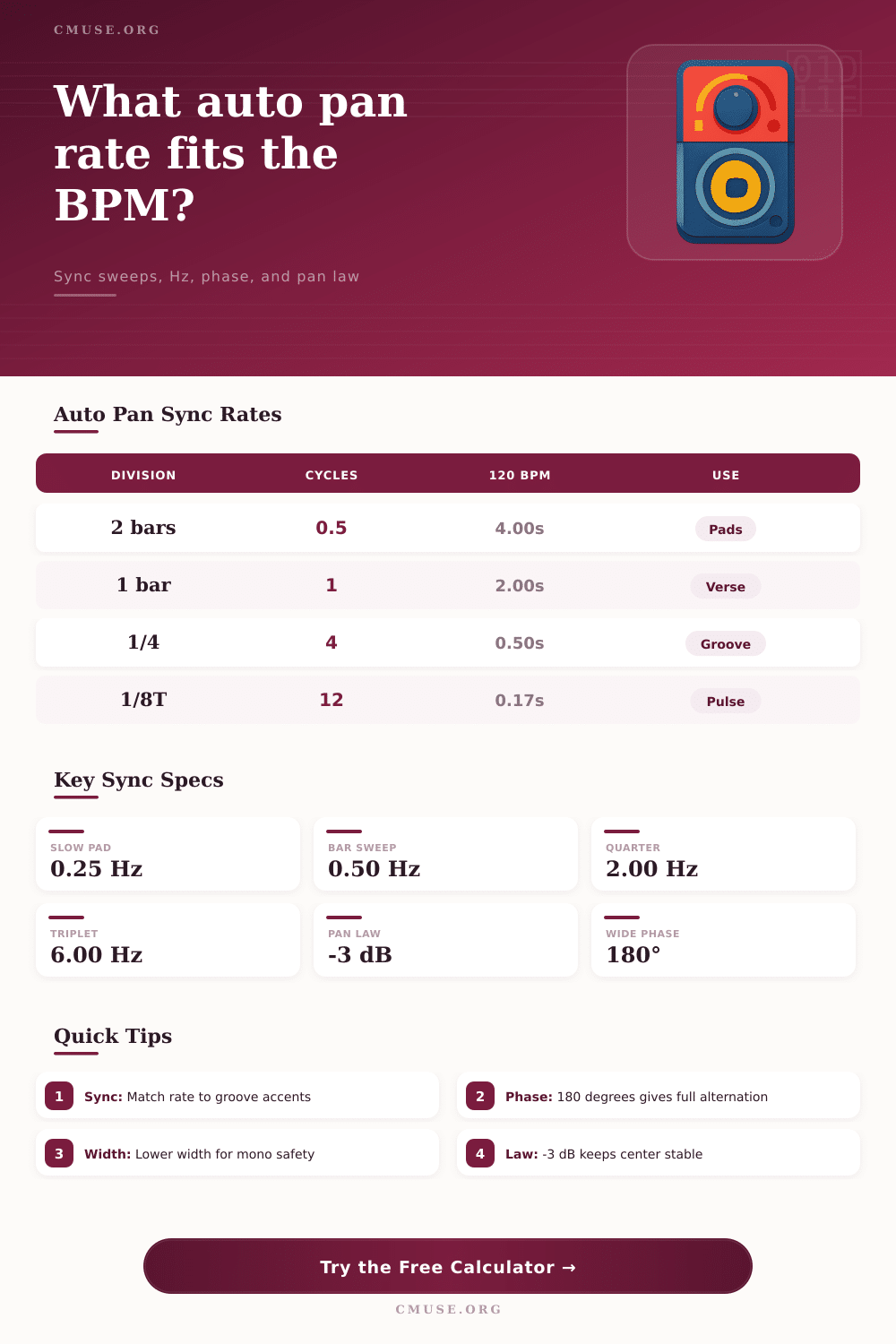
So how does it all add up? Don’t worry about doing any mental arithmetic yourself when attempting to maintain your creative flow, the calculator above will do the conversion from beats per minute, rhythmic divisions, and Hertz for you. All you need to do is enter your chosen tempo then choose the rhythmic value you wish the pan cycle to align with. Whether you’re looking for a slow atmospheric drift across two bars or something tighter and syncopated on eighth note triplets, the tool converts these musical intentions into accurate frequency settings. This ensures each left to right sweep completes at exact point where next musical phrase starts.
But as many previous hardware synths had different definitions of an LFO rate different than a lot of digital audio programs, it’s important to understand what it is you are measuring. The final input to consider is the stereo phase offset. This has perhaps the most ignored possibility for sound creation. You can set this to either zero degrees for unison movement or one hundred and eighty degrees for a classic ping-pong effect.
At zero degrees, the two channels will move together, effectively only widening or narrowing central image. No true alternating take place. At one-hundred and eighty degrees, however, it gives that old classic ping-pong feel as signal completely switches left-right speakers.
When folks who want something to move forget to change the phase, they tinker with the speed. This is the heart of issue and why the calculator does all the math. It displays not only how much time are passing during the cycle but also how the phase offset works with that. This allows for a better understanding of what someone is going to be hearing out there in complete stereo field.
Another key variable in perceived loudness is something called Pan law. When you move a signal off-center, it technically has less gain without compensation. The minus three decibel pan law preserves total power so the sound never sucks inwards towards middle of the spectrum. On the other hand, if you employ a zero decibee pan law then when it reaches the middle of the spectrum, the center position jumps out disproportionately loud than the sides. This makes your mix sound unstable. What’s more, the table on the page compares various pan laws and how they affects center gain, giving you an idea what pan law to use depending on the type of instrument.
Depth and width are other things you get to play with here that each do something slightly different. Depth is basically how far back into the mix the sound move from the center point, and width is how wide the total stereo image is. So you might find that a narrow width paired with a lot of depth sounds quite sharp and intimate; a wide width paired with little depth comes across as expansive and more subtle. This may not seem like much but if you’re trying to mix an ambience in the song like keys or vocals in the background, then being able to control these settings help create motion that complements your frequency content instead of working against it.
All of this boils down to rhythm as well as space. It’s an energizing move but not a cluttering one when it locks into groove of the track. And it removes the guesswork from how fast to go. That way once you have the right speed, then rely on your ears for the texture. Motion should be steady like breathing in a good pair of stereo speakers. It is inevitable and steady, not an erratic glitch in the matrix. And finally, if you get it timed correctly, it makes for a mix that feels alive, not just louder.