Audio Bitrate Calculator
Estimate bitrate, codec size, and PCM reference values from sample rate, bit depth, channels, and duration.
🎵 Quick Presets
📏 Calculator Inputs
📊 Codec Reference Grid
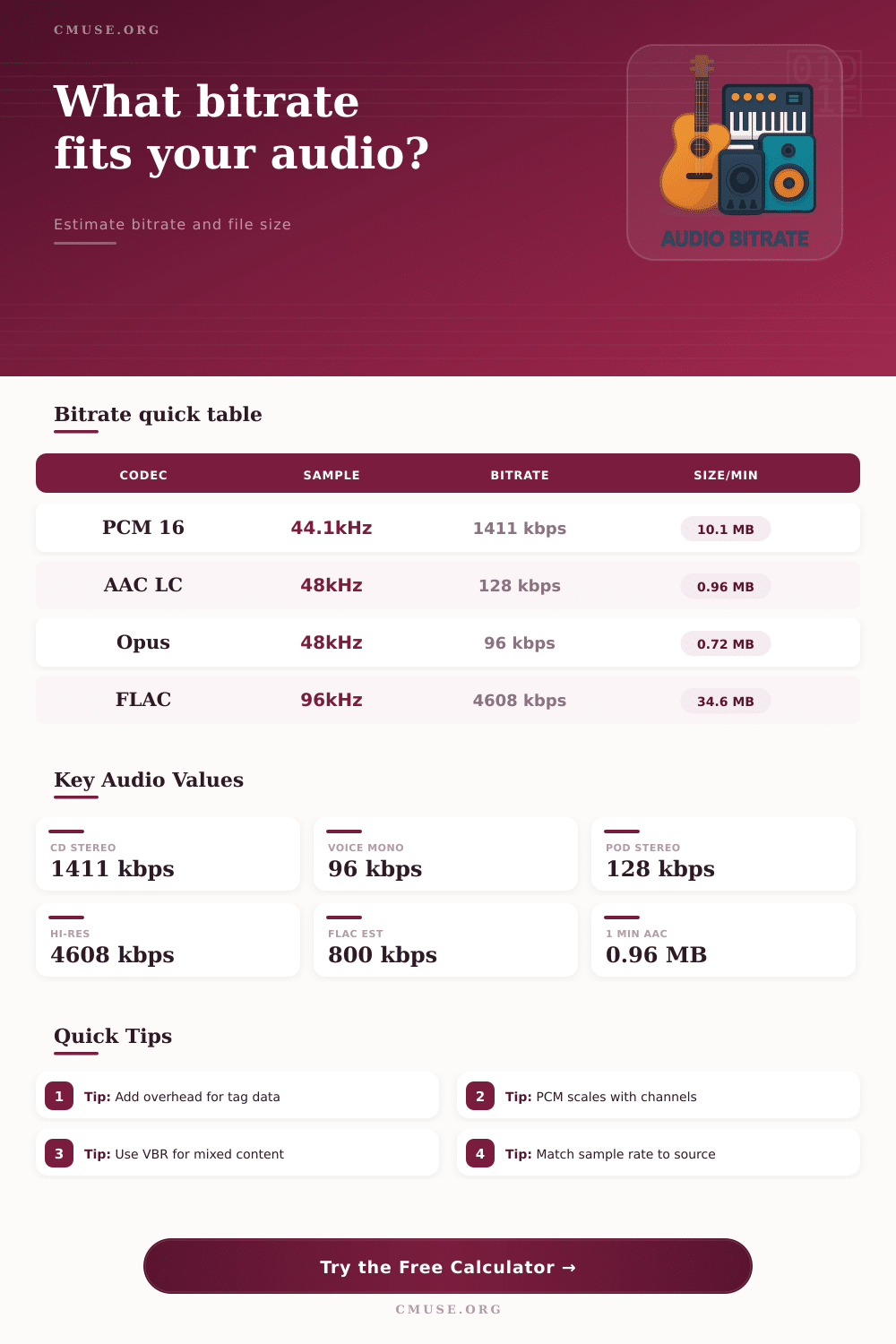
| Codec | Sample | Bitrate | Use Case |
|---|---|---|---|
| PCM 16 | 44.1kHz | 1411 kbps | CD masters |
| AAC LC | 48kHz | 128 kbps | Streaming |
| Opus | 48kHz | 96 kbps | Voice |
| FLAC | 96kHz | 4608 kbps | Lossless |
| Project | Duration | Primary | Secondary |
|---|---|---|---|
| Podcast Intro | 3 min | 128 kbps | 2.9 MB |
| Music Demo | 4 min | 192 kbps | 5.8 MB |
| Voice Note | 1 min | 48 kbps | 0.4 MB |
| Archive Mix | 6 min | 4608 kbps | 207.4 MB |
Audio bitrate shows how much data move in audio files Every second of digital sound is made up of bits. You measure it by kilobits each second, or kbps. Bigger bitrate usually give better quality, although the files become bigger.
Simply said, bitrate shows how many bits you prepare during a set time. For instance, 128 kbps mean 128,000 bits for every second of sound. Those data can be rich or poor, high or low.
How Bitrate Affects Sound Quality
Low bitrate commonly destroys the sound.
Two main things affect the quality of compressed sound: the codec and the bitrate. Bitrate controls how much data make the sound. Common values are 64, 96, 128, 160, 192, 224, 256, 288 and 320 kbps.
In 64 to 96 kbps the sound works only for voices, as in audiobooks or podcasts. Here music sounds weak, with soft highs and muddy bass.
128 kbps commonly serve for music on Apple Music or Spotify. It gives good quality with little bandwidth. Many services use that level, like radio sound.
Mobile nets hardly bear higher values, so 128 to 192 kbps is idela for usual hearing.
Between 128 and 320 kbps is a big difference. 320 kbps is enough for good music on a normal device. Lower values most damage high frequencies and make the deep sound flat.
For uncompressed sound higher bitrate almost always promise better quality. Standard CD in 44.1 kHz, 16 bits and stereo have around 1,411 kbps. FLAC files compress that to 600…
850 kbps. Lossless formats reach 800. 1,000 kbps and sound the same as the CD.
VBR, or variable bitrate, allow to rise according to need. AAC in 256 VBR matches the original CD. If only MP3 is available, 320 CBR MP3 almost matches.
Modern codecs like AAC or Ogg reach good quality in less bitrate than MP3, which is already old.
Too low bitrate destroys the quality, but no precise limit exists where it becomes audible. Tests show that 320 kbps and FLAC match for a normal ear. The qualitywill suffer if the bitrate goes too low.