AAC Compression Ratio Calculator
Compare an uncompressed PCM source against an AAC encode using duration, channel count, sample rate, bit depth, target bitrate, VBR behavior, container overhead, and batch size.
Load a common music, podcast, voice, or archive scenario, then adjust the technical values. The calculator treats the PCM source as linear audio and estimates AAC output from the effective average bitrate.
Full AAC Compression Breakdown
PCM bitrate
sample rate x bit depth x channels / 1000
File size
kbps x seconds / 8000, then apply overhead
Ratio
PCM bitrate / effective AAC bitrate
Savings
(1 - AAC size / PCM size) x 100
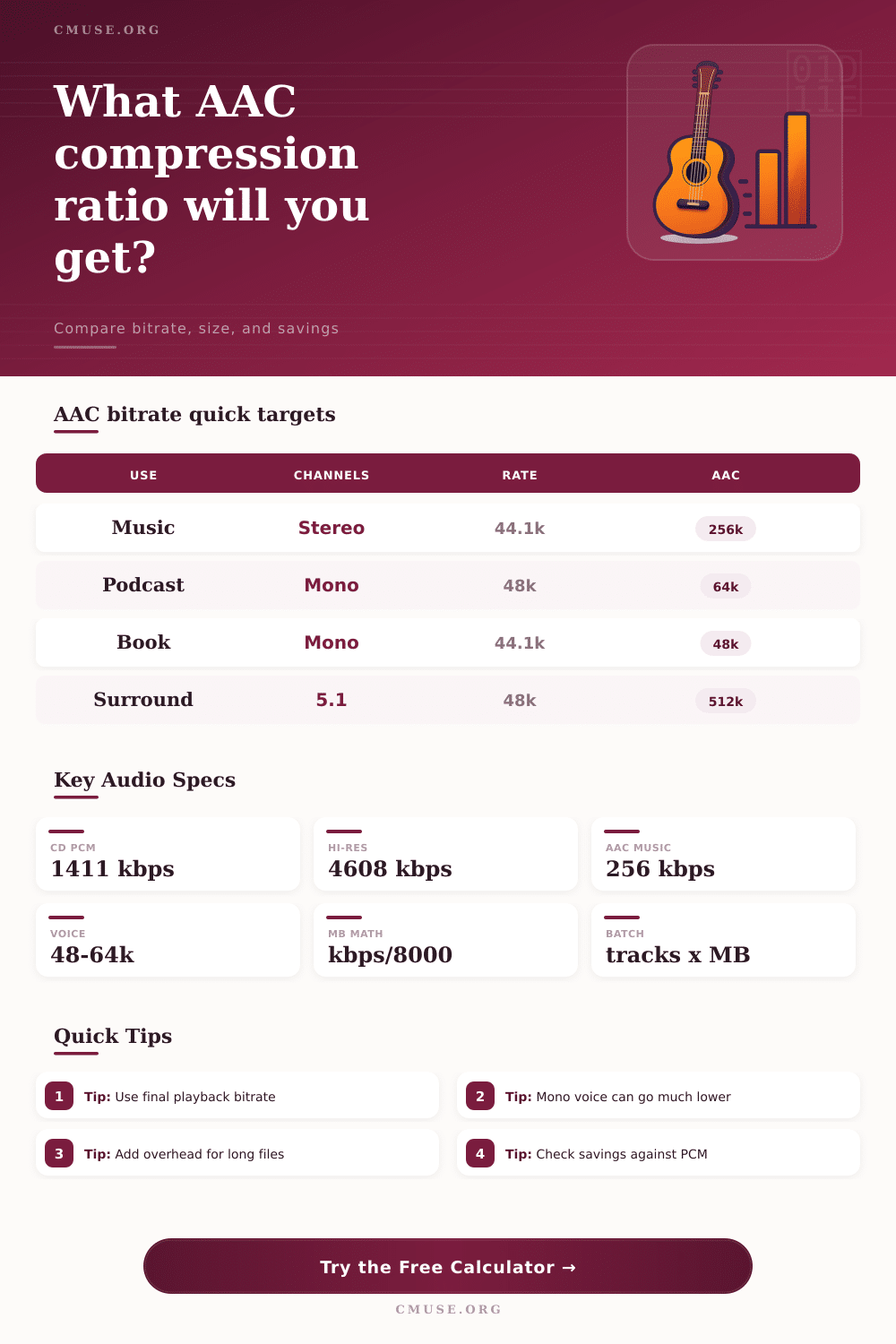
128-320
kbps range for stereo AAC-LC music
32-64
kbps range for mono speech AAC
1-3%
common M4A overhead allowance
1411
kbps for 44.1 kHz 16-bit stereo PCM
| Program Type | Suggested AAC Target | Typical Channels | Compression Note |
|---|---|---|---|
| Music streaming master | 192-256 kbps | Stereo | Good balance for AAC-LC music delivery from CD or 48 kHz masters. |
| Critical music archive copy | 256-320 kbps | Stereo | Lower ratio, larger AAC file, and fewer audible coding compromises. |
| Spoken podcast | 48-80 kbps | Mono or stereo | Voice tolerates lower bitrates, especially when exported as mono. |
| Audiobook chapter | 32-64 kbps | Mono | Long-form speech gets large storage savings at modest bitrates. |
| 5.1 surround program | 384-640 kbps | Six channels | More channels need more total bitrate even when each channel is coded efficiently. |
| PCM Source | Sample Rate | Bit Depth / Channels | Uncompressed Bitrate |
|---|---|---|---|
| CD audio stereo | 44.1 kHz | 16-bit / 2 ch | 1411.2 kbps |
| Studio WAV stereo | 48 kHz | 24-bit / 2 ch | 2304 kbps |
| Hi-res master stereo | 96 kHz | 24-bit / 2 ch | 4608 kbps |
| Podcast mono WAV | 48 kHz | 24-bit / 1 ch | 1152 kbps |
| 5.1 production stem | 48 kHz | 24-bit / 6 ch | 6912 kbps |
| Scenario | Duration | Source to AAC | Approx Ratio |
|---|---|---|---|
| CD track to 256 kbps AAC | 4:00 | 1411 kbps to 256 kbps | 5.5:1 |
| 24/96 master to 320 kbps AAC | 5:00 | 4608 kbps to 320 kbps | 14.4:1 |
| Mono podcast WAV to 64 kbps AAC | 45:00 | 1152 kbps to 64 kbps | 18.0:1 |
| 5.1 WAV to 512 kbps AAC | 3:00 | 6912 kbps to 512 kbps | 13.5:1 |
| Channel Layout | Channel Count | Common AAC Use | Planning Advice |
|---|---|---|---|
| Mono | 1 | Voice notes, audiobooks, interviews | Try 32-64 kbps before increasing storage size. |
| Stereo | 2 | Music, podcasts, rehearsal exports | Use 128-256 kbps for most AAC-LC delivery. |
| Quad | 4 | Installation mixes and stems | Scale target bitrate above stereo to keep artifacts controlled. |
| 5.1 | 6 | Film, concert, and surround releases | Plan 384-640 kbps depending on program density. |
Your life in digital form now exceeds your memories. Everyone does it. Eventually youve got a hard drive stuffed with voice memos, podcasts and recorded music; all audio files weighing more than your actualy memories. Because those files contain every one of those samples of sound, stored precisely as captured, they’re huge, the raw PCM file format is simply immense. It’s faithful, sure. But it’s also fat.
This is where we bring up AAC compression. It is not magic or an illusion, but just a sensible trade-off between quality and size. The math gets done by the calculator above, but to understand what those figures represent you need to know how digital audio actualy functions. Audio is just plain old-fashioned arithmetic in its uncompressed form. Simply multiply number of channels times the bit depth times the sample rate. At the typical rate used on a standard CD track, that’s 1411 kilobits per second. That’s unyielding, consistent data. An hour of music in stereo at this rate would amount to about 600 megabytes. Imagine having to archive hundreds of hours of backing tracks for a band or radio interviews. Even if they’ll all fit on your drive now, the bill from storage add up fast.
Why Use AAC for Audio Files
AAC is perceptual. It ditches whatever portion of your audio human beings has a hard time hearing in the first place. And this is where the bit rate comes into play. In choosing one, you’re not simply choosing a number. You’re selecting how much of what’s there will be culled out. When it comes to music, 256 kilobits per second tends to be a happy medium for most listeners. It still maintains enough detail to sound full and rich but sheds about eighty percent of the weight of original file. With voice content, you can drop even lower. Because speech doesn’t tend to have more complex frequencies found in orchestral music, you can often get away with dropping down to 64 or 48 kilobits without anybody noticing.
Typically when we think about file sizes, we don’t account for stuff like this. Until our files won’t actually fit into an email attachment. For example: there’s some overhead from containers. It’s very minor (a couple percent or less), but it exists. If you’re not accounting for those few extra bytes, they’ll accumulate over a group of 50 podcast episode into multiple megabytes of unnecessary space. By plugging in these margins into the calculator, you can be sure your estimate isn’t overly generous.
There is also a psychological barrier. A lot of creators are uncomfortabley with reducing the size of their masters. They think reduced bitrate = bad. Well, that is not always true. Blind listening tests often show a well-encoded AAC file at 192 kilobits per second can be indistinguishable from original when played back on consumer headphones or speakers. It’s a technical loss, and sometimes not even audible.
What are you optimizing for? If this is going into some sort of archival master, leave it in PCM. If it’s going onto your computer/phone/tablet/iPad to listen to on-the-go or share/stream, AAC will almost always be the better choice. Also think about how many channels you have: Six speakers in a surround sound mix need much higher bit rates per channel to retain clarity different than two in a stereo mix. The calculator adjusts for this automatically. It will display your results. It will also point out that even with a compression of only 512 kilobits on a five-point-one mix, you’ll enjoy a decent savings ratio over the uncompressed twenty-four-bit original. You can’t just think in terms of stereo when it comes to surround; so the input types is separated.
In the end, it’s all about intention. Is this material being preserved for remastering at some point in the future, or being served up to an audience which will be listening on their phones while they’re commuting? Different answers for different situations, but math doesn’t change. You get something (convenience) and give something (data). As soon as you can see what percentage you really save when dropping, say, a high resolution source file down into something like the standard AAC profile, the choice generally gets easier. You begin to curate your files, rather than hoarding gigabytes of redundant data that’s difficult to store, share and move around. The ratio tells you the price of that freedom.