Beats Elapsed From Time Calculator
Convert elapsed clock time or SMPTE-style timecode into beats, bars, beat-in-bar, and metronome click index for BPM mapping, cue spotting, rehearsal marks, and DAW grid checks.
Full Calculation Breakdown
| Mark | Time In Span | Elapsed Beats | Bar And Beat | Click Index |
|---|---|---|---|---|
| Mark 1 | 5.000 sec | 10 | Bar 3 beat 3 | 11 |
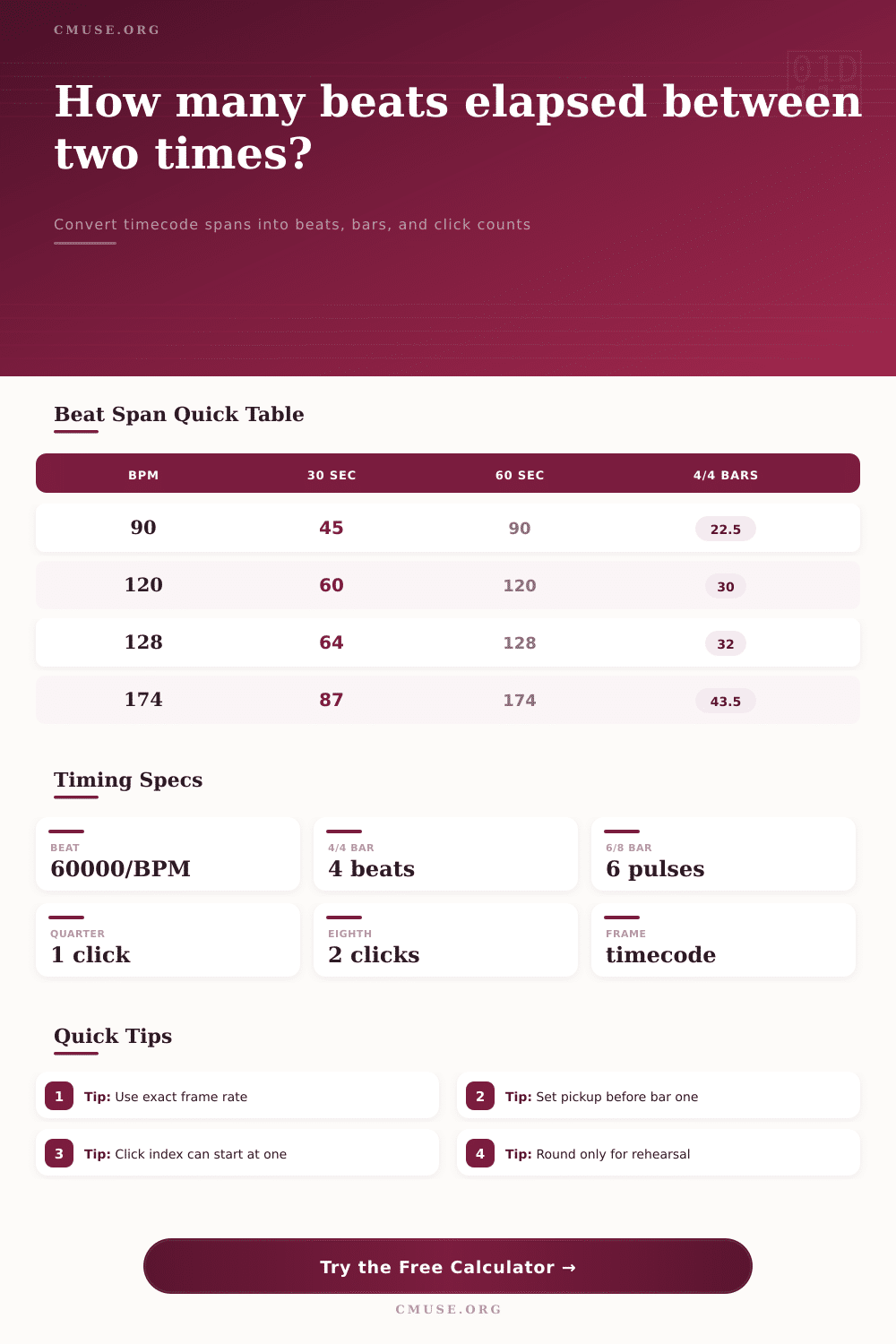
| BPM | Quarter Beat | Eighth Click | 4/4 Bar | 30 Sec Beats |
|---|---|---|---|---|
| 60 | 1000 ms | 500 ms | 4.000 sec | 30 beats |
| 90 | 666.67 ms | 333.33 ms | 2.667 sec | 45 beats |
| 96 | 625 ms | 312.5 ms | 2.500 sec | 48 beats |
| 120 | 500 ms | 250 ms | 2.000 sec | 60 beats |
| 128 | 468.75 ms | 234.38 ms | 1.875 sec | 64 beats |
| 174 | 344.83 ms | 172.41 ms | 1.379 sec | 87 beats |
| Meter | BPM Reference | Meter Beats Per Bar | Bar Seconds At 120 | Use Case |
|---|---|---|---|---|
| 4/4 | Quarter-note | 4 beats | 2.000 sec | Pop, rock, EDM, session charts |
| 3/4 | Quarter-note | 3 beats | 1.500 sec | Waltz, theater, underscore |
| 6/8 | Eighth pulse | 6 pulses | 1.500 sec | Ballads, compound meter editing |
| 6/8 | Dotted-quarter | 2 big beats | 3.000 sec | Conductor-style compound click |
| 5/4 | Quarter-note | 5 beats | 2.500 sec | Odd-meter vamp mapping |
| 7/8 | Eighth pulse | 7 pulses | 1.750 sec | Asymmetric riff and film tension |
| Frame Rate | 1 Second | 10 Seconds | 1 Minute | Typical Session |
|---|---|---|---|---|
| 23.976 fps | 23.976 frames | 239.76 frames | 1,438.56 frames | Film-style video delivery |
| 24 fps | 24 frames | 240 frames | 1,440 frames | Film scoring and cues |
| 25 fps | 25 frames | 250 frames | 1,500 frames | PAL broadcast sessions |
| 29.97 fps | 29.97 frames | 299.7 frames | 1,798.2 frames | NTSC and many TV edits |
| 30 fps | 30 frames | 300 frames | 1,800 frames | Simple video timecode |
| 60 fps | 60 frames | 600 frames | 3,600 frames | Game capture and high-FPS video |
| Tool | Time Entry | Beat Display | Click Index Fit | Best Check |
|---|---|---|---|---|
| Pro Tools | Timecode or Min:Sec | Bars|Beats grid | Use one-indexed counts | Spot cue starts to frame boundaries |
| Logic Pro | SMPTE and musical grid | Bar beat division tick | Match metronome subdivision | Confirm cycle region bar length |
| Ableton Live | Arrangement time | Bars and beats ruler | Quarter or eighth click | Map scene launch timing |
| Cubase / Nuendo | Timecode ruler | Bars, beats, ticks | Strong for post scoring | Compare tempo track hit points |
| Standalone metronome | Duration or stopwatch | Beat count only | Musician count starts at 1 | Rehearsal entrance planning |
| Video editor | Frames and timecode | No musical bars | Needs BPM conversion | Translate edit span to beats |
| Subdivision | Clicks Per Beat | Clicks In 4/4 Bar | Click Ms At 120 | Common Use |
|---|---|---|---|---|
| Beat click | 1 | 4 | 500 ms | Rehearsal pulse and conductor count |
| Eighth click | 2 | 8 | 250 ms | Tracking guitars and rhythm section |
| Triplet click | 3 | 12 | 166.67 ms | Swing, shuffle, triplet fills |
| Sixteenth click | 4 | 16 | 125 ms | Programming and tight edit checks |
| Sextuplet click | 6 | 24 | 83.33 ms | Compound grids and drum rolls |
| Thirty-second click | 8 | 32 | 62.5 ms | Detailed MIDI or sample alignment |
When the director asks how many more bars are left in a scene, the fear arise that linear time is not aligned with the musical structure. Your brain functions on downbeats and measures while the timecode tick off seconds. With no need for mental arithmetic under pressure, time calculator connect beats and seconds. It turns raw seconds into precise click indices, bars, and beats so you’ll know exactly what number to respond with instead of guessing.
On paper, it sounds pretty easy: Take the BPM (beats per minute) and divide 60,000 milliseconds by that number to find how many milliseconds is in one beat. Then multiply that times the number of seconds contained within whatever video or audio you want to time. Simple math, right? Except it isn’t. Get one detail wrong and whole thing falls apart.
How to Fix Timing Mistakes in Video Editing
To make things easier, the calculator above will do all that math for you as soon as you specify the range. You won’t need to pull out another spreadsheet or remember which conversion factor to use while you’re working. But here’s the deal: It only works as well as you set up its input values beforehand.
The most frequent mistake is not understanding the frame rate setting. Timecode is not mere seconds if you’re dealing with video footage; it’s frames related to a given refresh rate. Film is scored at twenty-four frames per second, and twenty-nine point nine seven fps dominate television editing. At first glance, a ten-second clip appear exactly the same size on a monitor, regardless of format, but here’s the slight difference: Frame count.
As you read the timecode based off the incorrect base, your beat alignment will slowly shift as you proceed through a longer piece. That shift adds up fast, until you find yourself playing a snare half a beat, or worse; out-of-time.
The calculator also tackles another level of complexity: Time signatures. A bar comprise four quarter notes in common time. Yet this does not necessarily feel equivalent to a six-eighth bar where the same mathematical tempo is divided between two half-notes and three quarter-notes, despite both having the same pulse. Choosing whether to track the bigger dotted-quarter beats or the smaller eighth-note pulses affect how well an editor can sync audio to picture cues and how well musicians feels the groove. Get the reference wrong, and though you may count the right number of clicks, you will place them in the wrong rhythmic hierarchy.
Standard calculations are thrown off by pickup measures too unless you factor them in. Two eighth notes may appear before the first full bar of a song. This means your beat one isn’t right at the start of the file. You can enter the offset here and then the calculated bar numbers will be as they is actualy written down on page. Cue mark four is actualy on bar sixteen based on the music’s structure, not just based off the start of the audio file.
On the page is a list of reference tables that help you decide if you should of been counting in sixteenths or quarters for any given edit and how it will impact the click density. More detailed resolution clicks make for a tighter edit, while fewer but heavier markings provides broad structural cues without visual clutter. This lets you set up your workspace with the right detail and understanding before you start moving audio clips about.
At the end of the day, post production timing is all about matching various worlds. It’s the act of joining the flexible world of what happened to the inflexible world of where it lives on hard drive media. It doesn’t eliminate the need for editing decisions and musical intuition. But it eliminates the friction that comes from simply converting numbers.
Knowing precisely where beat four falls inside a given thirty-second space means you make decisions quicker, and work with others better then too. And the clock just keeps ticking… so knowing who can translate its language reliably means getting something far more precious than time back: confidence.