Time Left in Song Calculator
Enter a song length, current playhead, tempo, meter, playback speed, and cue lead to see the remaining clock time, elapsed percentage, bars left, and the next useful cue window.
Preset use: Load a familiar track length and practical arrangement tempo, then adjust the version length, tempo map, or cue time to match the exact recording in front of you.
| Marker | Song Position | Time Until Marker | Estimated Bar | Time Left After Marker |
|---|---|---|---|---|
| Marker 1 | 0:49 | passed | Bar 24.9 | 4:05 left |
| Track Or Arrangement | Common Duration | Practical Tempo | Planning Note |
|---|---|---|---|
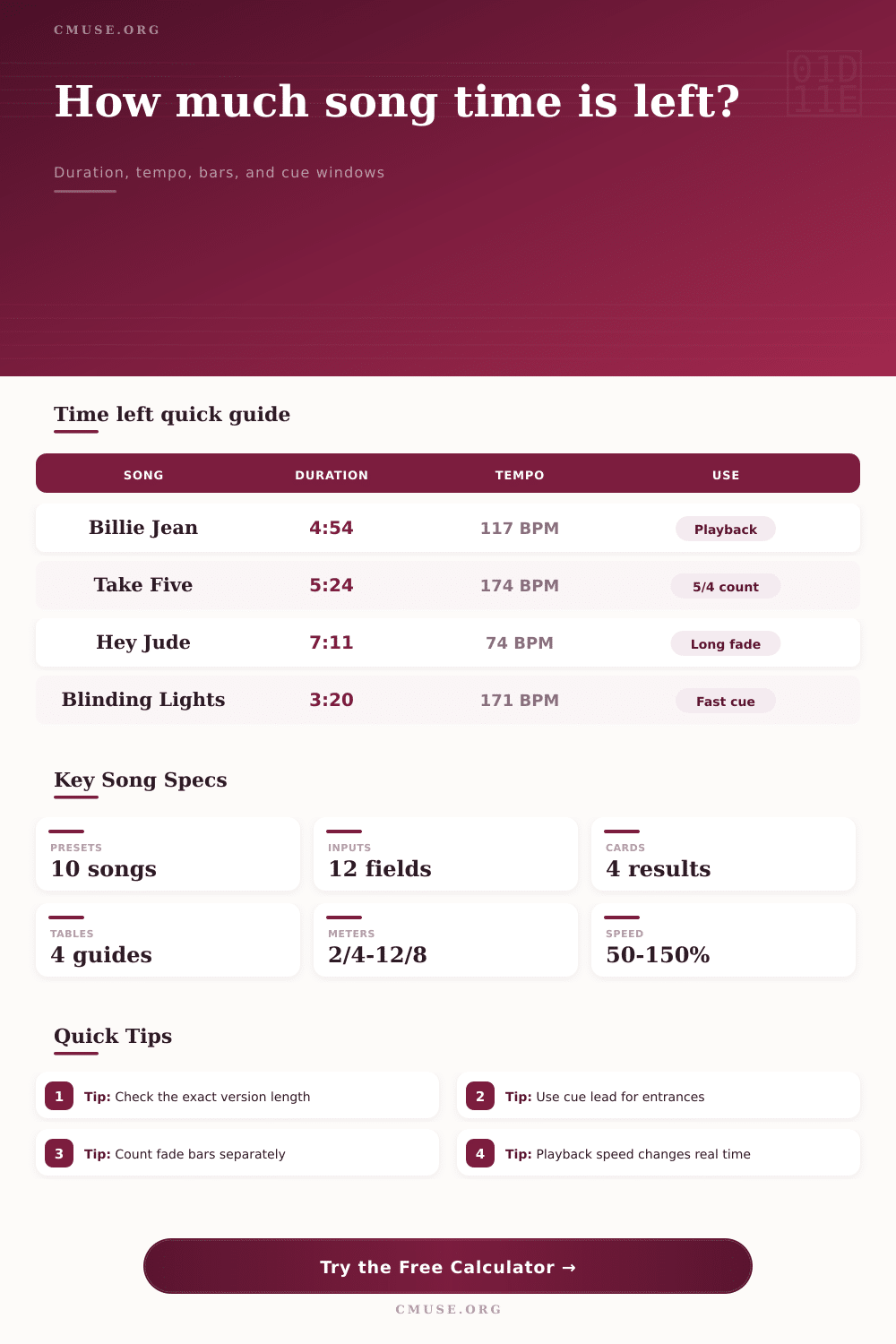
| Michael Jackson - Billie Jean | 4:54 | 117 BPM, 4/4 | Steady groove makes bar-left estimates unusually useful. |
| Dave Brubeck Quartet - Take Five | 5:24 | 174 BPM, 5/4 | Count in five, not four, or the cue math drifts immediately. |
| The Beatles - Hey Jude | 7:11 | 74 BPM, 4/4 | Long outro and fade guard matter more than the verse grid. |
| Queen - Bohemian Rhapsody | 5:55 | 72 BPM guide, 4/4 | Use markers because the tempo and feel move between sections. |
| Eagles - Hotel California | 6:30 | 75 BPM, 4/4 | Solo outro planning benefits from a separate fade guard. |
| The Weeknd - Blinding Lights | 3:20 | 171 BPM, 4/4 | Fast tempo creates large bar counts inside short clock windows. |
| Tempo | 4/4 Bar Length | 16 Bars | 32 Bars |
|---|---|---|---|
| 72 BPM | 3.33 sec | 0:53.33 | 1:46.67 |
| 90 BPM | 2.67 sec | 0:42.67 | 1:25.33 |
| 105 BPM | 2.29 sec | 0:36.57 | 1:13.14 |
| 117 BPM | 2.05 sec | 0:32.82 | 1:05.64 |
| 128 BPM | 1.88 sec | 0:30.00 | 1:00.00 |
| 171 BPM | 1.40 sec | 0:22.46 | 0:44.91 |
| Timecode Cue | What To Check | Calculator Field | Why It Matters |
|---|---|---|---|
| Intro or first vocal | Exact playhead where the singer enters | Next cue time | Shows whether the entrance is already inside the cue lead. |
| Chorus downbeat | Section marker from a DAW or lyrics sheet | Marker list | Builds a compact remaining-time table for rehearsal calls. |
| Solo handoff | Bar or timecode before the solo starts | Cue lead window | Lets a player prepare before the exact hit. |
| Fade, vamp, or tag | How much tail is not structural song time | Fade guard | Separates arrangement time from a flexible ending. |
| Practice slow-down | Actual player speed percentage | Playback speed | 100 seconds left at 75% speed takes about 133 real seconds. |
| Playback Workflow | Best Input Priority | Result To Watch | Common Mistake |
|---|---|---|---|
| Live rehearsal call | Current playhead, next cue, cue lead | Cue Window | Calling the cue at the marker instead of before it. |
| DAW edit session | Tempo, meter, marker list | Remaining Bars | Using a rounded tempo when the project has a tempo map. |
| DJ or playlist timing | Track duration, current playhead, playback speed | Remaining Time | Ignoring a slow-down, pitch-lock, or transition loop. |
| Choir or band practice | Count-in bars, cue lead, fade guard | Elapsed Percent | Counting the pre-roll as part of the song duration. |
| Show control trigger | Exact next cue, current time, speed | Time Until Marker | Triggering from album version timing when the show edit differs. |
This takes the grunt work out of figuring it all out. The calculator above handles heavy lifting, telling you whether you have enough room for a solo or if you need to cut the fade immediatly. A ballad leaves just 45 seconds on the clock? That’s a math problem made into a life raft.
The singer glances up, waiting for a natural out. The lighting operator stare at your finger, awaiting a cue. The rhythm section is watching, too. If only you could tell them how long until you’re done. With this device, you will know exactly how long is left, which means you can handle the moment without losing your cool.
Why You Need This Timing Tool
Music is heard as having structure, most of us think in terms of measures, not minutes. The song have a chorus that falls on every thirty-two bars. A bridge follows sixteen counts of groove. But on the digital audio workstation wall, all the clock cares about are seconds. The resulting disconnect between what you hear and what you see causes friction in both studio and live settings.
Knowing the tempo is a hundred seventeen beats per minute in four-four time means you can mentally map those musical moments into real blocks of time. Two seconds equals one bar. Twenty-eight seconds equals fourteen bars. With thirty seconds remaining, there’s likely room for a quick turnaround but not much more. All that mental arithmetic is tiresome and subject to error under the influence of adrenaline. That’s where this tool comes in.
Because it knows the tempo, it changes the number of bars left based off where playhead is. It factors in things that a simple minus operation can’t account for. Tempo make a difference when it comes to playback speed. It matters more then you think. For example, if you’re working on a tricky section and need to slow it down to half speed to learn it, the song feel twice as long.
What does that mean? Well, that’s what the calculator take into account. It shows real-time length instead of just display time. For editors and DJs who edit and tweak tempo and pitch separately from one another, this becomes invaluable. If you’re reducing the tempo of a track so it matches the tempo of another song you want to mix with, then the time it “feels” like it takes grows longer. Your eyes may not be able to keep up quickly enough without some sort of help.
A second twist is where things get tricky, especially for novice producer (tempo maps). Many contemporary tracks don’t follow a consistent beats per minute figure for an entire recording. It might slow at the beginning for an intro/outro and speeds up for the climactic moments. Using a fixed tempo for a changing arrangement means the closer you come to the end of the track, the more your bar counts will be off-target.
The reference beat can help here by letting you choose one that serves as a good average for whichever section you’re working on. This doesn’t replace well-placed timecode markers; it simply offers a ballpark guess for those parts that stay grooving at a relatively even pace. It is the same way that a live band sounds different than a rigid electronic track. While the math of an electronic beat is absolute… Grid-locked, the live drum adds human feel: the subtle push and pull that cannot be precisely calculated.
For those instances, the elapsed percentage tends to provide more stability then the bar counts. If you know you’re at eighty percent, you have some idea of your proportional sense of urgency no matter what small fluctuations there might be in tempo. It will help determine when to cue a fade instead of counting out specific measure.
Perhaps the most ignored element in timing is cue windows. When do you want something to begin? You can’t trigger a lighting change or a vocal entrance at the exact millisecond they needs to happen. No way. You’ll need time to get ready. Cue lead-in fields in the calculator account for this. How much time do you have before a marker before you should of act? That time between when you make your decision and when you implement that decision. That time guarantees that when the music reaches that marked bar, your team and your hands is already positioned and moving.
Once you understand this relationship, your seemingly random timing becomes something you can plan for. Instead of wondering where to fade out, you’re able to intentionaly design your ending. From leading an orchestra to editing a podcast, you’ll no longer fear panic attacks at the last minute, you know what’s coming up next. While you cannot change the passage of time, you can take control of it and direct the story right down to the last note when you have the numbers in your favor.