Sub Distance Delay Calculator
Align a subwoofer with main speakers by converting distance, DSP latency, crossover frequency, polarity, and phase trim into an arrival-time delay recommendation.
Load a real playback or reinforcement scenario, then adjust the measurements to match the acoustic center of the sub and mains. The calculator delays whichever arrival is early at the listening or measurement point.
Core formula: arrival time equals distance divided by sound speed, plus electronic latency. If the sub arrival is later than the target, delay the mains. If the sub arrival is earlier than the target, delay the sub.
Calculation Breakdown
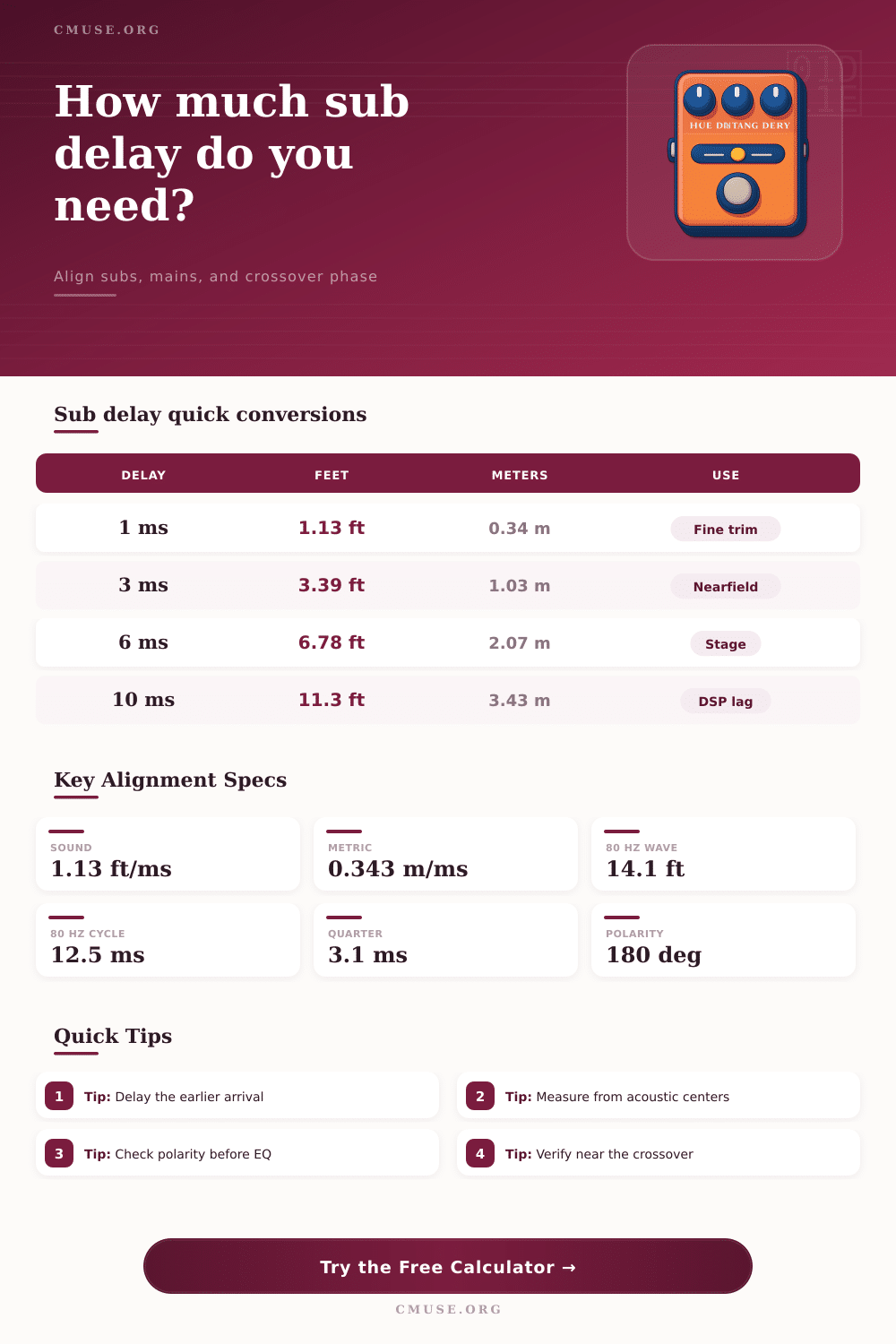
| Delay | Distance at 68 F | Metric Equivalent | Phase at 80 Hz | Typical Meaning |
|---|---|---|---|---|
| 0.5 ms | 0.56 ft | 0.17 m | 14 degrees | Fine processor trim or small acoustic-center shift |
| 1 ms | 1.13 ft | 0.34 m | 29 degrees | Audible summing change near the crossover |
| 3 ms | 3.38 ft | 1.03 m | 86 degrees | Near a quarter cycle at 80 Hz |
| 6 ms | 6.76 ft | 2.06 m | 173 degrees | Nearly a polarity-like offset at 80 Hz |
| 10 ms | 11.26 ft | 3.43 m | 288 degrees | Large physical offset or added DSP latency |
| Crossover | One Cycle | Quarter Cycle | Wavelength at 68 F | Use Case |
|---|---|---|---|---|
| 50 Hz | 20.00 ms | 5.00 ms | 22.5 ft / 6.86 m | Large subs, cinema, extended mains |
| 60 Hz | 16.67 ms | 4.17 ms | 18.8 ft / 5.72 m | Full-range mains with sub support |
| 80 Hz | 12.50 ms | 3.13 ms | 14.1 ft / 4.29 m | Common theater and studio crossover |
| 100 Hz | 10.00 ms | 2.50 ms | 11.3 ft / 3.43 m | Small mains, compact PA tops |
| 120 Hz | 8.33 ms | 2.08 ms | 9.4 ft / 2.86 m | Satellite speakers and portable PA |
| System Type | Typical Crossover | Latency Watch | Alignment Tolerance | Best Delay Target |
|---|---|---|---|---|
| Studio nearfield sub | 60-85 Hz | Plate amp DSP, interface routing | Within 0.5-1.0 ms | Sub and mains together at mix position |
| Home theater AVR | 80 Hz | Room correction, wireless sub kits | Within 1-2 ms | Aligned at primary seat or seat average |
| Live PA ground stack | 80-110 Hz | Processor outputs, top-box delay | Within 1 ms near crossover | Delay the nearer source to the farther source |
| Cardioid sub array | 60-100 Hz | Intentional rear-box delay | Array timing first, mains second | Align array output to mains at audience reference |
| Bass amp and DI | Low-mid blend | Digital amp modeling, DAW buffers | Within 0.2-0.7 ms | Delay the earlier DI or mic for low-end focus |
| Scenario | Sub Distance | Main Distance | Likely Correction | Secondary Check |
|---|---|---|---|---|
| 10 x 12 ft home studio | 8.5 ft | 5.5 ft | Delay mains about 2.7 ms | 80 Hz phase sweep |
| 14 x 18 ft media room | 15 ft | 11 ft | Delay mains about 3.6 ms | Seat average below 100 Hz |
| 20 x 16 ft stage area | 24 ft | 18 ft | Delay mains about 5.3 ms | Check 90 Hz summing |
| 6 x 4 ft DJ booth | 5 ft | 4 ft | Delay mains about 0.9 ms | Watch nearby wall buildup |
| 5 x 5 ft bass tracking booth | 3 ft | 2.4 ft | Delay DI or amp as measured | Zoom waveform polarity |
At some point in our lives we’ve been in a room tweaking speaker positions until everything sounds right. You move your monitors around to achieve a clearer sound image. But what happens when another factor, known as time alignment, gets thrown into the mix? Two milliseconds of latency between your subwoofer and your main speakers will destroy definition of your bass. It’s not like something is broken, just that it sounds muddy.
With entered latencies and distances, the calculator do the math and takes out the guessing game of converting space to sound. At room temp, sound moves about a foot every millisecond. Which isn’t much if your speakers is only a few feet away, as they are when sitting on your couch. But most subs is mounted farther back (behind something like a couch) or off to the side in a corner. That means there’s some physical offset between acoustic center of the main driver and the port of the sub. The calculator factors in that separation. It also factors in any wireless device/electronic processor delay, such as what you might find in a AV receiver.
How to Fix Speaker Timing with a Calculator
Those little delays compound with each other over time. What matter is the cumulative time it takes for sound to go from its source to your eardrums. The tool has a field for inputting phase because this is an often misunderstood yet critical part of phase. When two frequencies meet at crossover point, they must combine smooth based solely on distance. If their waveforms happen to be inverted even with perfect timing, it will cause them to cancel each other out. Making a simple phase adjustment or polarity flip can switch that from cancellation to a peak.
The reference table show how small variations in timing result in phase angle changes at different frequencies. A quarter-cycle takes only three milliseconds at eighty hertz, meaning a one-millisecond error results in almost thirty degrees of phase shift. That makes difference in terms of sound quality. Subwoofer alignment is usually attempted by ear alone, with most folks listening for the loudest bass response. Because our hearing is poor at judging absolute timing in low frequencies, we will hear the change in volume better then the change in transients.
Compounding this is the effect of room modes. Standing waves can cause a poorly aligned system to sound loud because of room resonance. If you rely on your volume to make an adjustment, you’ll get it wrong and boost frequencies that are already booming from the room’s geometry. By eliminating this guessing, the calculator is focused on what arrives first, not what you perceive as loudest.
In reality, no two systems is alike. Because even though ground stacked subwoofers may be equidistant, they’re usually further from the main speakers which need an added delay. Wireless subwoofer kits add fixed latency that differs than the wired mains. You can enter these unique delays into the tool to make its output match your actual system response. Then it knows exactly what channel to add time to and how much time to add.
Do not add the same amount to both channels, that just moves the problem without correcting it. First calculate actual time it takes the sound to reach your seat from the acoustic center of each driver. Include all known delays due to processing in your system and plug those numbers into the calculator’s field. The calculator will tell you if the drivers’ timing needs to be adjusted, or even flipped.
Use an impulse test tone, or a sine sweep, to confirm results. Does the waveform look tight? Yes, then your math should of been good. When the timing is right, separate voices blend into one coherent voice; it sounds like they’re coming from the stage or screen instead of that corner box called a bass. You will recieve a moddern sound.