Sample Word Length Calculator
Convert audio bit depth (sample word length) into dynamic range in dB, quantization levels, bytes per sample and uncompressed bitrate – for any sample rate, channel count and duration
Full Calculation Breakdown
| Bit Depth | Levels (2^bits) | Dynamic Range | Bytes/Sample |
|---|---|---|---|
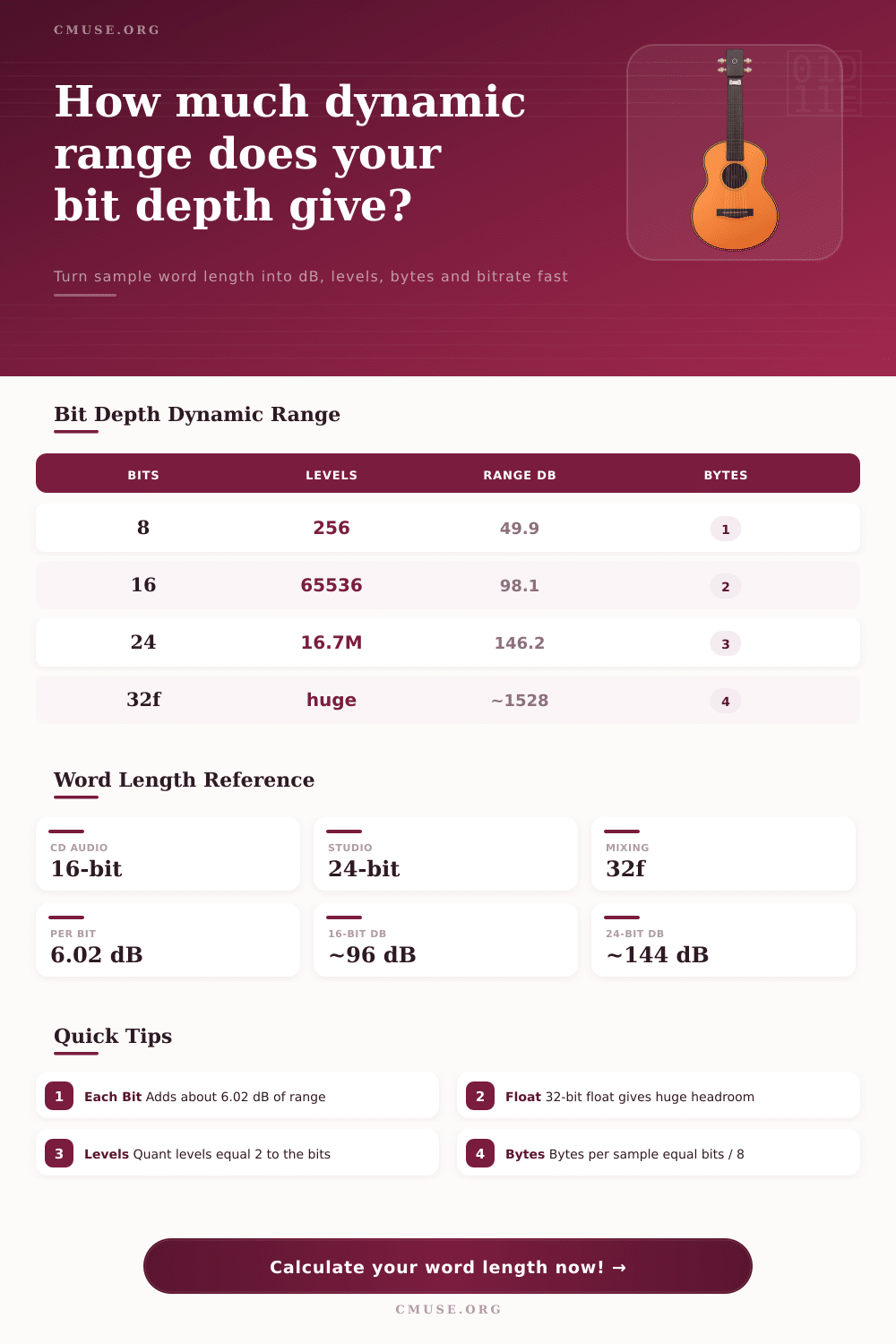
| 8-bit | 256 | ~49.9 dB | 1 |
| 12-bit | 4,096 | ~74.0 dB | 1.5 |
| 16-bit | 65,536 | ~98.1 dB | 2 |
| 20-bit | 1,048,576 | ~122.2 dB | 2.5 |
| 24-bit | 16,777,216 | ~146.2 dB | 3 |
| 32-bit float | ~4.3 billion | ~1528 dB | 4 |
| Sample Rate | Nyquist Limit | Typical Use | Hz/Sample |
|---|---|---|---|
| 44.1 kHz | 22.05 kHz | CD, streaming | 44,100 |
| 48 kHz | 24 kHz | Video, broadcast | 48,000 |
| 88.2 kHz | 44.1 kHz | Mastering | 88,200 |
| 96 kHz | 48 kHz | Hi-res studio | 96,000 |
| 192 kHz | 96 kHz | DXD, archival | 192,000 |
| Format | Bit / Rate / Ch | Bitrate | Per Minute |
|---|---|---|---|
| CD Audio | 16 / 44.1k / 2 | 1,411 kbps | 10.1 MB |
| Studio Stereo | 24 / 48k / 2 | 2,304 kbps | 16.5 MB |
| Hi-Res Stereo | 24 / 96k / 2 | 4,608 kbps | 33.2 MB |
| DXD Stereo | 24 / 192k / 2 | 9,216 kbps | 66.4 MB |
| 5.1 Surround | 24 / 48k / 6 | 6,912 kbps | 49.8 MB |
| Podcast Mono | 16 / 44.1k / 1 | 706 kbps | 5.0 MB |
| Spec | 16-bit | 24-bit | 32-bit Float |
|---|---|---|---|
| Dynamic range | 96 dB | 144 dB | ~1528 dB |
| Quant levels | 65,536 | 16.7 million | ~4.3 billion |
| Bytes/sample | 2 | 3 | 4 |
| Best for | Delivery | Recording | Mixing |
Higher bit depth recording sounds better but know it will affect both your mix process and your hard drive storage capacity. Without reference point, the digits don’t necessarily mean much. By converting these random bits into real-world values (i.e., file sizes and dynamic ranges), sample word length calculator enables you to make decisions that aren’t based off guesswork.
The amount of bits in something are called its bit depth. That’s like the resolution of your volume control. For every additional bit you have approximately twice the amount of steps for volume (there’s math for ya). It also introduce about 6.02 more decibels of dynamic range, and this happens every time.
How to Choose the Right Bit Depth for Your Music
16-bit to 24-bit? You’ve added near 50 decibels of headroom so you can now record both very quiet and very loud sounds without distorting the quieter part. So what matter for your particular projects? If it’s just you or a few friends listening to the music in normal surroundings, then 16-bit depth at 98 decibels (CD quality) will be fine.
If you’re working in pro studio with lots of room to spare, you’ll need more cushion. Consider recording in 24-bit depth with a theoretical range of 146 decibels. This gives you headroom on the loud parts and enough detail on quieter parts to sound great. Notice from the reference tables that going up to 24 bits multiplies the number of quantization levels from about 65,000 to upwards of 16 million, big improvement in accuracy.
The wildcard is 32-bit float, which do not conform to that mold at all. It has a theoretical dynamic range of more than 1,500 dB. What does that mean? You will never need to clip when recording. Want to record something realy loud or really soft? No problem. Adjust those levels later in your DAW. It’s insurance if you set your levels poorly.
Raising the sample rate and bit depth result in larger files, fast. But what does that cost? For example, a single song rendered as a 24-bit stereo audio file may consume 16 megabytes for three minutes of recording time. While that doesn’t sound like much consider how many stems you might need for an extensive mix. The calculator displays the resulting uncompressed bitrate and total file size (for each duration), giving you a clear look at the trade-off.
Get to know the numbers; it will help guide your storage planning, ensuring you never find yourself without room mid-session. In addition, there’s the question of sample rate which, unlike bit depth, isn’t directly related to volume resolution. The Nyquist theorem suggests that you should sample at double the maximum frequency you intend to record. That means 44.1 kilohertz on standard CDs for the full human range of hearing.
If you increase the rate to 96 or even 192 kilohertz then you can pick up ultrasonic frequencies beyond the hearing range of most people. It is still a matter of some debate whether this affects phase relationships between audible harmonics, but I’ve heard some engineers make a good case for it.
It’s all about finding the balance between making sure there is enough resolution to capture the performance in an accurate way but not unnecessarily bloating data along the way. Change the amount of channels from stereo to surround sound, change the length and see how that scales the file size using the tool and try various combinations until numbers point you in the direction of specs that meet your technical requirements as well as your artistic ones.
In a nutshell, selecting the right word length is about knowing where something ends up and what you’re trying to capture. This ensures the format serves the music instead of just chasing the highest number on offer. From this perspective, what was previously a confusing array of options becomes a clear path forward.
You should of checked that before starting.