SysEx Checksum Calculator
Compute Roland, Yamaha and generic 2s-complement MIDI System Exclusive checksum bytes from your data bytes – then verify a complete F0...F7 message
Byte-by-Byte Breakdown
Checksum Formula
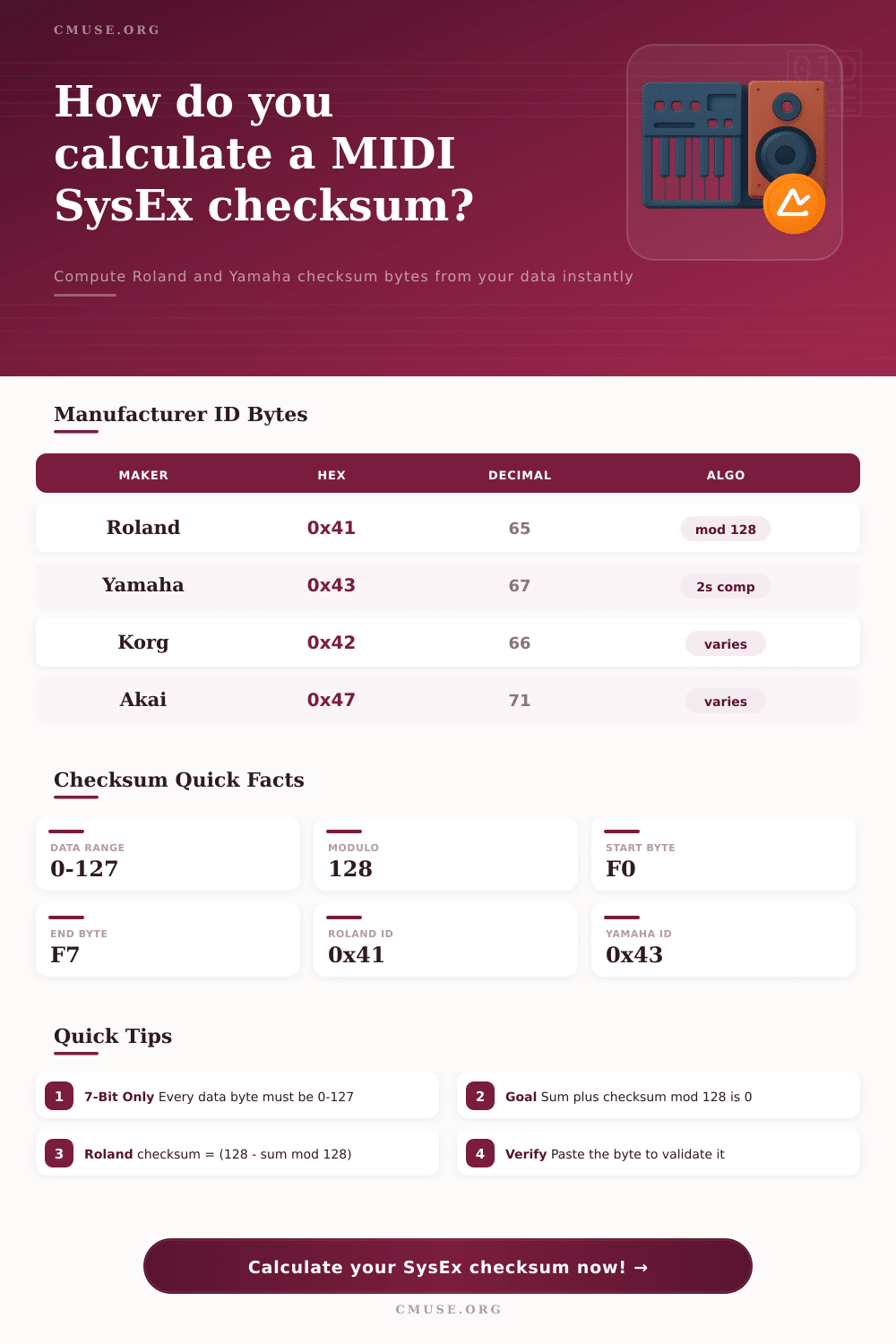
| Manufacturer | Hex ID | Decimal | Checksum Style |
|---|---|---|---|
| Roland | 0x41 | 65 | (128 - sum mod 128) mod 128 |
| Yamaha | 0x43 | 67 | (128 - sum & 0x7F) & 0x7F |
| Korg | 0x42 | 66 | Model dependent |
| Akai | 0x47 | 71 | Model dependent |
| Universal Non-Real-Time | 0x7E | 126 | No checksum |
| Universal Real-Time | 0x7F | 127 | No checksum |
| Step | Roland | Yamaha | Generic 2s Comp |
|---|---|---|---|
| Sum bytes | address + data | data block | selected bytes |
| Reduce | sum mod 128 | sum & 0x7F | sum & 0x7F |
| Complement | 128 - r | 128 - r | 128 - r |
| Wrap zero | result mod 128 | result & 0x7F | result & 0x7F |
| Goal | (sum+chk) mod 128 = 0 | (sum+chk) & 0x7F = 0 | low 7 bits = 0 |
| Hex | Decimal | Hex | Decimal |
|---|---|---|---|
| 0x00 | 0 | 0x40 | 64 |
| 0x0A | 10 | 0x4A | 74 |
| 0x10 | 16 | 0x50 | 80 |
| 0x20 | 32 | 0x60 | 96 |
| 0x30 | 48 | 0x70 | 112 |
| 0x3F | 63 | 0x7F | 127 |
Try dumping sound from old synths sometime and you’ll experience a certain variety of digital angst. Plug in your MIDI interface. Hook it to your laptop. Fire up your DAW. See that data streaming in. Everything looks right… then the synth doesn’t load the patch, or spits back some error code.
This isn’t typically some driver problem, or a bad cable. More often than not, it’s that little checksum byte at the end of the message. That single hex number serve as the guard of the whole data block, making sure the thing got through without any problems along the way.
What Is a SysEx Checksum?
So what’s a SysEx message? It’s a long string of numbers enclosed between a start and an end marker. So here’s the issue: MIDI operates on a system that was created to be simple, not necessarily robust. Interference occurs, cables gets loose, bits get flipped. How would manufacturers fix this? They can fixes this by adding a checksum to make sure the data got through exactly as it went out. It’s not some random number. It’s a guarantee. And the reason it exists can help you troubleshoot if things go sideways.
The calculator up there will do the math for you, but knowing why that number exists makes it easier for you. Two most prevalent algorithms is those made by Yamaha and Roland. They sound alike but are calculated just a little different, and they can give you a headache if mixed up.
In Roland’s case they use modulo 128 complement. What this means is that you add up all the data bytes + the address byte and do modulo 128 on that total number. Then you subtract that result from 128 and voila, there is your checksum. Yamaha takes a two’s complement method with the seven-bit value. Both companies want the total sum of the message plus the checksum as seen in a seven-bit view to be zero. It makes sense why. If one single bit flips in the data stream, the math fall apart and the synth says no thank you to the message.
It’s not rocket science, well actualy it is sort of mathematically speaking, but it does require that you don’t exceed the seven bit limit. Each byte within a SysEx message should range from 0 to 127. Pushing anything outside of that number (like a status byte) or going beyond 127 render your checksum worthless. Whether you input in decimal or hex, the tool on this page converts everything for you instantly. Eliminating the guesswork and allowing you to focus on designing sound instead of doing arithmetic.
The other catch here is knowing what bytes should gets summed. On Roland devices, for example, you normally sum both the data byte and the address byte. This isn’t necessarily true for other manufacturers, however. Depending on the protocol version and/or model of device, some may has different rules. Luckily the page has a reference table on it outlining the manufacturer ID’s and the algorithm they use. As you can see, Roland uses 0x41, whereas Yamaha uses 0x43. These are the IDs that tell the receiving device not only who sent the data but how to read it. Send a Yamaha checksum to a Roland device and it’ll just ignore the patch dump.
If you’re trying to verify a message and know the good checksum, you can paste it in the verify box, and the calculator will tell you if the data you have matches that byte. For comparing two very similar patches, or even debugging a corrupt dump, this is incredibly handy. Perhaps you see that only one parameter is different between them, yet the whole checksum change due to it. That’s how sensitive it is to keeping your data in line.
In the end, this is just one more way to protect the sound worlds you create. You know that when that special patch you’ve been dialing in for hours finally lands on someone else’s synth, it will be exactly the same as what came out of yours. A trusted tool does all that modulo arithmetic and complement logic for you. You can take comforty in knowing it’s not a human error factor anymore. It’s worth of because your sounds are too precious to get wrong. One byte makes all the difference between an inspiring preset and an ugly error message.