Beat Count Calculator
Convert BPM, cue duration, time signature, beat reference, subdivisions, tuplets, pickup beats, extra tag beats, and repeats into a clear total beat count and subdivision event count.
Preset use: Load a real writing, rehearsal, film cue, or DAW-grid scenario, then adjust the values to match your chart, loop, or edit point.
Meter Beat
Bar Length
Subdivisions Per Beat
Subdivision Interval
| Layer | Count Source | Formula | Result |
|---|---|---|---|
| Main section | 8 bars | 8 x 4 | 32 beats |
| Pickup and tags | 0 + 0 | Additive | 0 beats |
| Subdivision grid | 2 per beat | 32 x 2 | 64 events |
| Count-in | 1 bar | 1 x 4 | 4 beats |
| Hit Point | Beat Number | Approx Bar | Approx Time |
|---|---|---|---|
| Hit 1 | 8 | Bar 2 beat 4 | 4.00 sec |
| Meter | Count Style | Beats In 8 Bars | Typical Use |
|---|---|---|---|
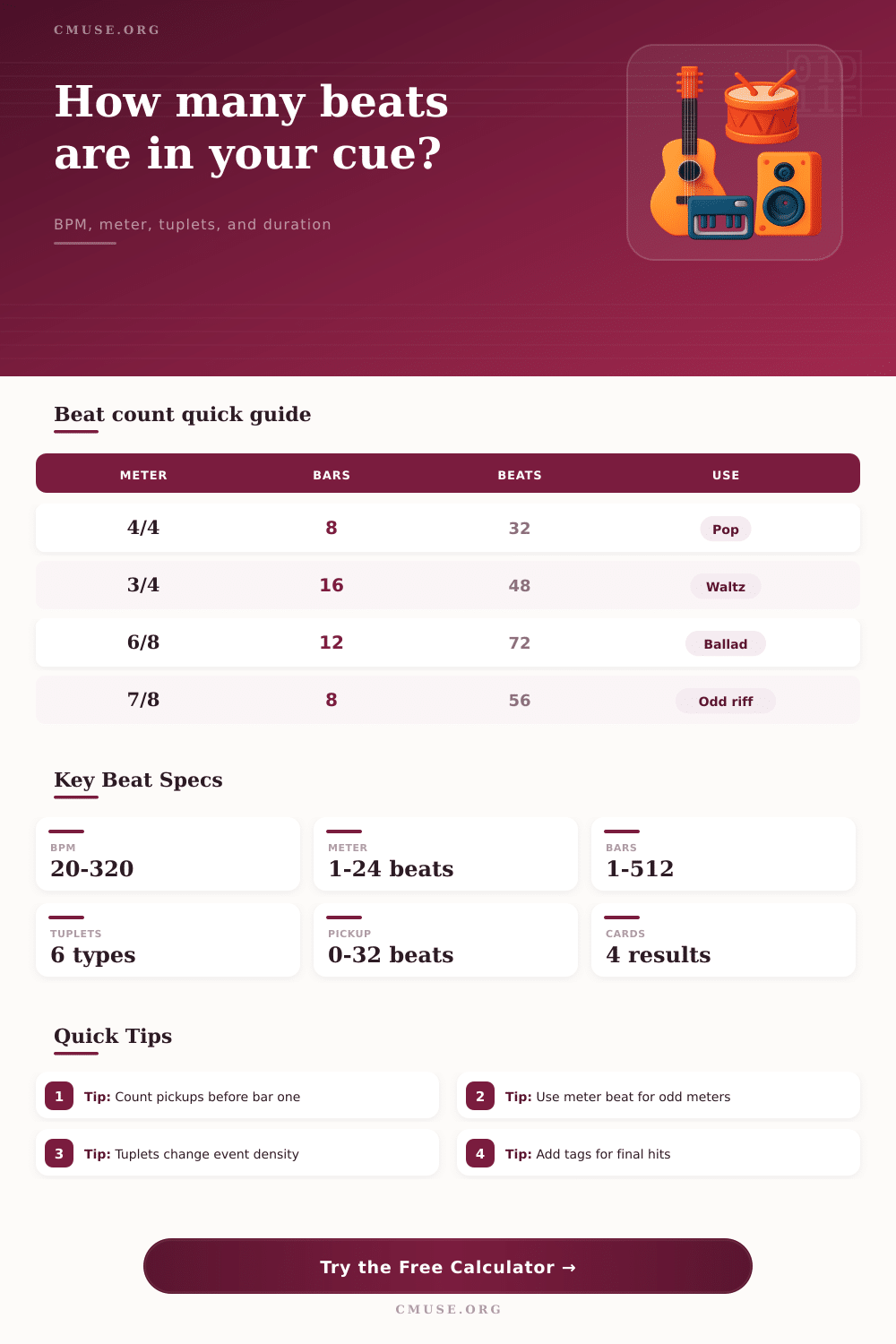
| 4/4 | Four quarter-note beats per bar | 32 beats | Pop, rock, EDM, worship, most session charts |
| 3/4 | Three quarter-note beats per bar | 24 beats | Waltz, folk cue, theater underscore |
| 6/8 | Six eighth-note pulses or two dotted quarters | 48 pulses | Ballads, compound grooves, rolling feels |
| 5/4 | Five counted beats per bar | 40 beats | Progressive grooves and odd-meter vamps |
| 7/8 | Seven eighth-note pulses per bar | 56 pulses | Asymmetric riffs, Balkan patterns, film tension |
| 12/8 | Twelve eighth pulses or four dotted quarters | 96 pulses | Blues shuffle, gospel ballad, slow triplet feel |
| Subdivision Setting | Events Per Beat | Events In 4/4 Bar | Best For |
|---|---|---|---|
| Beat only | 1 | 4 | Conductor count, rehearsal starts, simple click |
| Eighth feel | 2 | 8 | Backbeat counting, strums, basic DAW editing |
| Triplet grid | 3 | 12 | Swing, shuffle, blues, triplet fills |
| Sixteenth grid | 4 | 16 | Pop programming, drum fills, tight edits |
| Sextuplet grid | 6 | 24 | Fast fills, compound subdivisions, rolls |
| Thirty-second grid | 8 | 32 | Detailed quantize maps and high-speed figures |
| Tuplet | Multiplier | Example Count | Use Case |
|---|---|---|---|
| Straight | 1.000 | 4 stays 4 | Standard binary grid |
| Duplet | 0.667 | 3 becomes 2 | Two notes across compound time |
| Triplet | 1.500 | 2 becomes 3 | Three notes where two normally fit |
| Quintuplet | 1.250 | 4 becomes 5 | Five evenly spaced notes over a beat group |
| Septuplet | 1.750 | 4 becomes 7 | Seven-note runs and modern fills |
| Nonuplet | 1.125 | 8 becomes 9 | Nine-note flourishes over an eight grid |
| Preset | Meter | Duration | Subdivision Focus |
|---|---|---|---|
| Pop 4/4 Verse | 4/4 | 8 bars | Eighth-note vocal phrasing |
| 6/8 Ballad | 6/8 | 12 bars | Dotted-quarter BPM with eighth pulses |
| Jazz Swing Chorus | 4/4 | 32 bars | Triplet feel across a chorus form |
| Film Cue Hit Point | 4/4 | 42.5 seconds | Clock-to-bar estimate for sync points |
| Drum Fill Pickup | 4/4 | 4 bars | Sixteenth grid with pickup count |
| Progressive 5/4 | 5/4 | 10 bars | Odd-meter beat and subdivision map |
A beat count calculator will allow you to determine the number of beat in any musical passage. You can use a beat count calculator to determine the number of beats in a musical passage when you are aligning a musical element with the musics beat. A beat count calculator will take various variable regarding the musical passage and calculate a number of beats for that musical passage.
While musicians can generally identify the number of bars in a musical passage, musicians might struggle with the number of beat in that passage. Elements such as pickups before the first bar, extra tags after the last bar in a song, repeat in a musical passage, and other time-related element can alter the number of beats in a musical passage. A beat count calculator handles these variable by making the mathematical calculation required to determine the number of beats in a passage without requiring the musician to calculate those number in there head under pressure.
What a Beat Count Calculator Does
One of the primary variable that a beat count calculator considers is the tempo of the music. However, the tempo alone isnt the only variable that a beat count calculator considers. For instance, the reference for the tempo will alter the mathematical calculations that the calculator make.
A dotted-quarter note tempo of a song played in 6/8 time will have different calculation than a quarter note tempo played in 4/4 time. A musician will be required to choose a reference for the tempo of a song for the calculations to be accurate to the musical passage that is being charted. Another of the primary variable of a beat count calculator is the meter for the song.
For instance, a riff played in 7/8 time will take up the same amount of time as a section of a song played in 4/4 time. However, each of those meter may have a different number of beats. The top number in the meter indicate the number of beats in a bar.
The bottom number indicate the type of note that is counted as a beat in that musical passage. Both of these number must be entered into the beat count calculator to determine the total number of beats for that musical passage. Another of the variable that can be entered into a beat count calculator is the duration of the musical passage.
For instance, some musical session may indicate the length of a passage in the number of bars in that song. Other musical passage might be defined in terms of the number of minutes and second in the song. A beat count calculator can accept the number of bars as an input or the length of a musical passage in minutes and second as an input.
These variable will be translated to the number of beats in the musical passage in terms of the musical passags meter. This translation will be useful to compare the length of different musical element in a song. Other of the variable for a beat count calculator are the subdivisions and tuplets in a song.
For instance, a musician may use eighth note in a backbeat for a musical passage, or a musician might use sixteenth note for a drum fill in their song. Additionally, a song might use tuplets to create a swing section in their song. The beat count calculator will represent the density of each of these element so that each element can be accounted for in the total number of beats that will be calculated.
The subdivisions and tuplets in a song will be represented separately from the total number of beats so that the total number of musical event that will be played with that song can be represented in the calculations of the beat count calculator. Other of the variable for a beat count calculator are the pickup beat and extra tag in a song. These element will add to the total length of a song.
For instance, a two-beat pickup before the first bar will add two beat to the total length of the song. A four-beat extra tag at the end of the song will add four beat to the total length of the song. A beat count calculator will account for pickup beat and extra tag in a song.
Additionally, the beat count calculator will also account for repeats in a song. The beat count calculator will calculate the total length of the song including any repeat that the musicians create in the song. Another of the component of a beat count calculator is the inclusion of reference table for common meter and subdivisions.
These reference table will indicate the various common meter in song arrangement. These table will help a musician to understand the density of the beat in a musical arrangement. For instance, a 12/8 ballad and a 4/4 rock song might have the same BPM, but the reference table will show the different way to count the beat for each type of musical passage.
A beat count calculator will provide a baseline for musician during musical session. During musical session, musicians often have an element that begins before the first bar of the song or one that happen after the last bar of a song. A beat count calculator cannot account for these variable, but it will provide a baseline upon which to base any calculation during a musical session.
The swing and feel setting for a song are separate from the total number of beat in a song. The total number of beat will not change when the song element are swung or have a particular feel to them. This ensures that the total number of beat in a song remains honest and not manipulated because of the different feel and swing to different section of a song.
Finally, a beat count calculator will provide the musician with a complete package that includes the total number of meter beat, the number of beat at each subdivision for the song, the length of the song in clock time, and the total length of the song in bar. This complete package will account for pickups, extra tag, repeat, and count-ins in the song. When a musician enter a song into a beat count calculator, they wont have to manually calculate the total number of beat in that song.