Pressing Run Quantity Calculator
Plan a vinyl, CD, cassette, or 7-inch run from demand forecast, preorder percentage, retail allocation, artist copies, promos, defect allowance, overage buffer, reorder trigger, and package counts.
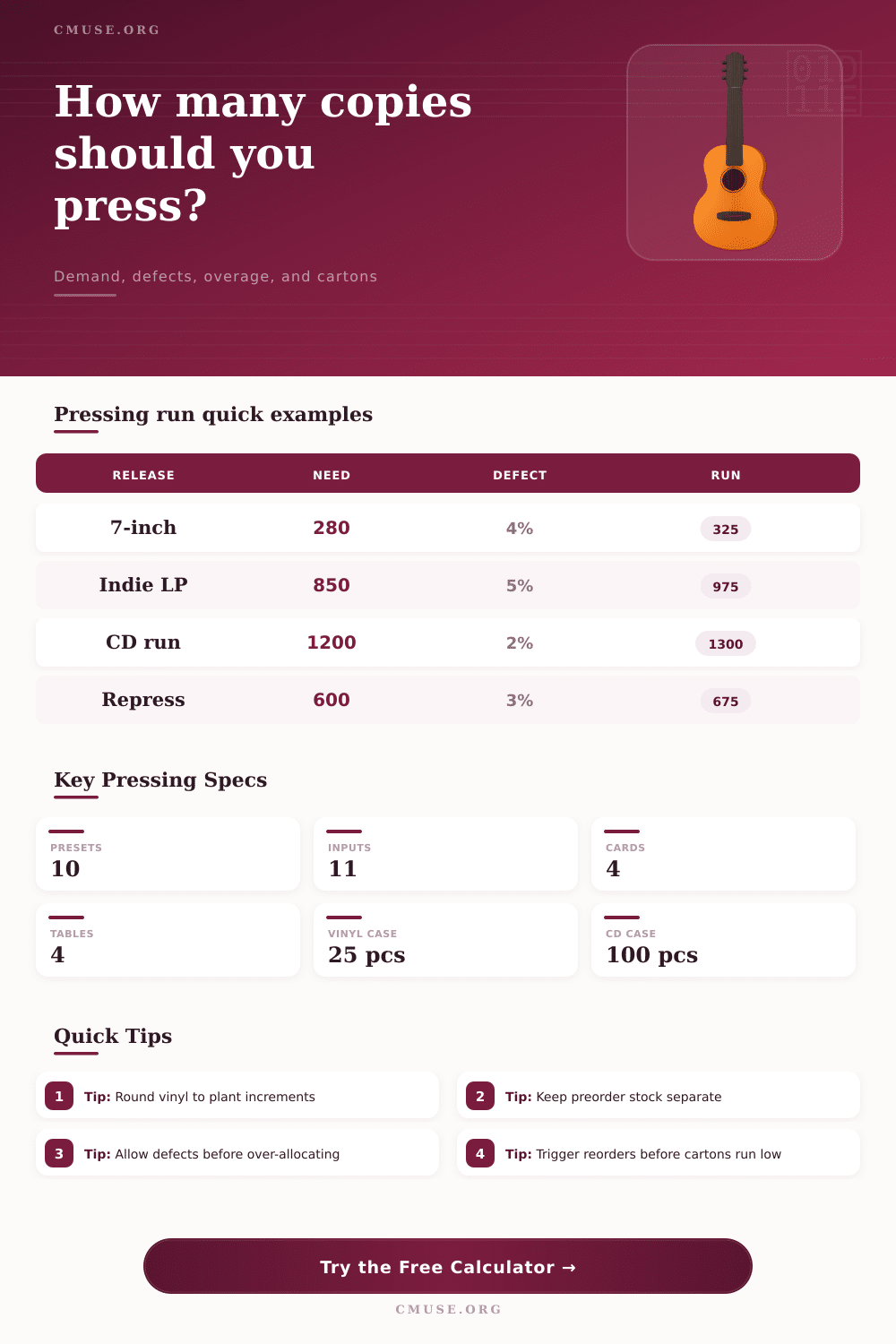
Choose a named release pattern, then adjust demand, channel copies, defect allowance, overage, and carton sizing. Preorders are treated as reserved demand inside the main demand forecast.
Breakdown
Preorder copies reserved
Street-date demand remaining
Fixed channel share of saleable need
Copies in partial final carton
| Format | Typical carton count | Run rounding | Planning note |
|---|---|---|---|
| 12-inch vinyl LP | 25 copies per carton | 25-copy increment | Use higher defect allowance for colored vinyl, inserts, or tight inspection standards. |
| 12-inch EP or maxi | 25 copies per carton | 25-copy increment | Good for short runs where tour and direct stock may move faster than retail. |
| 7-inch vinyl | 50 copies per carton | 25-copy increment | Small cartons make partial cartons more common on boutique single runs. |
| CD package | 100 copies per carton | 50-copy increment | Lower defect allowance is common, but packaging damage still needs a buffer. |
| Cassette | 80 copies per carton | 25-copy increment | Use extra replacement stock when shell color or printed cases vary by batch. |
| Allocation | Included in calculator | When to raise it | When to keep it tight |
|---|---|---|---|
| Preorder reserve | Demand forecast x preorder percentage | Preorder windows, bundles, fan club sales, and signed copies. | When preorders are soft signals instead of committed orders. |
| Retail copies | Separate fixed channel input | Distributor commitments, shop allocations, and consignment plans. | When stores can reorder quickly or sell-through data is uncertain. |
| Artist copies | Tour, web store, and direct-sale stock | Tour dates, merch tables, release parties, and artist web store drops. | When artist stock will be replenished from label inventory. |
| Promo and archive | Press, radio, archive, and replacements | Press campaigns, radio servicing, defect swaps, and label archive needs. | When digital promo copies cover most outreach. |
| Sell-through trigger | Remaining stock | Best for | Operational meaning |
|---|---|---|---|
| 55% sold | 45% remains | Slow-moving catalog | Watch demand before tying up another manufacturing slot. |
| 70% sold | 30% remains | Standard indie release | Common trigger when plant lead times are moderate. |
| 85% sold | 15% remains | Fast direct sales | Useful when cash flow is tight but stockouts are acceptable. |
| 95% sold | 5% remains | Limited edition | Signals final copies rather than an automatic repress decision. |
| Package measure | Formula used | Why it matters | Check before shipment |
|---|---|---|---|
| Full cartons | Run divided by copies per carton | Shows the count of completely filled cartons in the shipment. | Confirm plant case pack for jackets, inserts, and shrink wrap. |
| Partial carton | Run remainder after full cartons | Helps label a short final carton for receiving and inventory counts. | Use zero if the run divides evenly by carton count. |
| Total cartons | Full cartons plus one partial carton | Sets receiving count and storage footprint. | Compare against bill of lading or plant packing list. |
| Pallet estimate | Total cartons divided by cartons per pallet | Shows full pallets plus any partial pallet load. | Re-run if the carrier stacks lighter CD cartons differently. |
When you are determining how many copies of a record or CD you should manufacture, you must determine the order quantity that you will use. If you order too few copies, you will miss sale opportunities. If you order too many copies, you will tie up your cash in box that will sit in storage for many year.
The accuracy of the quantity of product that you order will depend upon how well you separate the individual component that go into determining that overall number. The first component to consider is the demand for the records or CDs that you plan to manufacture. Demand is the number of individuals that you expect to purchase your record or CDs.
How Many Records or CDs to Make
Demand can be divided into two separate component: the number of preorders that you have for your records or CDs, and the number of individuals that will open for your records or CDs. Preorders are useful in that they indicate individuals that will purchase your records. However, preorders also contain risk in that some of those individuals may cancel their preorders, or they may not pay for their preorders.
Thus, you must account for the fact that preorders is not always guaranteed sales. Once you have determined the demand for your records or CDs, you must account for the number of copies of records or CDs that will not be sold to your general customer. For example, retailers and distributor may require that they allocate a portion of your total number of copies of records or CDs to those retailers and distributors.
These copies are referred to as retailer copies. Additionally, the artist that create the records may require that they allocate some of the copies to tour dates, or to directly sell the records to fans rather than through record stores. These copies are referred to as artist copies.
Additionally, you may need to create some copies of the records for use as promo records or archive copies (for use with the press and radio station, or in the case of replacements for records that are sold but not fulfilled). These copies are referred to as promo copies. Each of these allocations of copies will reduce the number of copies that will be available for sale to customers.
Each of these allocations is an input into the calculator, so that you can see how many of your total number of copies will be spoke for by these different channels. The next component to consider is the number of copies that may be defective or that may be damaged in the manufacturing process. Each manufacturing plant will have some number of records or CDs that is rejected as being defective.
The reject rate is typically more higher for colored vinyl records and for records that include complicated packaging. Thus, you must provide for the possibility of defective copies when you order your records from the manufacturing plants. If you dont account for defective copies, you may not have enough copies of your records to meet the demand that you have calculated.
In this case, the total number of copies of your records that you manufacture will be too low. An overage for records or CDs is established prior to applying for the number of copies that will be manufactured. An overage is provided as a buffer in case demand for the records is higher than that which was projected when you order the records from the manufacturing plants.
Additionally, if there are many month between the time that you order records from the manufacturers to the time that you will have a manufacturing slot for those records, then an overage will ensure that you will have enough copies of your records in time for sales. Your reorder trigger is established as a percentage of the total number of copies that you plan to manufacture. You will use this percentage to determine how many of the saleable copies of your records will be sold prior to requiring that you begin manufacturing another batch of those records.
This trigger will have to account for the lead time of your specific record manufacturing format. For instance, vinyl manufacturing plant will take more lead time to manufacture your records than a CD manufacturing plant. The calculator displays the number of copies that will remain in saleable form at the point of the reorder trigger so that you can determine if that number is sufficient for your specific format.
The carton and pallet count is determined after you have established the total number of copies of your records that will be manufactured. The number of copies will be converted into the number of full cartons, partial carton, and the number of pallets that will be required to ship your records. The quantity of cartons and pallets will impact the number of workers that will be required to recieve and store the records.
However, this number does not impact the price of the records that will be manufactured per unit. Many people make mistake in calculating the number of copies of records to manufacture. For example, they may calculate the demand for their records, and they may create a number by adding a certain percentage to that demand figure.
This is an incorrect method of determining the number of copies of records that will be manufactured. This method hides the number of copies of records that will be required for preorders, for allocated channels, and for provision against defective records. Additionally, it makes it difficult to determine at what point in the sales of those records that you should of begin manufacturing another batch of those records.
A better strategy is to ensure that all of the components of manufacturing your records are visible, and to allow for the adjustment of each of those component individually. For instance, you can establish a rate for defective records, and see how the total number of copies that will be manufactured reacts to that defect rate. You can adjust the overage percentage for the records, and see if the safety stock of records grows to account for any increased demand for those records.
You can adjust the reorder trigger percentage, and see how the number of saleable copies of the records that will remain at the trigger point changes. Through these adjustments, you can begin to understand the relationship between each of these factors. In general, the goal is not to find the perfect number of copies of your records that should be manufactured.
Instead, the goal is to understand each of the components of the manufacturing process that are either fixed or variable. By understanding each of these components, you will be able to establish a number for the total number of copies that you will manufacture, and be able to defend that number to others.