Metronome Calculator
Convert BPM into click intervals, pulse frequency, and practice timing for any session.
⏱ Quick Presets
🎧 Metronome Inputs
📊 Pulse Reference Grid
| Pulse | 120 BPM | Freq | Bar note |
|---|---|---|---|
| Quarter | 500 ms | 2.00 Hz | 4/4 |
| Eighth | 250 ms | 4.00 Hz | 6/8 |
| Dotted q | 750 ms | 1.33 Hz | 6/8 |
| Half | 1000 ms | 1.00 Hz | 2/4 |
| Practice use | BPM | Pulse | Count-in |
|---|---|---|---|
| Warm-up | 60 | Quarter | 1 bar |
| Ballad | 72 | Quarter | 1 bar |
| Groove | 100 | Eighth | 2 bars |
| Fast drill | 160 | Sixteenth | 1 bar |
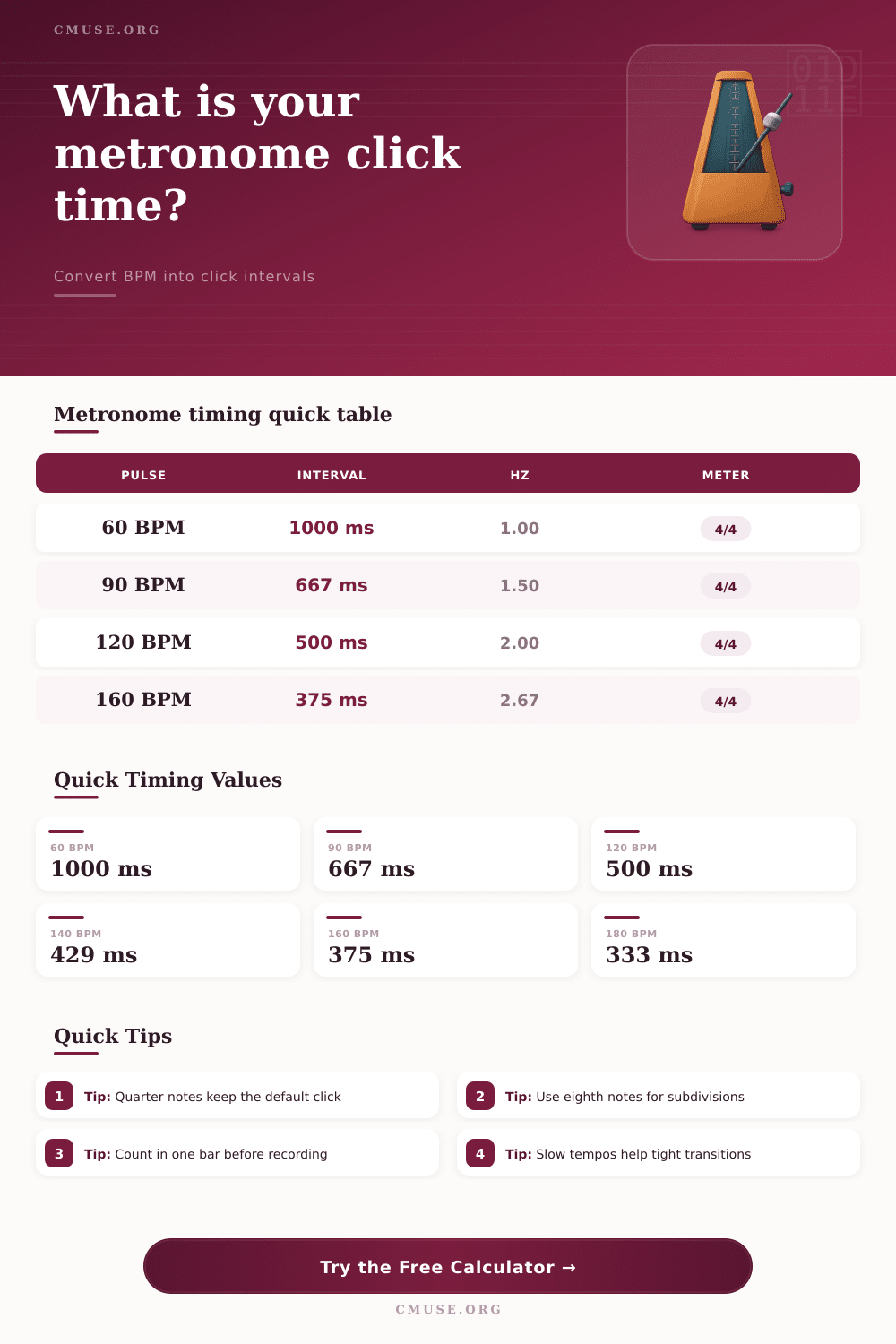
A metronome is a device that gives a steady pulse to help play music in time. It measures the pulse in BPM, which means beats per minute. 60 BPM marks one beat in a second while 120 BPM comes as two beats in a second.
A metronome helps mark a wanted rhythm. You can do this rhythmic indication by sound, light or touch. It can be mechanical, electronic or based on an app
What a Metronome Is and How to Use It
The main goal of a metronome is to train the feeling for time, so a musician can stay in the same rhythm without speeding up or slowing down. Even a rhythmic musician struggles to keep a permanent rhythm when he learns hard music. Practice with a metronome strengthens the skill to keep the meter during various rhythms.
To use tempo changes as ritardando or rubato, you must already have this basic skill because they must be intentional changes of the rhythm.
You usually set the rhythm with a button on the metronome, but new models commonly have a tap tempo button. This makes it possible to tap some beats in the wanted rhythm. Free tap counters help find BPM in seconds, whether on a phone or on a desk.
Mechanical metronomes do not reach every rhythm. Normally they limit to steps like 80, 84, 88, 92, 96 and more. For 90 BPM that does not work on such devices.
Wind-up models have the same problem. Electronic metronomes however can reach any rhythm by scrolling. The range shows the slowset and fastest speed.
Digital versions let you easily set a precise rhythm. One metronome has a strict mode that shows only real rhythms from 40 until 208 BPM.
In classical music you describe the rhythm of a piece by one or several words. In sheet music marks like Largo, Andante or Allegro point how fast you must play. Prestissimo means extremely fast, more than 200 BPM.
Presto is very fast, from 168 until 200 BPM. Beethoven first used the metronome, and in 1817 he added BPM indications for all his symphonies.
A good method is to choose a rhythm where you can play 8 until 16 bars twice perfectly in a row. Repeat until it becomes easy, later increase in 3 until 5 BPM steps. Play so that every tap of the metronome matches a quarter note.
If the rhythm is very slow, under 50 BPM, double it and play one eighth note for every tick. Another way is to play to the tap to learn the rhythm, later cut the rhythm to half during silent play, finally normalise it.
Some songs have natural changes between sections. A steady tap can give a rigid, mechanical sound. Most DAWs allow you to create a map for changes inside a project, so that the metronome follows the rhythm of the song.